Installation
How to install Notify.
Usage
How to use Notify.
Notify Views Integration
About submodule Notify Views Integration.
Troubleshooting
Some common problems with Notify, and how to resolve them.

 The 2026 Drupal Business Survey is open. Your response will help shape the future of the Drupal business ecosystem.
This is documentation for Drupal 7, which is no longer supported. Learn more and find resources for Drupal 7 sites
Notify is an email notification module that allows users to opt in to receive periodic emails which include all new and/or revised published content and/or published comments of selected content types.
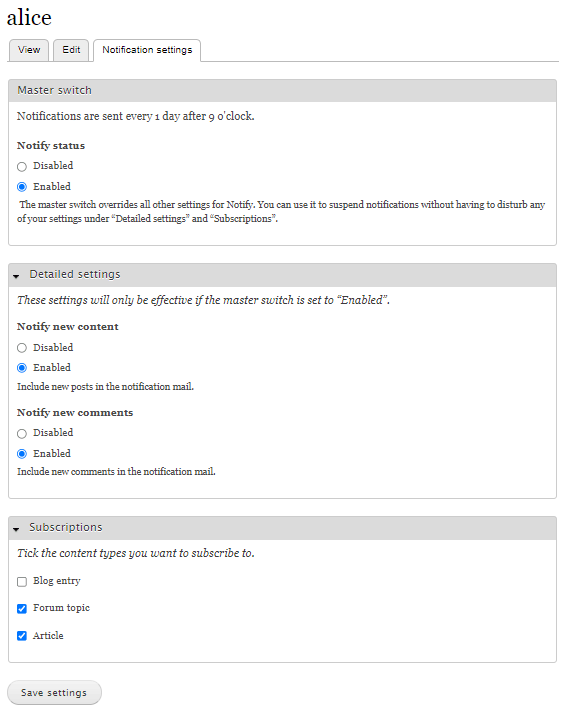
Users can opt in or out of receiving notifications by means of a “Master switch”. If they opt in, they can use “Detailed settings” and “Subscriptions” to fine tune the notifications.
The following are typical applications of the Notify module:
How to install Notify.
How to use Notify.
About submodule Notify Views Integration.
Some common problems with Notify, and how to resolve them.

Drupal is a registered trademark of Dries Buytaert.
