

 The 2026 Drupal Business Survey is open. Your response will help shape the future of the Drupal business ecosystem.
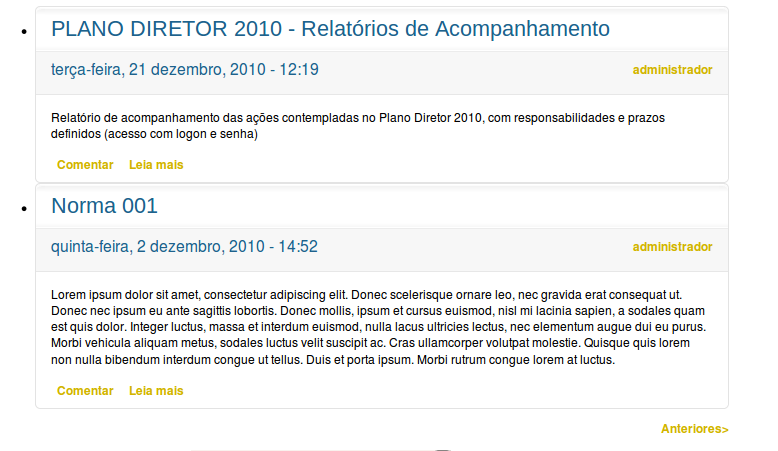
I don't know why, but I followed the steps and its don't worked in the preview just show like that:
http://img227.imageshack.us/img227/1354/jcarousel.png
and in the Block don't change anything =/
What could it be? I tried the default theme and nothing, i use views 2.11.
| Comment | File | Size | Author |
|---|---|---|---|
| jcarousel.png | 47.73 KB | lucas.matias |


Comments
Comment #1
lucas.matias commentedI look at the source code and the jcarousel-default.css are not include, what to do to include it?
Comment #2
szadok commentedSame issue for me.
Comment #3
quicksketchYes this is a known issue. This is because (in Drupal 6) it is not possible to dynamically add CSS/JS files to the page for the Views live preview. jCarousel only adds the CSS/JS when the files are needed, so they don't show up in Views. You'll see similar issues with Fivestar, Flag, or any other module that adds CSS/JS to only certain data within Views.
Comment #4
quicksketchI'm moving this to postponed because I don't think there is an elegant solution available (the only thing I can think of is loading every skin and all JS on the admin/build/views/x pages regardless of if they're needed or not).