

Closed (fixed)
Project:
Custom Search
Version:
7.x-1.x-dev
Component:
Code
Priority:
Major
Category:
Bug report
Assigned:
Unassigned
Reporter:
Created:
15 Jan 2011 at 09:16 UTC
Updated:
18 Jan 2011 at 05:25 UTC
Jump to comment: Most recent file




Comments
Comment #1
jdanthinne commentedMmm... does show up in every browser here.
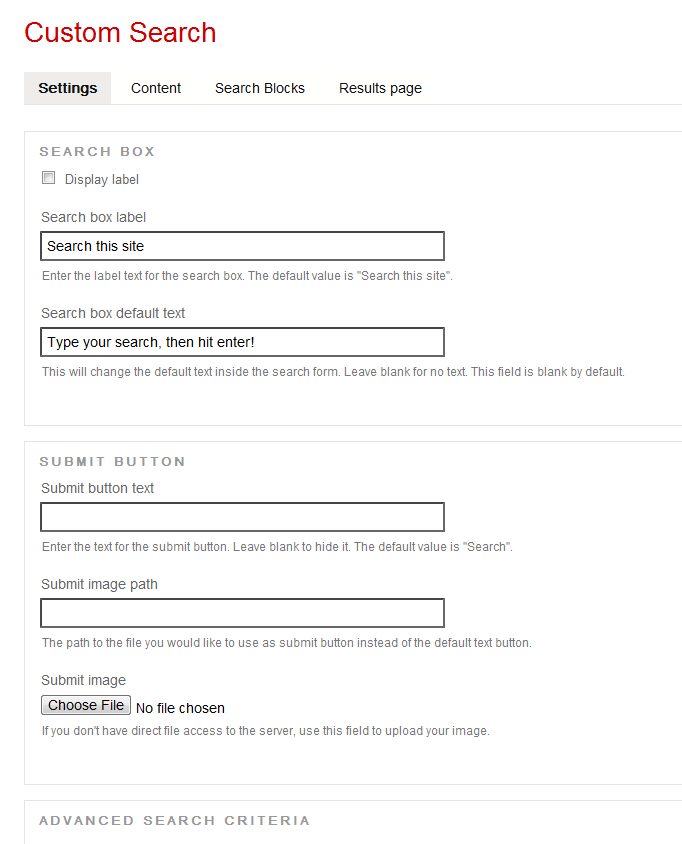
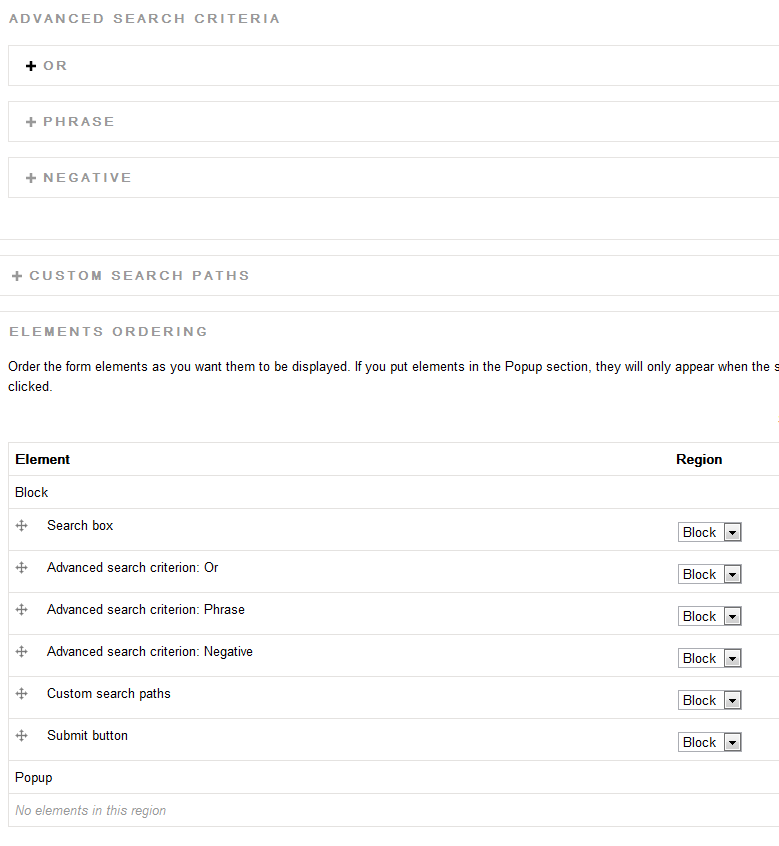
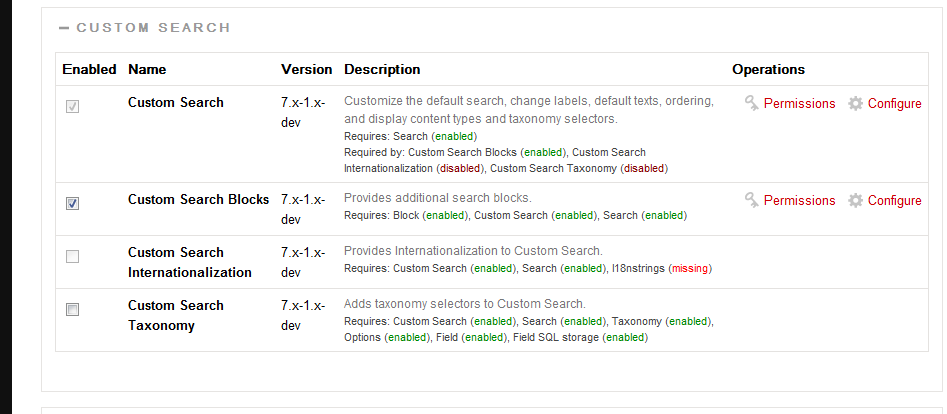
Can you do a screen shot of your Custom Settings page, and what other contrib modules are enabled?
Comment #2
Rodney Strong commentedThanks for helping me on this jdanthinne.
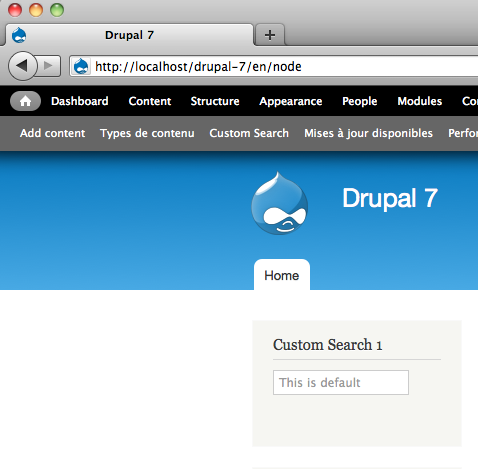
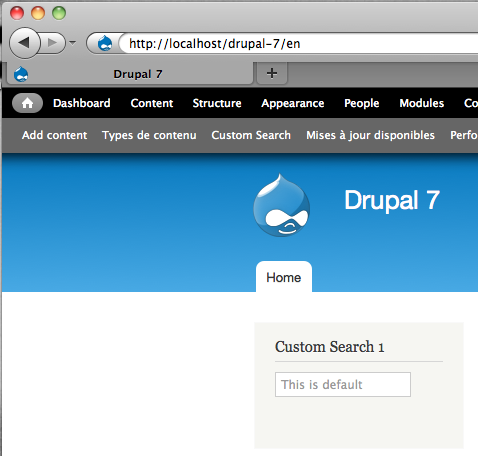
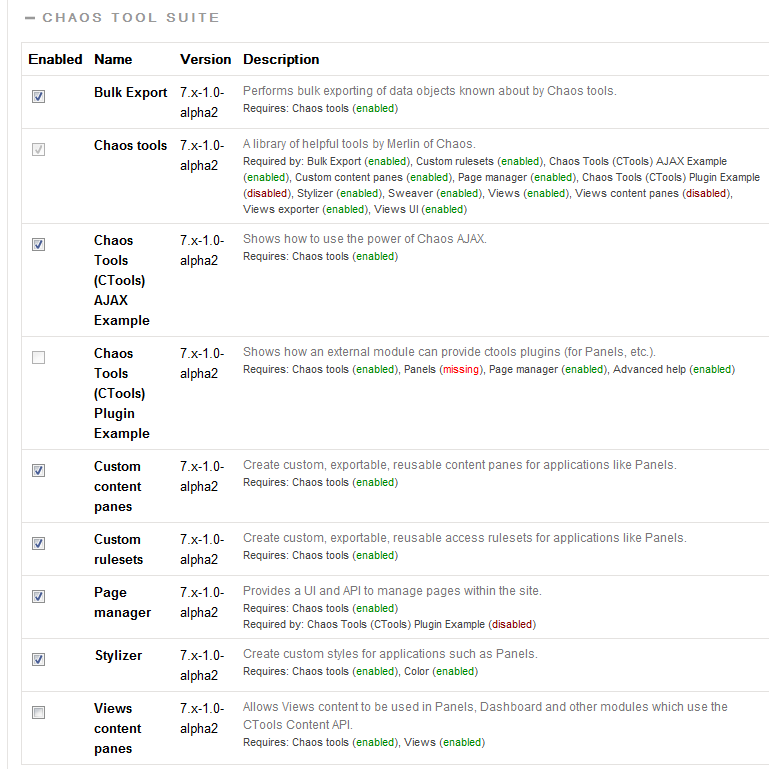
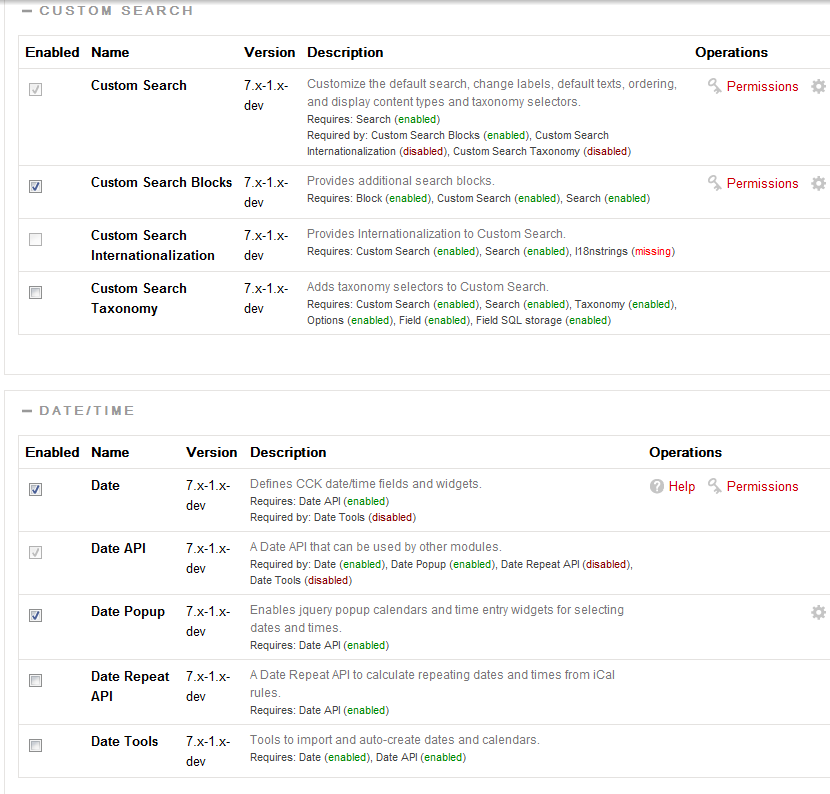
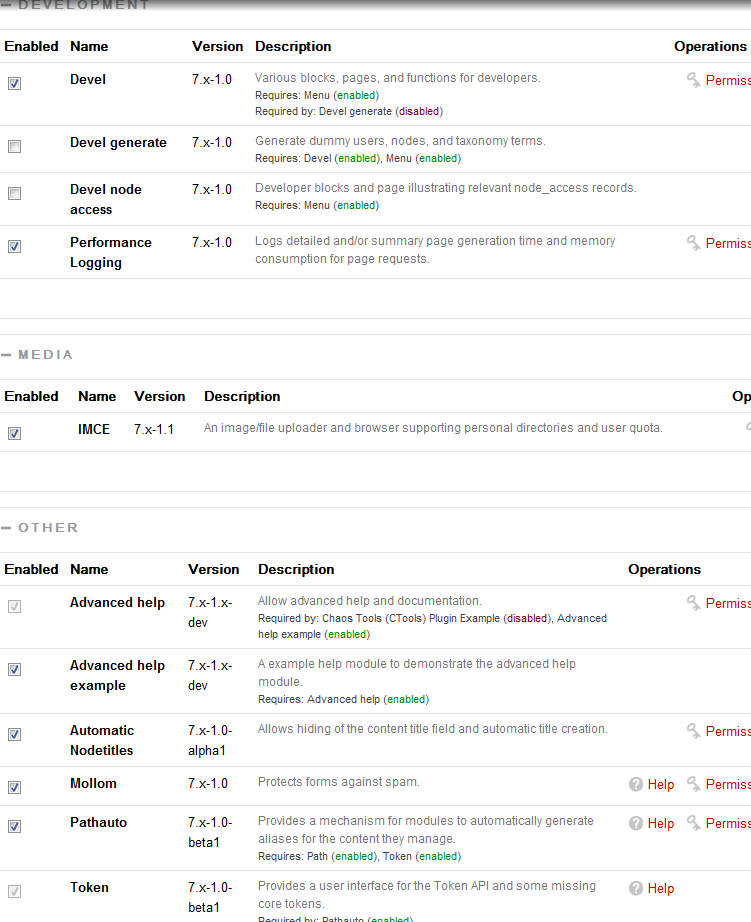
The first two screenshots are the settings, the third is the modules.
Not sure if the modules screenshot has everything you need to know though.
Comment #3
jdanthinne commentedNothing in Submit image path??
Comment #4
Rodney Strong commentedNo, as an amateur designer and UX wannabe, I decided to forego even having a search button.
This is just an initial experiment.
Comment #5
jdanthinne commentedHave you tried with the default theme?
For the modules screenshots, I wanted to know which other non-core modules are enabled (not just the custom search ones).
Comment #6
Rodney Strong commentedA default drupal theme like sky or bartik?
Should I just reinstall the module?
I've attached screenshots of the rest of my non-core mods.
Thanks for the help so far
Comment #7
jdanthinne commentedTry Stark theme.
Comment #8
eagereyes commentedSame problem here, in addition to the label and button sticking around even if turned off (issue #1029998: Turning off label and button only works in Safari).
Comment #9
Rodney Strong commentedDidn't work.
Enabled it and set it as default.
It's weird how you said the text isn't showing up in Chrome either cause it's showing up for me, but when I tried it on another comp it's not showing up in Chrome or FF either.
Did the screenshots of my other contrib modules help?
Comment #10
jdanthinne commentedI don't understand.
Look at my screenshot for Safari, Chrome, Firefox 3 & 4.
In every case, the default text is there (and the submit button hidden).
This has been taken on fresh installs, with just the core modules and custom search, nothing else, so it should be one of your other module that produces the bug I think (but not sure…).
Can you try on fresh installs on your side?
Comment #11
eagereyes commentedAaaah! I just solved the problem! For this to work, anonymous users have to have the "use custom search" permission. I hadn't thought that a layout issue could be permissions-related, but okay. That also solves my other issue. Love the module! ;)
Comment #12
Rodney Strong commentedJust did a fresh install and now everything seems to be workin alright.
Wish it didn't have to come to this cause now I can't pinpoint the issue and help you out for others having this issue.
Thanks anyways for the help jdanthinne
Comment #13
Rodney Strong commentedClosing this cause it's solved.