Displaying a Google Calendar with FullCalendar
Google Calendar support
Event coloring for FullCalendar
Event coloring
Using Colorbox in FullCalendar
Colorbox - open events in a lightbox

 The 2026 Drupal Business Survey is open. Your response will help shape the future of the Drupal business ecosystem.
With the fullcalendar module it is possible to drag, drop and resize your events in the calendar itself (if you have the right permissions). You can try this on the FullCalendar demo.
Note:
Only views build around fields are editable. Views build on node:created or user:login aren't editable because they have a hardcoded timestamp. Editing Google Calendar events won't work either at the moment.
Fullcalendar has build in support for the colorbox module.
- Drupal 6 instructions
- Drupal 7 instructions
Starting with version 2 Fullcalendar can handle google calendars.
- Drupal 6 instructions
- Drupal 7 instructions
With Fullcalendar it is possible to color your events.
- Drupal 6 instructions
- Drupal 7 instructions
Only supported in version 2
This module has build in RTL support.
The only thing you probably would like to do is changing the order of the buttons.
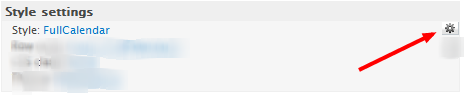

Only supported in drupal 7
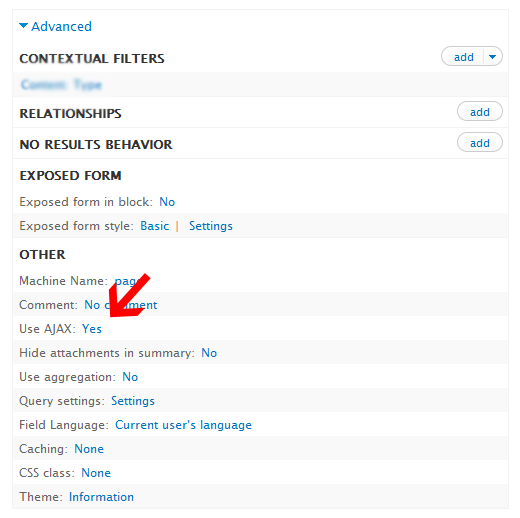
If your calendar gets a bit slow because it has to load to many events you can enable the ajax setting in the views UI. This will only load the events of the current month.
Google Calendar support
Event coloring
Colorbox - open events in a lightbox

Drupal is a registered trademark of Dries Buytaert.
