

Active
Project:
Omega Install Profile
Version:
7.x-1.0-alpha2
Component:
Code
Priority:
Normal
Category:
Bug report
Assigned:
Unassigned
Reporter:
Anonymous (not verified)
Created:
27 Feb 2011 at 18:56 UTC
Updated:
24 Jul 2018 at 12:04 UTC
Jump to comment: Most recent, Most recent file

Comments
Comment #1
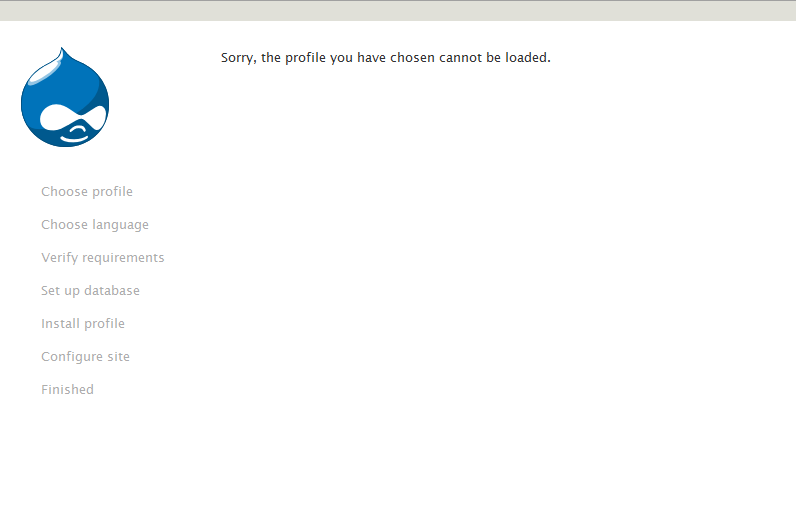
Kisanga commentedI am trying to install julio installation profile and I get this error "Sorry, the profile you have chosen cannot be loaded" can any one help me to overcome this error please?
my mail address is gbkisanga@gmail.com
Comment #2
nedjoThis error will occur if the install profile's name does not match that of its directory. For example, if the install profile file is
profiles/example_profile/example.profile, there is a mismatch that can be fixed by renaming the "example_profile" directory to "example".Comment #3
colorado commentedYes thank you - this worked for me on a v7 openscholar installation profile.
Comment #4
miromarchi commented#2 worked for me as well. Thanks
Comment #5
knalstaaf commentedI had a profiles folder inside the profiles folder. So it's definitly file/directory related when you get this error.
Comment #6
ladybug_3777 commented#2 was the solution for me as well.
I came across this error message when I replicated a git repo containing my profile. The name of the cloned repo was slightly different than the actual profile filenames (One had an underscore, the other had a dash) so it wasn't obvious with a quick look.
Once I changed the profile's folder name to match my .profile name everything loaded just fine.
Comment #7
sammy.goin commentedMy folder structure is as follows. but i still get the error. sorry, the profiles you have chosen cannot be loaded.
/var/www/html/profiles/openscholar/openscholar