

Closed (fixed)
Project:
Wysiwyg ImageField
Version:
7.x-1.x-dev
Component:
User interface
Priority:
Normal
Category:
Feature request
Assigned:
Unassigned
Reporter:
Created:
25 May 2011 at 08:05 UTC
Updated:
7 Nov 2012 at 19:30 UTC
Jump to comment: Most recent file



Comments
Comment #1
JohnnyX commentedStrange behave...
A installed the module and tried to upload and insert more images.
1) Only 1 image can be uploaded.
2) Insert via insert button (insert module) works with image_resize_filter but Insert Button at the bottom of the window insert the full size image.
3) No "Add another item" link shown after uploaded the first one. Have to use X-Button after insert (via insert module) and open again to upload the second image...
4) After uploaded two images - one after the other with close window between uploads - the insert button at the bottom missed, both uploaded images shown and a can upload the third image. After uploaded it I see the first(!) image. Close window with X-Button and open again. all three images are there...
Is it a known bug and will fixed in future release? And also remove the insert button at the bottom because the insert module button should do the work (insert and also use image resize filter).
Comment #2
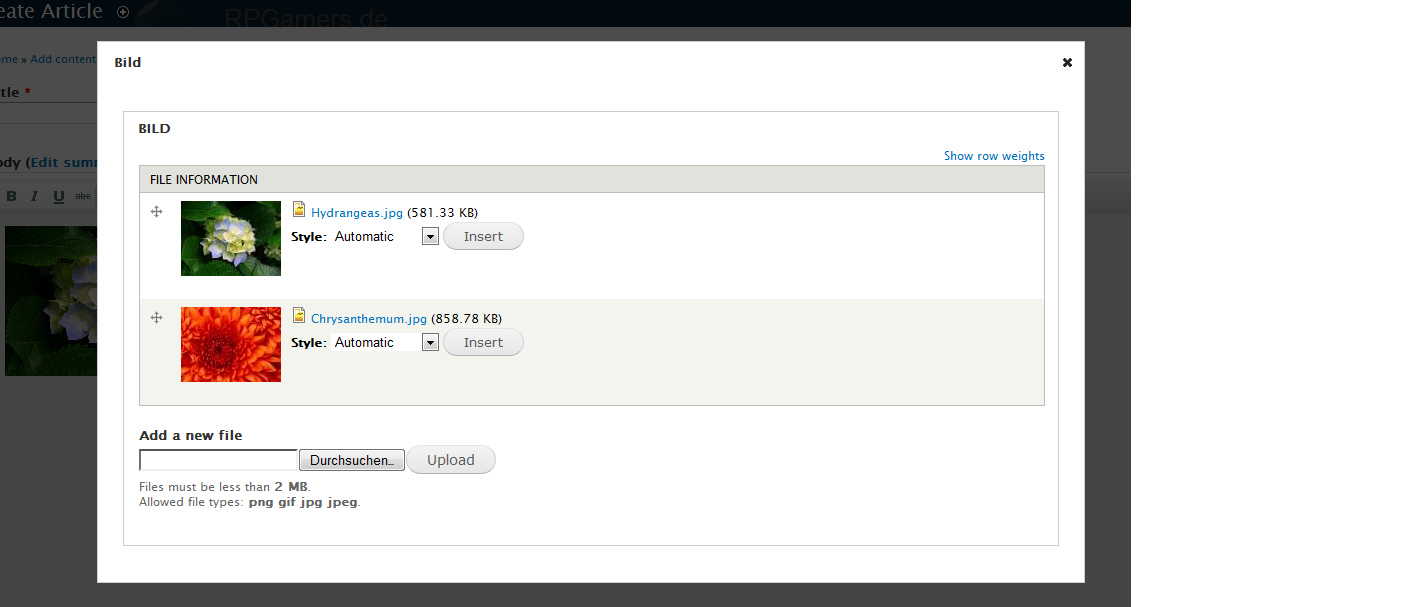
JohnnyX commentedThe missing screenshots attached here...
*UPDATE*
My bad. wysiwyg_field was active and so the button comes from this module, not wysiwyg_imageinsert! But I can confirm that only ONE image can inserted at once.
Upload more images works fine without wysiwyg_field and the correct button...
Comment #3
Carlos Miranda Levy commentedI had the same issue and it went away when I disabled and uninstalled Fancy Insert which I was also testing at the time.
Comment #4
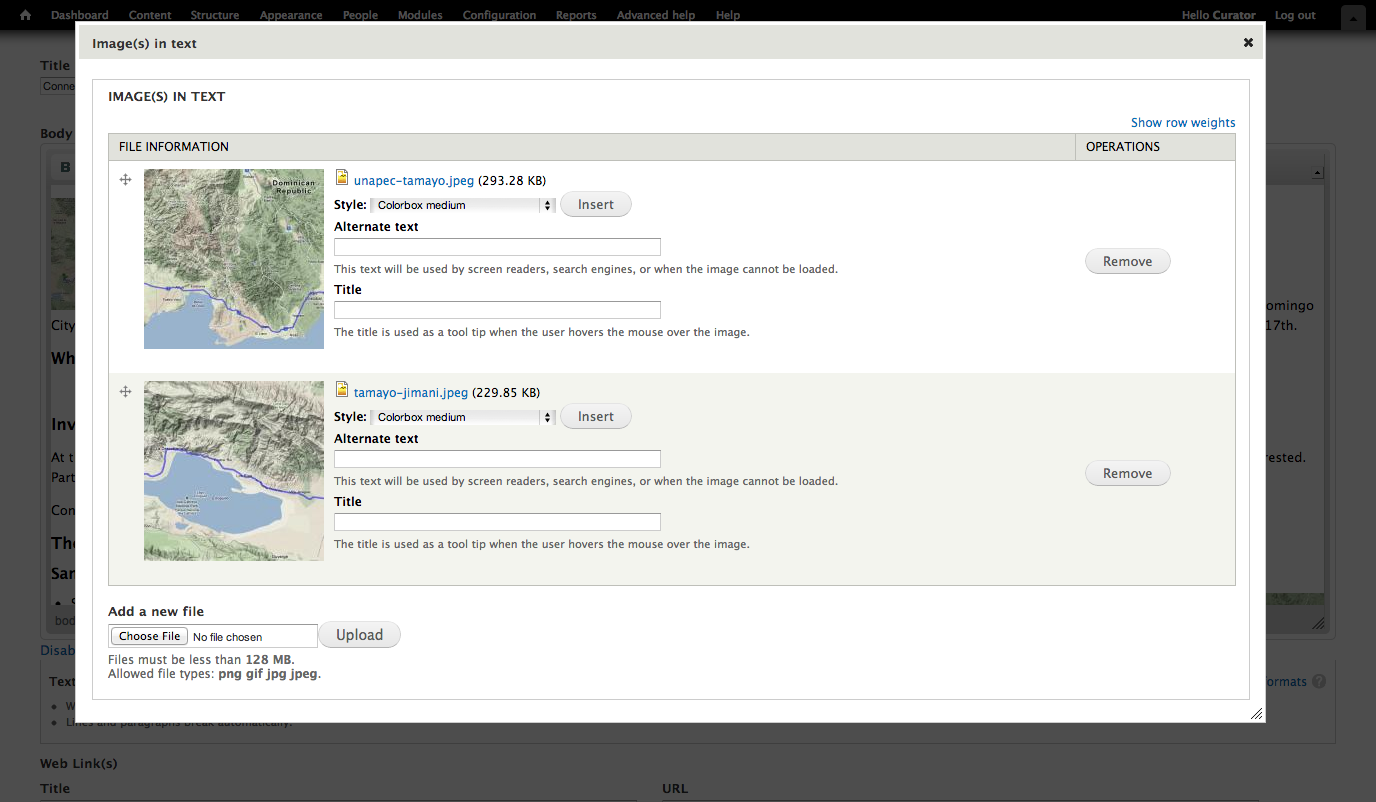
Carlos Miranda Levy commentedHere is a screen capture of it working on Drupal 7 with 7dev
Comment #5
Carlos Miranda Levy commented