Greetings,
1. I have a zen subtheme named inceneryzen in the /drupal/sites/all/themes directory.
2. I downloaded and installed the blocktheme 7.x-1.0 module
3. I copied the /drupal/modules/block/block.tpl.php and rename it to block--blocktheme--siteheader.tpl.php
4. NOTE: I added a fix I read about in another post:
--In the blocktheme--siteheader.tpl.php module I added my style sheet name as follows:
print $block_html_id; " class="
print $classes; block-siteheader"
print $attributes; >
print render($title_prefix);
if ($block->subject):
print $title_attributes; > print $block->subject
endif;
print render($title_suffix);
print $content_attributes; >
print $content
5. I create a corresponding css file named block-siteheader.css. The CSS looks like this:
#headerall {
position:absolute;
top:13px;
left:0;
width:368px;
height:92px;
background:url(/images/logo_new.png) transparent 0 0 no-repeat;
text-indent:-9999px;
}
#headerbar {
background-color:#224545;
width: 950px;
height:20px;
font-family: Arial, Helvetica, sans-serif;
font-weight:bold;
font-size:12px;
text-align:right;
color:#C3DFD8;
padding:0;
}
#headerbar p, a {
padding-top: 4px;
color:#C3DFD8;
text-decoration:none;
}
#headerlogo a {
display:block;
width:368px;
height:92px;
text-indent:-9999px;
text-decoration:none;
}
6. I copied both files into these two directories:
• /drupal/sites/all/themes/incenergyzen
• /drupal/sites/all/themes/incenergyzen/css
7. The debug information from the block--blocktheme--siteheader.tpl.php seems to be working (I added the print_r($block); and I see this: stdClass Object ( [bid] => 88 [module] => block [delta] => 5 [theme] => incenergyzen [status] => 1 [weight] => 0 [region] => header [custom] => 0 [visibility] => 0 [pages] => [title] => [cache] => -1 [subject] => [last_in_region] => 1 )
8. In the BlockTheme configuration panel I created a new block theme: siteheader|Site Header.
9. I created a new block named “siteheader” and selected the Site Header theme from the Custom Theme drop-down. My block code is (NOTE: I removed explicit paths and called them mylink and myimage for this support request):
Unfortunately, none of my CSS is being applied to this block. ANY SUGGESTIONS?
Thanks,
-Bonnie


Comments
Comment #1
b.lowell commentedComment #2
amateescu commentedI just tested this with Zen 7.x-3.x-dev and a random Zen subtheme (http://drupal.org/project/multiflex3 7.x-3.x-dev) and it works as expected.
My steps are the same as the instructions from README.txt:
1) added an entry in the Block Theme configure form: btest|Block Theme Test
2) created a template in multiflex3/templates: block--blocktheme--btest.tpl.php
3) put some random string in that template:
3) cleared the cache
4) assigned that custom theme to a random block (Navigation)
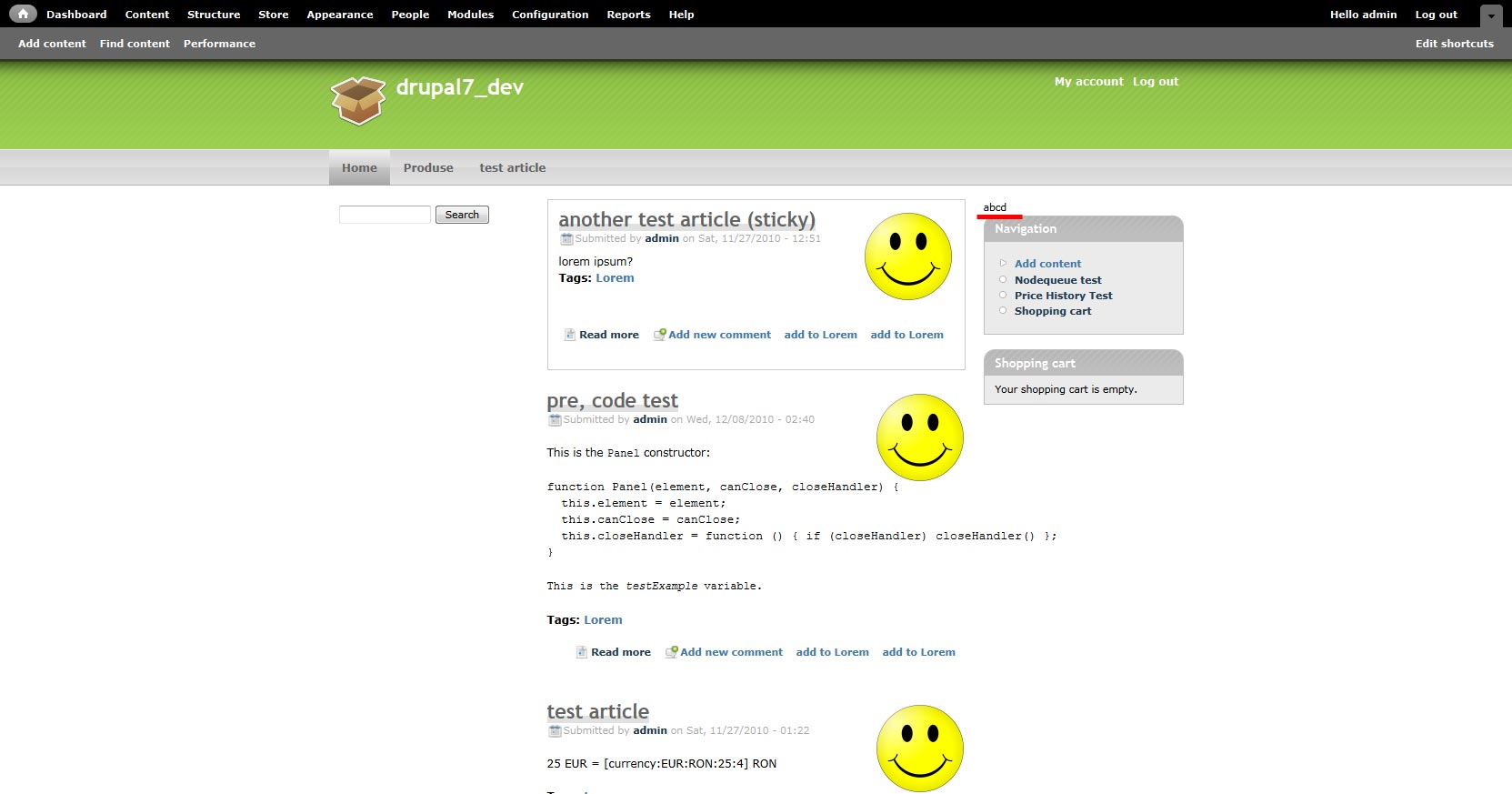
5) the result is attached
Comment #3
topdawg commentedDidn't work for me using Zen 7.x-3.1, 2011-04-26 (I guess not dev?) I followed your setup exactly and I can't see it in blocks section. Is there another place to look or tweak?
Comment #4
topdawg commentedWell, what worked for me thus far is to get rid of all the other styles, after all why do I need them? So this works for now:
<div id="<?php print $block_html_id; ?>" class="nick"<?php print $attributes; ?>>Not sure what attributes apply yet, where the default block.tpl looks like this
<div id="<?php print $block_html_id; ?>" class="<?php print $classes; ?>"<?php print $attributes; ?>>At least it's a start for me to debug my setup, and yes, I didn't realize it, but it is not a new block, but a theme block option with a drop-down for styling ANY existing or new block. I wish there were docs out there, or maybe I missed them?