

Closed (won't fix)
Project:
Flag
Version:
7.x-3.x-dev
Component:
User interface
Priority:
Normal
Category:
Feature request
Assigned:
Unassigned
Reporter:
Created:
4 Aug 2011 at 22:02 UTC
Updated:
28 Dec 2019 at 09:51 UTC
Jump to comment: Most recent, Most recent file


Comments
Comment #1
quicksketchA button needs to be placed in a
<form>element in order to be valid HTML, so generally I'd say "no" this isn't really possible. I'd suggest using CSS to just make the link look like a button. With some significant theming you could probably make it a button through some JavaScript, but really CSS is the much easier approach to take here.Comment #2
clashar commentedit's possible also to not use button, but an image as an item of list style, only by CSS, for example:
I use it for D7, I suppose for D6 should be approximately the same.
Comment #3
joachim commentedI daresay you could define a new flag link type that outputs a form with just one button.
Probably one for a contrib module though -- and I've a vague feeling someone's already done it too.
Comment #4
giorgio79 commentedHello,
#1
Button does not need to be a part of a form as per HTML standards (http://stackoverflow.com/questions/14461658/are-button-html-tags-outside...)
#3
I have yet to find a Flag extension that provides a button output
It would be lovely to provide an output with a simple button markup like this
<button class="btn btn-default" type="submit">Button</button>So, we can style it easily.
http://getbootstrap.com/css/#buttons-tags
Alternatively, if we could specify our own style, so it looks sg like this
<a class="btn btn-default" href="#">Link</a>Would be just as good.
Comment #5
joachim commented> I have yet to find a Flag extension that provides a button output
What I mean is that someone will have to code it, and release it as a contrib module.
Comment #6
daneshjoo commentedhi
you can use this learning.
http://www.zyxware.com/articles/3096/drupal-to-change-flag-module-flag-l...
Comment #7
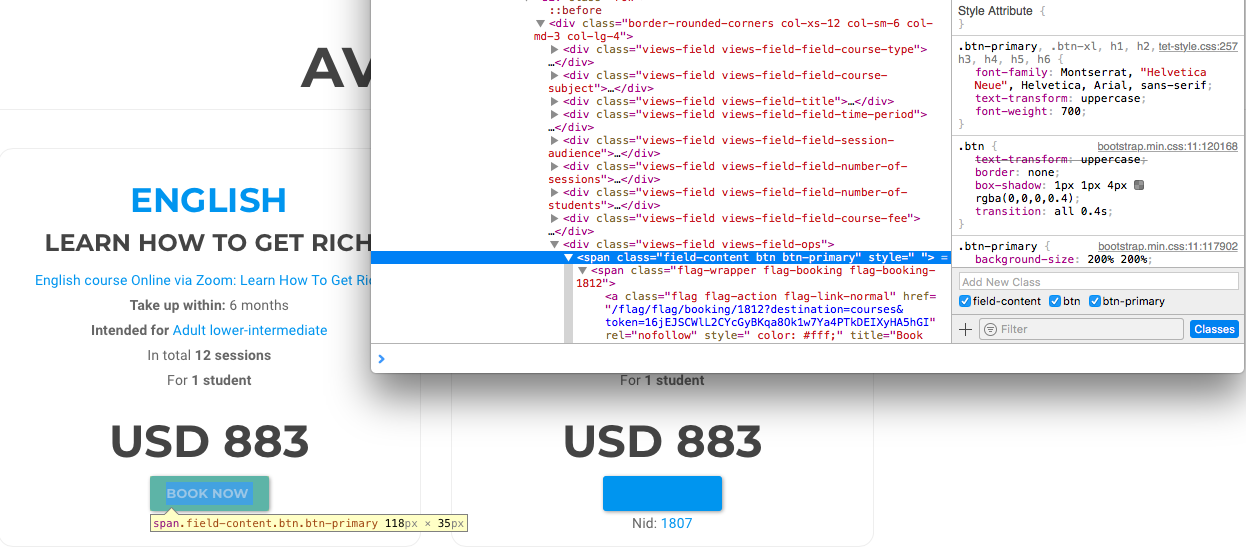
bassplaya commentedIf you are using a View, you can add the "btn btn-primary" classes to the HTML element and then you'll have what you need.