

Closed (outdated)
Project:
Corolla
Version:
6.x-1.9
Component:
Design
Priority:
Normal
Category:
Support request
Assigned:
Unassigned
Reporter:
Created:
23 Aug 2011 at 09:56 UTC
Updated:
29 Feb 2016 at 00:32 UTC
Jump to comment: Most recent, Most recent file

Comments
Comment #1
Deepika.chavan commentedHi,
To display the logo and primary links follow these steps:
1. Place the following code before
<?php if ($page['header_menu']): ?>line in page.tpl.php2. Add following code in corolla.info file after 'print.css'.
3. Create a local.css file and add following css code in that:
4. Please clear cached data here- admin/config/development/performance.
Note: Add margin-left to #logo if required.
HTH!!
Rgrds,
Deepika chavan.
Comment #2
rickh commentedHey Deepika
Thanks for the quick response. I couldn't find the
<?php if ($page['header_menu']): ?>in page.tpl.php but did findIf this is still the place to put it then I'll be happy to go ahead.
Thanks again
Comment #3
Deepika.chavan commentedHi rickh,
Yes, thats the one. Please paste the above code before
<?php if (!empty($header_menu)): ?>and try that out.HTH!!
Rgrds,
Deepika Chavan.
Comment #4
rickh commentedHey Deepika
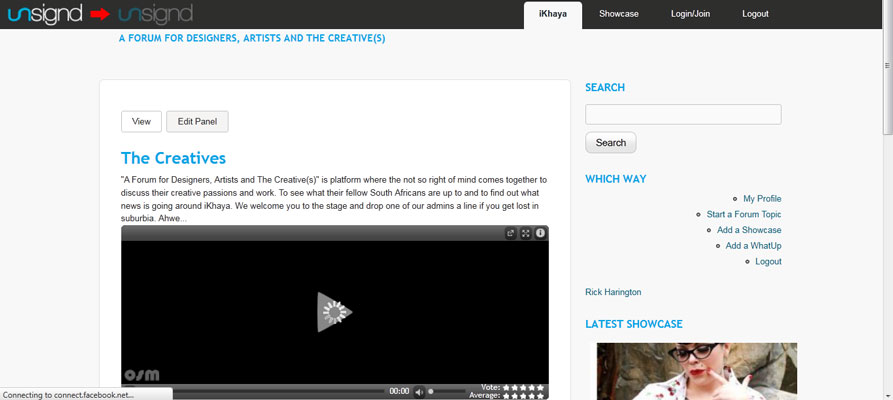
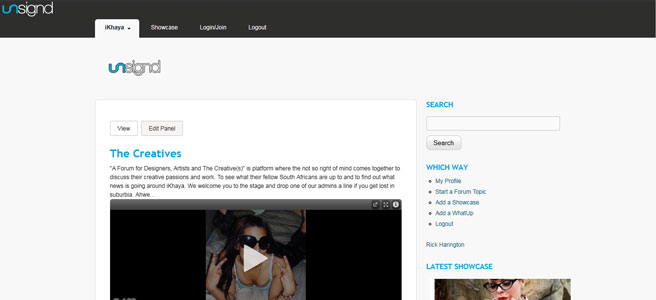
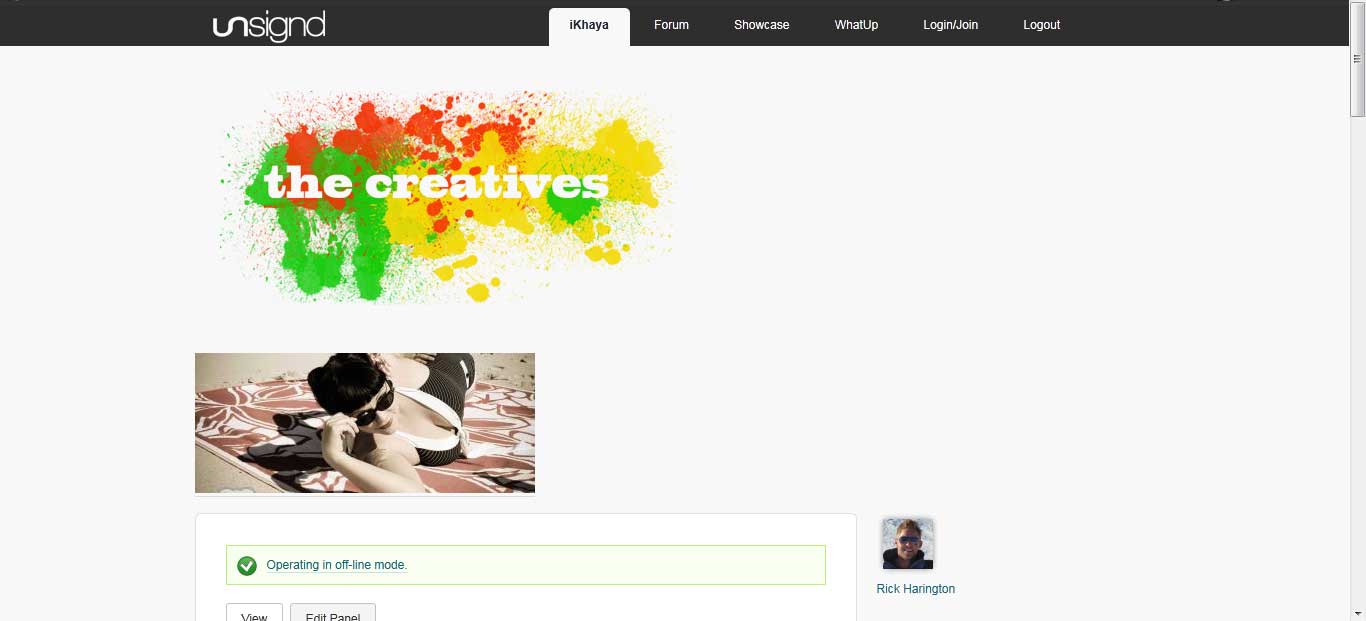
Thanks for the reply. I think the logo is in the wrong block region or not inline with the menu. Also the logo shows twice, where corolla puts it and where we have placed it now. I've attached a screenshot.
Comment #5
Deepika.chavan commentedHi rickh,
1. Please remove the original logo code from page.tpl.php. which is after
<div id="branding">.(I have cut that code from there and pasted it above
<?php if (!empty($header_menu)): ?>line.)2. Please check if your menus block id is 'block-system-main-menu' if not then replace that part in above css code.
You can add 'margin-left: 1.5em' under #logo to move the logo and menu sightly to right.
3. Clear cached data.
HTH!!
Rgrds,
Deepika.
Comment #6
rickh commentedDeepika
Thanks for all the help and i'm very close. I have moved the menu to the right hand side and the logo is bnow inline. All that i'd still like to do is move the logo inline with content. If I can get that done I owe you big time.
Comment #7
Deepika.chavan commentedHi,
Can you please give me the url of your site. So it will be easy for me to solve your problem.
Rgrds,
Deepika.
Comment #8
rickh commentedsure www.5storm.com
Comment #9
Deepika.chavan commentedHi,
Add following css to move the logo to right side. Increase the margin-left if you want.
Please clear cached data.
HTH!!
Rgrds,
Deepika.
Comment #10
giorgio79 commentedSet this issue #856364: Optionally display site name and logo on top right corner (screenshot attached) as duplicate
Comment #11
giorgio79 commentedI realized this is much easier, just create a block with the logo inside and at it to the top menu area. :)
Comment #12
Jeff Burnz commented