Active
Project:
Marinelli
Version:
7.x-3.0-beta11
Component:
Code
Priority:
Normal
Category:
Bug report
Assigned:
Unassigned
Reporter:
Created:
9 Sep 2011 at 20:04 UTC
Updated:
15 Sep 2011 at 09:00 UTC


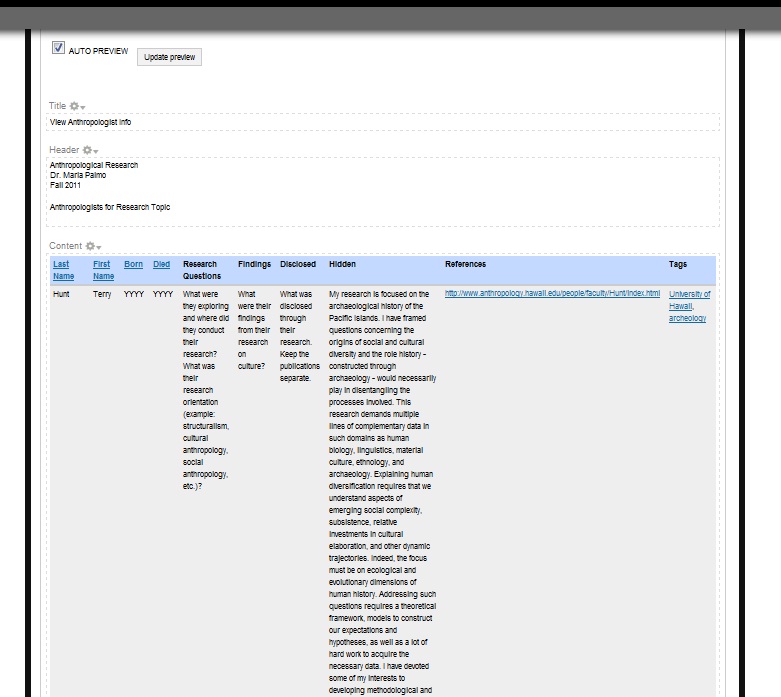
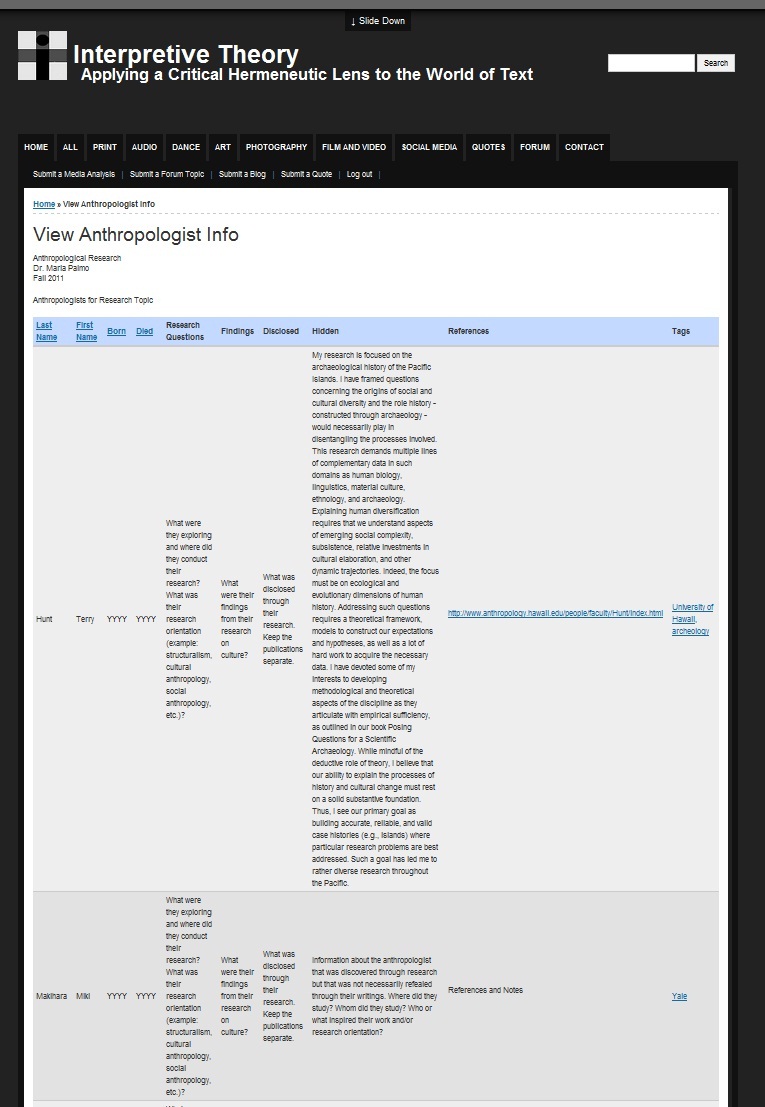
Hi folks, I'm not sure if this is per Marinelli's css or per Views as a bug. The autopreview in view, shows a correct vertical align top whereas the real-deal shows a vertical align - center. I can't seem to find the vertical align css placement to correct this.... any help will be appreciated.
Thanks,
James
| Comment | File | Size | Author |
|---|---|---|---|
| autopreview.jpg | 104.54 KB | jjoves | |
| realdeal.jpg | 158.35 KB | jjoves |

Comments
Comment #1
Deepika.chavan commentedHi,
Try adding following CSS to your theme's "style.css" file , if it doesn't exist you can create one and add following line of code in your theme's "marinelli.info" file.
Code to be added in marinelli.info :
Code to be added in style.css :
Please clear cached data.
NOTE: if you wanna add the above css for particular view then just add view id or class before 'table', 'th' and 'td'. (e.g.
.view-id-quotes table, .view-id-quotes th, .view-id-quotes td {. Here the view has class='view-id-quotes').HTH!!
Deepika Chavan.