

Active
Project:
Kaltura
Version:
6.x-2.0-beta1
Component:
User interface
Priority:
Normal
Category:
Support request
Assigned:
Unassigned
Reporter:
Created:
20 Oct 2011 at 02:03 UTC
Updated:
4 Nov 2011 at 05:47 UTC
Jump to comment: Most recent file


Comments
Comment #1
gmaximus commentedI think these instructions should do it:
1) goto http://(yourdomain).co.uk/admin/content/types
2) Click "manage fields" next to the content type in question....
3) Click "configure" next to the kaltura field you previously added to your content type. You should then see the label which you can edit...
Think that is the answer you're looking for......
Guy
Comment #2
chwang commentedThank you Guy, but it still cannot solve my problem. Maybe I didn't describe the problem correctly.
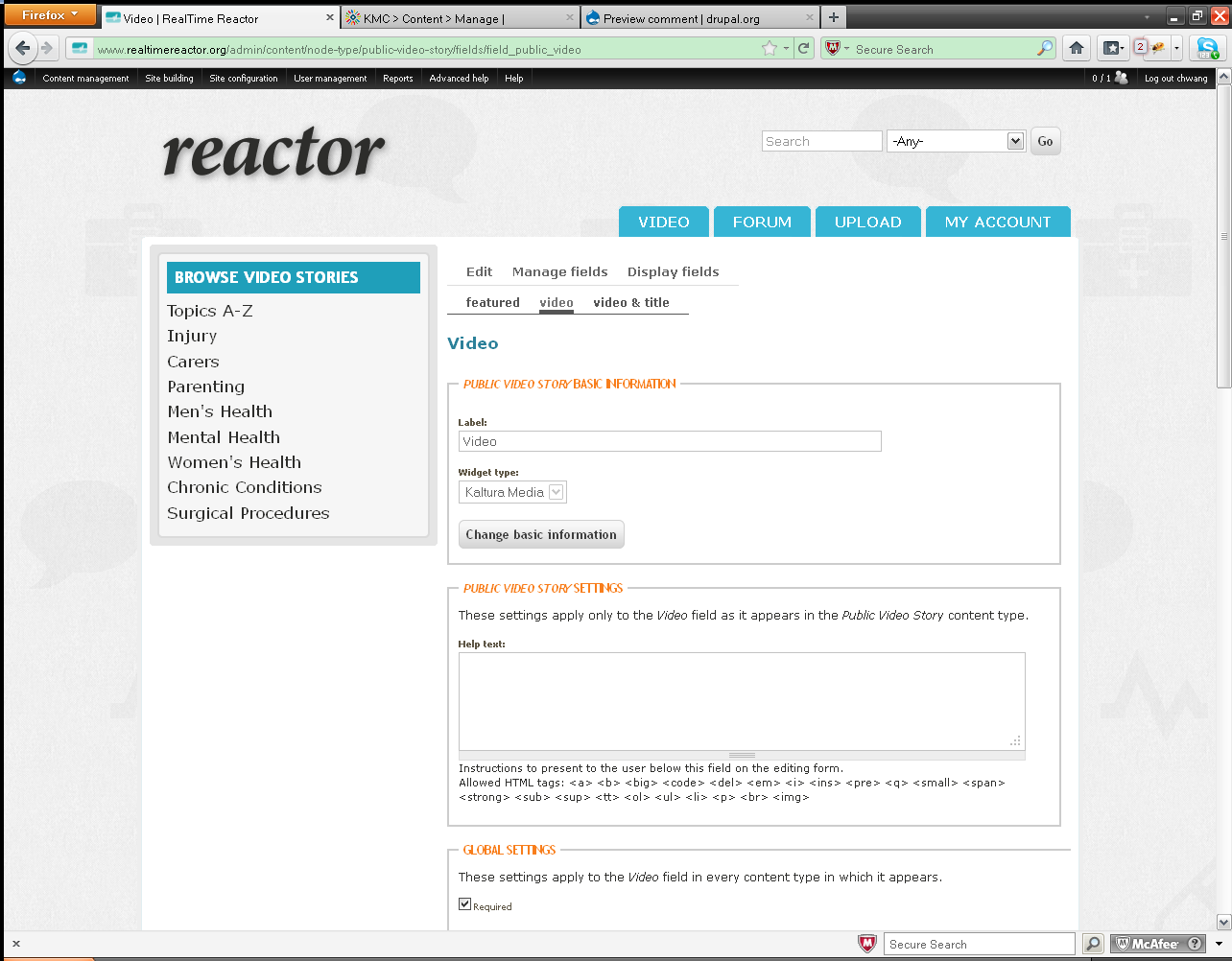
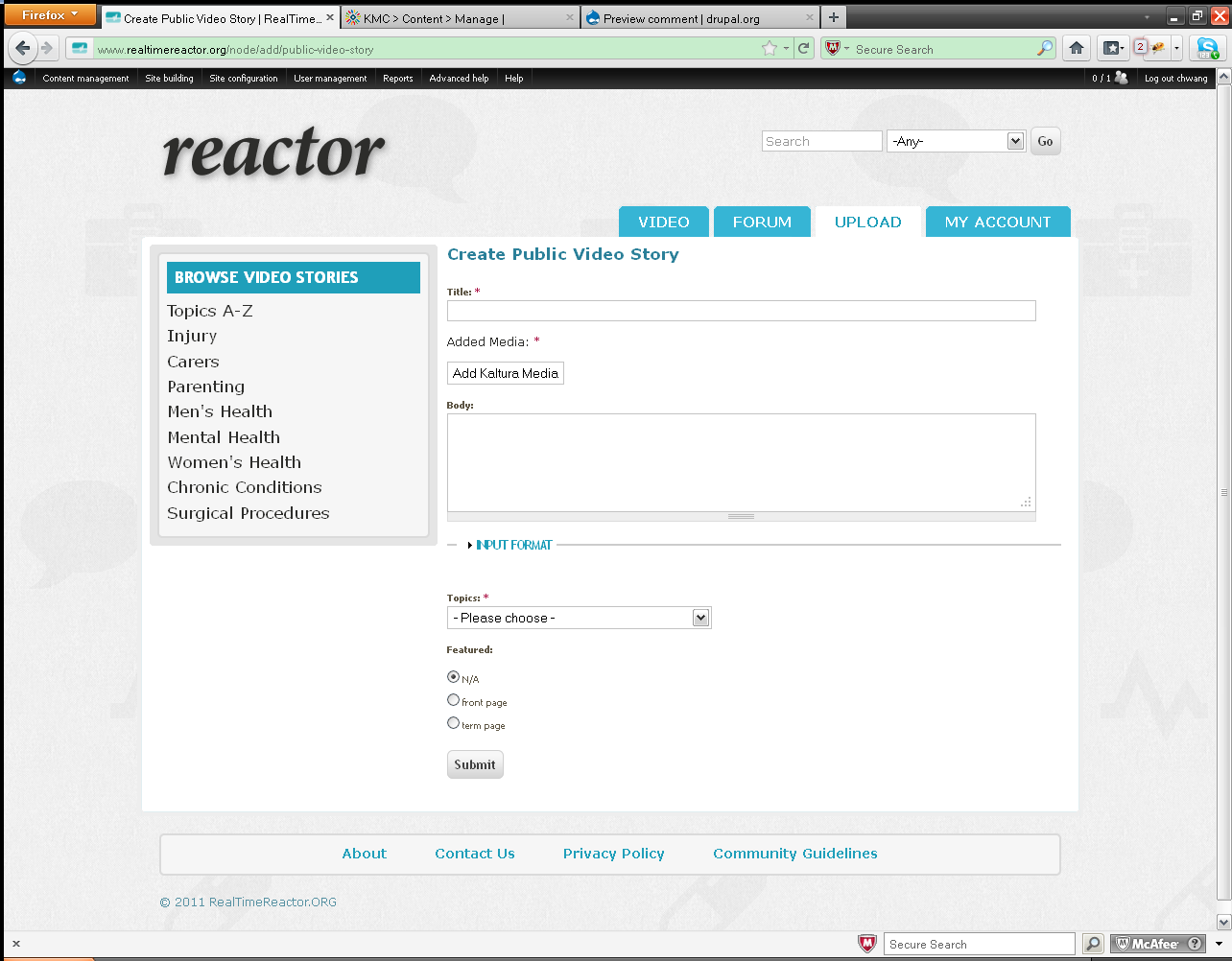
When I define a content type e.g "Public Video Story", and create a field (type: Kaltura Media) with label: Video, then when I create content: Public Video Story, get the following page with button: Add Kaltura Media, how can I change words in the button from "Add Kaltura Media" to something like "Upload Video"?
Comment #3
gmaximus commentedapologies my friend, you're quite right.... I've had a dig around but I too have had no luck finding the answer for you....
Comment #4
gmaximus commentedHi again....
I just learnt about the "grep" command in linux for something else i'm working on. It's a way of searching for a string within a file or directory.... So thought I'd try it out on your issue.....
You'll find what you need in the kaltura module folder:
(location of your installed modules)\kaltura\plugins\field_kaltura\field_kaltura.module @ line 663
:)
Guy
ps... Let me know if you have any pointers for my issue http://drupal.org/node/1327418 (on the off chance you've already solved it)... It's frustrating the hell out of me...
Comment #5
chwang commentedHi Guy, Thank you very much for your information. It totally solved my problem. And I will investigate further what other configuration can be done through this file. And from your post: http://drupal.org/node/1327418, I also got one question wondering whether you can show me a light:
When I build a view using kaltura item thumbnail as a field, and trying to set the thumbnail width as 130 and height as 80, but the thumbnail always comes out with dimensions based on the video ratio instead of using the exact dimension specified above and crop it. How can I make the thumbnail to be the exact size as specified? e.g: http://www.realtimereactor.org/video I want all the thumbnails to be exact size(width and height), how can I do? Thank you for your sharing and advice.