

 The 2026 Drupal Business Survey is open. Your response will help shape the future of the Drupal business ecosystem.
Guys,
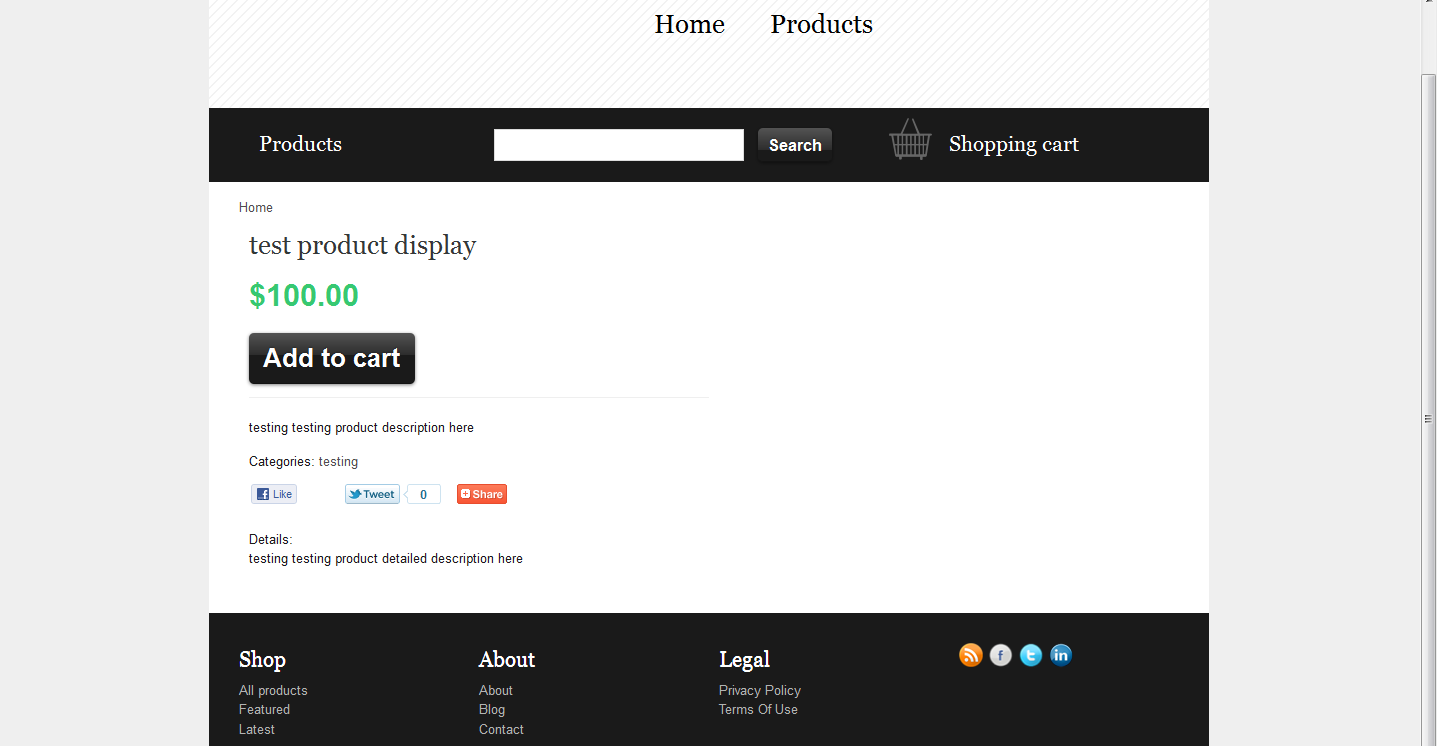
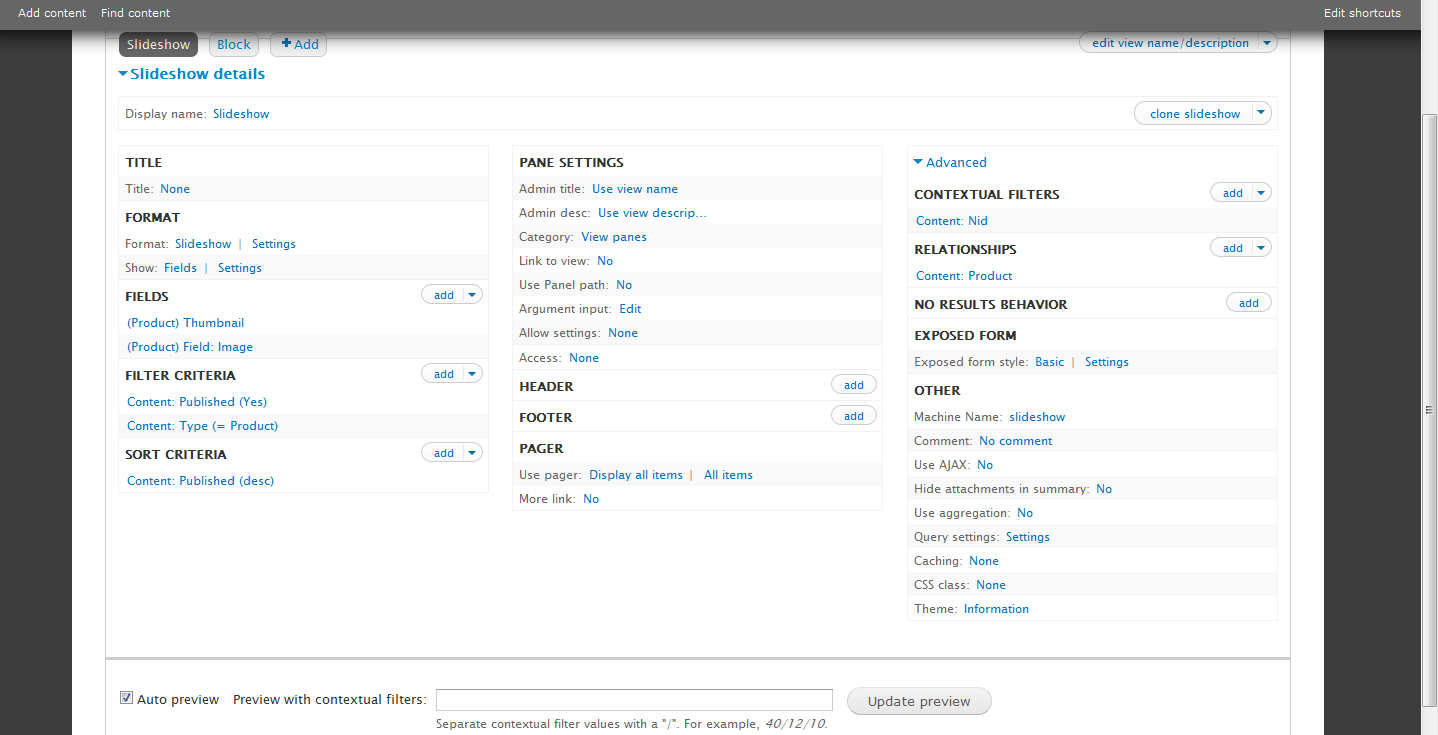
Excellent job. I have a problem with the product images slideshow view. I am getting no images (or slideshows) in the product display nodes. I verified the product display nodes have the view visible, but it doesn't seem to pull any product images for whatever reason, even in Views UI preview mode. I get images in teaser and line item product modes. It looks like the view has something wrong. I appreciate any help you can provide.
Thanks,
-mehmet

Comments
Comment #1
recidive commentedHello, I just confirmed it is working on a clean MartPlug install. It looks like there were some changes in views slideshow that makes the thumbnails not show up when there's only one image, which I think it's fine.
Try adding more than one image. If it still don't work, please provide me with more information so I can help you work around this issue.
Thanks for using MartPlug!
Comment #2
mfsu commentedHi again,
Thanks for your reply. This is not a thumbnail problem, I can see thumbnails just fine for single and multiple image product cases. I tried with a clean install before to no avail. Do I need to redo the drush make step? Can I get your version of the installation profile as a tarball?
Thanks,
-mehmet
Edit: I am now using gallery formatter module. But I'm still willing to follow your instructions to help diagnose the problem (clean install, etc).
Comment #3
recidive commented@mfsu can you confirm this ony happens with anonymous users? I'm getting this problem only with anonymous. Have you figured out a solution for this?
Comment #4
ravyg commented^^seems like a permission issue to me.
anyways in my case only product images are not sho fine own and content type product also don't have a image field though when I go to store i am able to find image field there.
but still after adding it it is not shown even in admin.
Comment #5
recidive commentedThats's a view bug. A workaround was committed days ago.
Are you running latest code?
Comment #6
ravyg commentedI my case it was a store and content type linking issue I guess it works fine with new images but with dummy nodes created during installation images were not linked.
I ll look over it again once I m finish with the website I m currently working on.
Comment #7
recidive commented@ravyg: yes, that's a known issue. For some reason, feeds import is not able to link a product display to a product on installation phase. You can fix this by going to the dashboard and removing and re-enabling sample content.
Comment #8
recidive commentedMaking this fixed, see #5.