I've just installed this module (along with the underlying QUAIL library, etc.), I've enabled checking for all my content types (using the same settings for each: enable checking, ignore errors, apply filters, all three error levels checked and WCAG 2.0 A as the guideline) and fields and everything appears to work when I check individual pages/nodes. However, when I try to use the check existing content feature for each of my content types I get an error like this:
"An error has occurred.
Please continue to the error page
An error occurred. /batch?id=36&op=do <!DOCTYPE html PUBLIC "-//W3C//DTD HTML 4.0 Transitional//EN" "http://www.w3.org/TR/REC-html40/loose.dtd"> <html><body><p>{ "status": true, "percentage": 3, "message": "Remaining 32 of 33.\x3cbr/\x3eProcessing Educational Administration Ed.M." }</p></body></html>"
The part of the second line "the error page" is a link back to /admin/settings/accessible_content/check. Only the last part of this error changes based on the content type being checked ("Remaining x of y", etc.). Basically, it appears to fail on the first node it tried for every content type I have (all 29 of them).
As I say, if I go to an individual node and click on the Accessibility tab it appears to report the issues correctly. But, I need to evaluate the site as a whole, so I really need to be able to bulk check.
Any ideas?


Comments
Comment #1
tinsmon commentedAnyone??
Comment #2
btopro commentedmake sure error reporting is off and try then. batch api breaks if a php warning is thrown. common with 5.3 and DEPRICATED notices i've found
Comment #3
tinsmon commentedWe got away from our testing and had to concentrate on other projects. However, I've just come back to this and the error is still occurring. I double-checked that the "ignore errors" is checked for each of our content types. I assume that's what btpro was referring to with "make sure error reporting is off and try then". I also changed the guideline to Section 508 (it was WCAG 2.0a when we initially tried this and got the error). No change. Here's the current error when I try to run the tests against an existing content type:
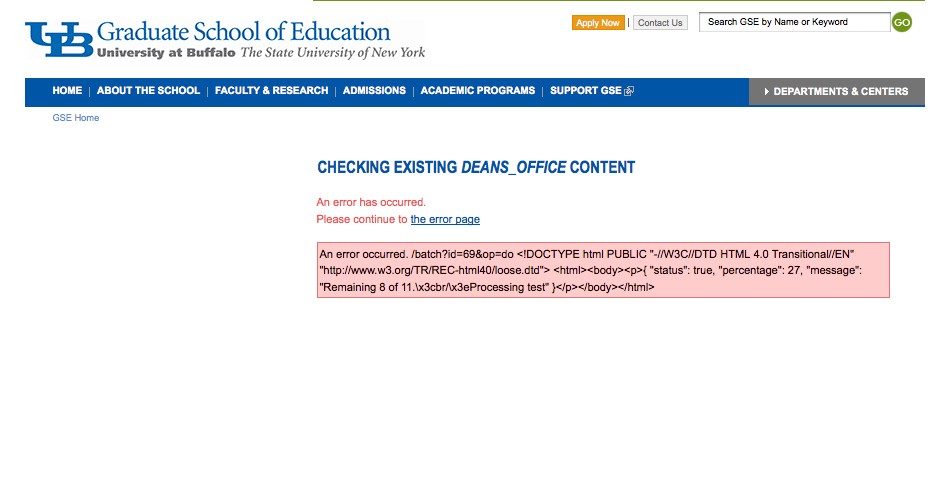
An error has occurred.
Please continue to the error page
An error occurred. /batch?id=65&op=do
{ "status": true, "percentage": 20, "message": "Remaining 8 of 10.\x3cbr/\x3eProcessing GSE Brochures" }
Comment #4
tinsmon commentedAnyone? If I could just get this to work I can start to compile reports on my own. I'm attaching a screen shot of the error if it helps.
Thanks,
Mike
Comment #4.0
tinsmon commentedUsed code tag to get whole error to show up.