
 The 2026 Drupal Business Survey is open. Your response will help shape the future of the Drupal business ecosystem.
Configuring Sublime Text
Last updated on
21 September 2022
Sublime Text is a sophisticated text editor for code, html and prose. You'll love the slick user interface and extraordinary features.
Sublime Text is available for OS X, Windows and Linux.
Screenshot
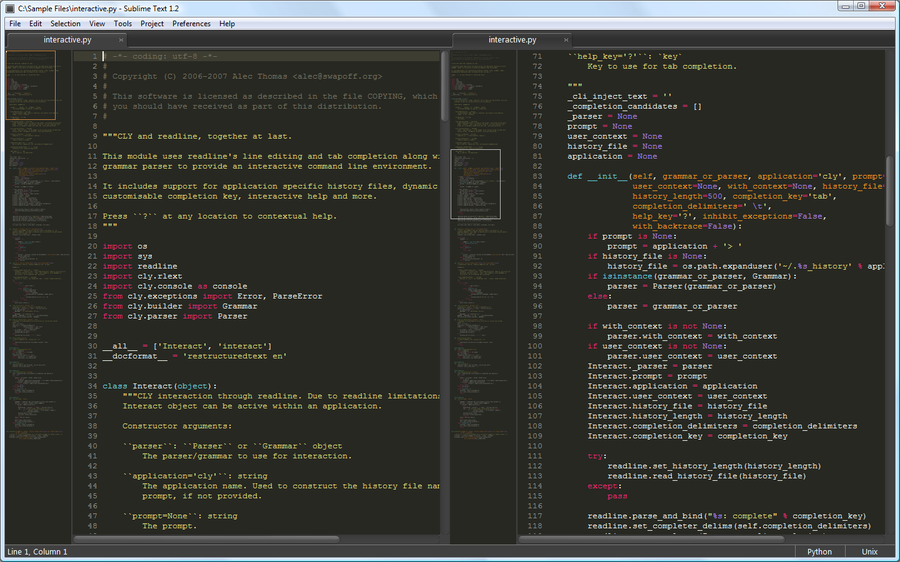
Configuration
For linux and mac users there is a script to auto configure your sublime at Sublime Drupal.
Go to "Preferences" => "Settings - User" and change the following settings:
{
  "rulers": [80],
  "tab_size": 2,
  "translate_tabs_to_spaces": true,
  "use_tab_stops": true,
  "trim_automatic_white_space": true,
  "trim_trailing_white_space_on_save": true,
  "ensure_newline_at_eof_on_save": true,
  "fallback_encoding": "UTF-8",
  "default_line_ending": "unix",
  "shift_tab_unindent": true,
  "word_separators": "./\\()\\'-:,.;<>~!@#%^&*|+=[]{}`~?"
}
Enabling whitespace characters
Optionally, you could also add a setting to view whitespace characters to the end of the code settings (found above):
"draw_white_space": "all"
Useful plugins
- Sublime Coder: A plugin that provides integration with Coder (specifically Drupal Code Sniffer) for Sublime Text 3.
- Sublime Drush: A plugin that provides integration with Drush 6 for Sublime Text 3.
- Goto Drupal API: A command to jump to the api.drupal.org documentation for the current word.
- Go to Documentation: A command to jump to the documentation for the current word. Supported languages include PHP and Javascript.
- Drupal Sublime text: A package for Drupal snippets, autocomplete support, and info file syntax highlighting for Sublime Text.
- CodeComplice: A code intelligence plugin for Sublime Text 3.
Other resources
- Sublime Text 2 autocompletion drush command: A drush based Drupal autocomplete file generator for ST2.
Help improve this page
Page status: No known problems
You can:
You can:
- Log in, click Edit, and edit this page
- Log in, click Discuss, update the Page status value, and suggest an improvement
- Log in and create a Documentation issue with your suggestion
