

 Come together with the global Drupal community in Rotterdam, 28 Sept – 1 Oct 2026. Sessions, contribution, connection, and Early Bird savings until 8 June.
wonderful module, but it will not all inserted images appear. Can one still image is an option again
insert and delete.
| Comment | File | Size | Author |
|---|---|---|---|
| #10 | 15-01-2012 13-05-25.jpg | 106.51 KB | fugazi |
| #10 | 15-01-2012 13-05-46.jpg | 74.88 KB | fugazi |
| #3 | Untitled.png | 131.8 KB | bakr |
| 10-12-2011 15-51-30.jpg | 133.22 KB | fugazi |



Comments
Comment #1
bakr commentedfor me nothing appears at all?
Comment #2
tars16 commentedI can't replicate. What versions are you using? I just installed 6.22 and content_type_image with nothing else and everything worked as expected.
Comment #3
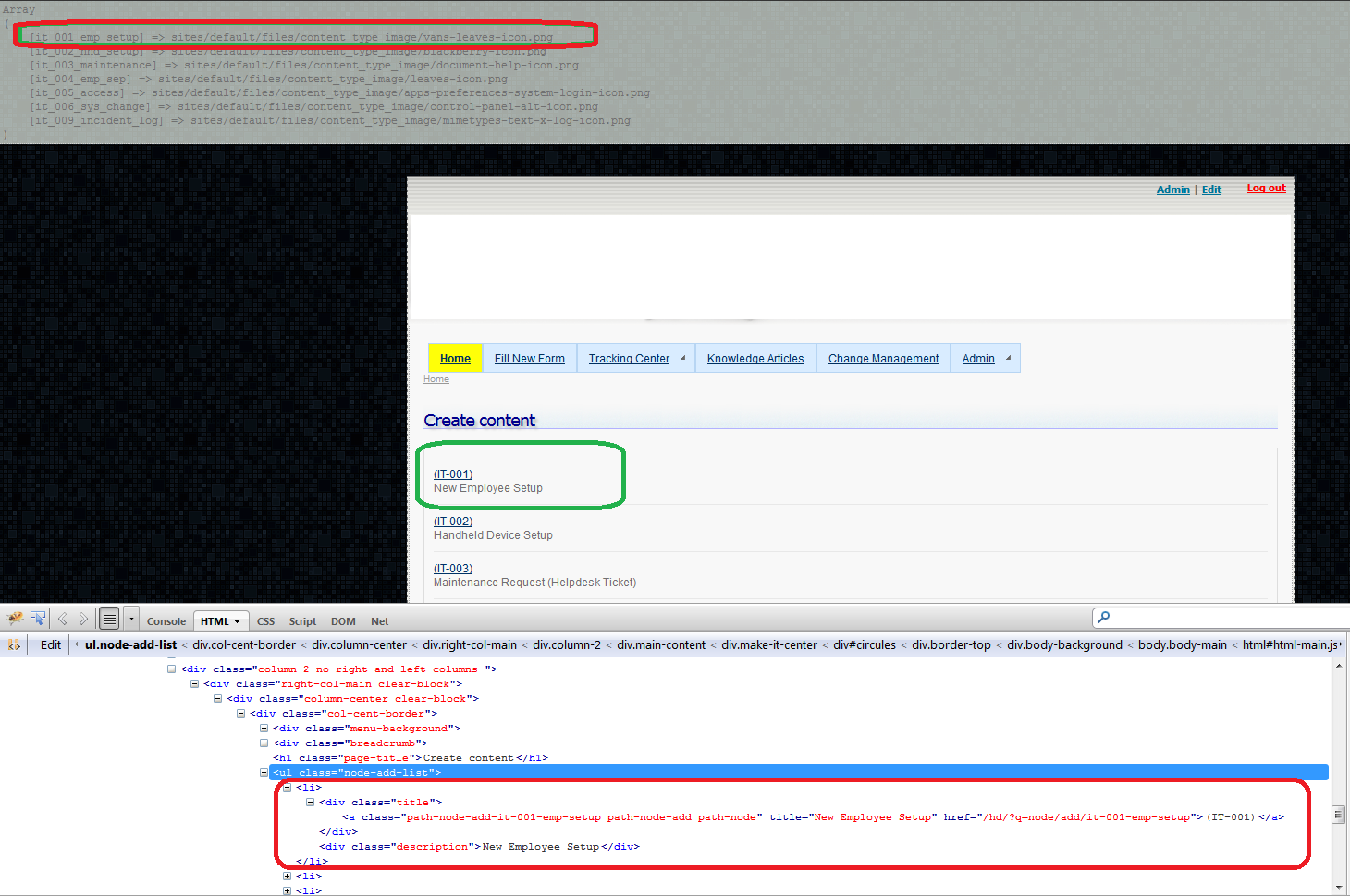
bakr commentedApparently the issue depends on theme.
I use summertime theme.
The following var_dump of the $items does not indicate containing any relevant image info.
Though the $screenshots variable is ok.
Comment #4
bakr commentedhave changed to major, due to potential incompatibility with some themes.
I am using drupal 6.22
Comment #5
bakr commentedSOLUTION
That was the culprit!
Great Module, Thanks.
Comment #6
bakr commentedI hope this gets commited in the next release.
Comment #7
fugazi commented# 5 confirmed it works for me, wonderful, many thanks bakr
Comment #8
tars16 commentedThanks. Will get a new release together tonight hopefully.
Comment #9
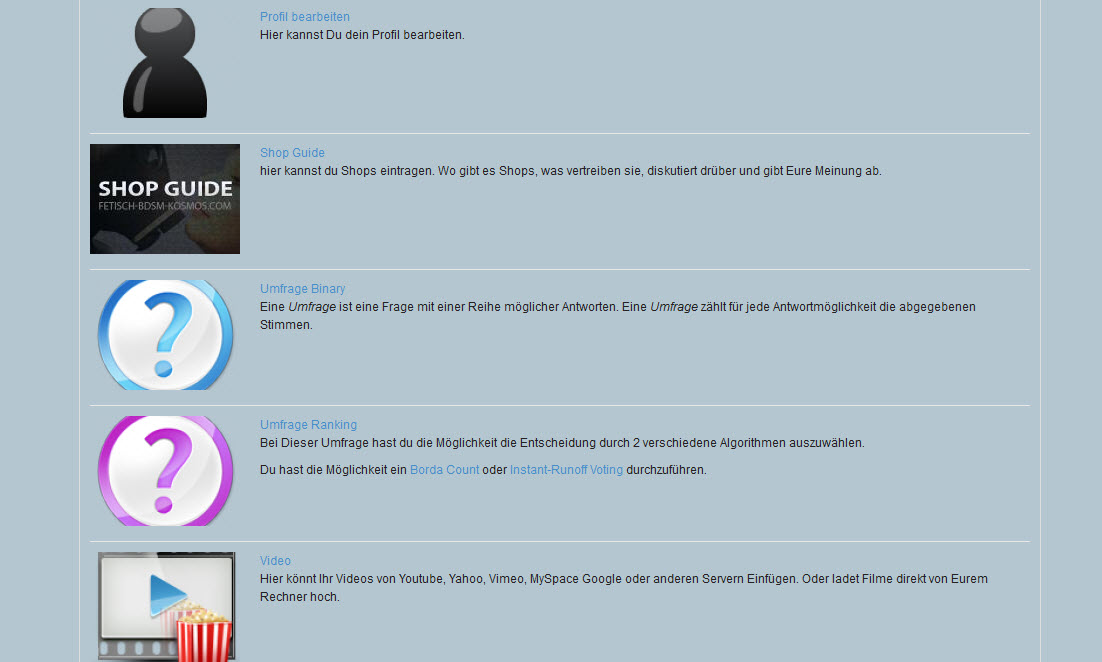
fugazi commentedI now have a problem. The link to your image does not there. it links to, for example
/node/add/advpoll_binary
linking would be correctly
/node/add/advpoll-binary
Only when I remove #5 are no longer displayed the pictures. What can I do.
Many Thanks
Comment #10
fugazi commentedtwo pictures. normal first second after clicking on image
Comment #11
fugazi commentedComment #12
bakr commentedsimply create a new variable to put it in the path
Comment #13
fugazi commentedHello bakr
I'm very sorry but I can not program well, as is the variable to look
+ $type_orig = $type;.Can you help me.
many thanks for your help current
Comment #14
bakr commentedyes indeed. type_orig is the variable i just added.
this a resolution to ensure the images are clickable and pointing to the correct node add url
Comment #15
fugazi commentedHello bakr,
it was my fault I forgot to change
<a href="/node/add/' . $type . '">in
<a href="?q=node/add/' . $type_orig . '">now it works,
many thanks
Comment #16
tars16 commented