

 Come together with the global Drupal community in Rotterdam, 28 Sept – 1 Oct 2026. Sessions, contribution, connection, and Early Bird savings until 8 June.
When I access the source, and insert a basic select tag, CKEditor munges it after loading.
Here is what I put in.
<select>
  <option value="volvo">Volvo</option>
  <option value="saab">Saab</option>
  <option value="mercedes">Mercedes</option>
  <option value="audi">Audi</option>
</select>
Then when I switch back to the rich text editor it looks good for about 1 second. After that, 1 second is shrinks.
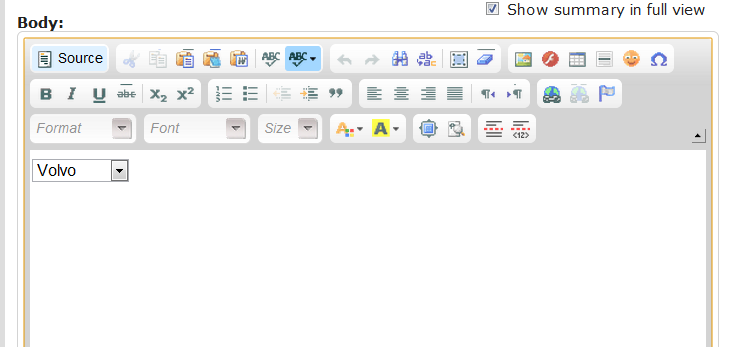
Then it looks like this.

If I double click on it, you can see clearly that it's broken the select box.
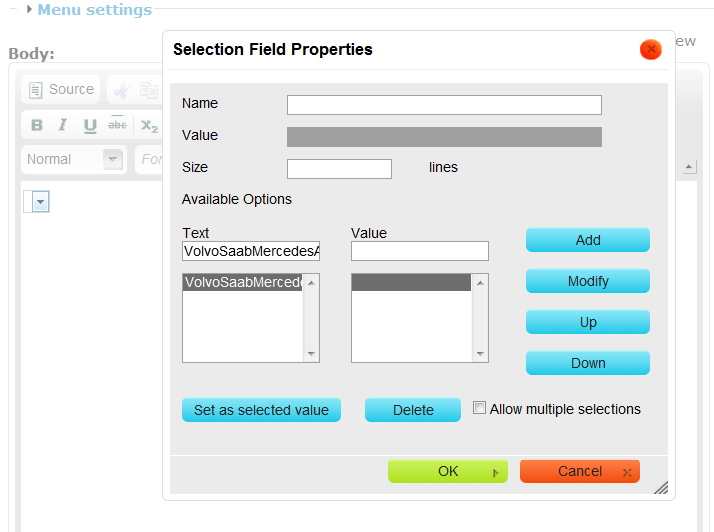
This is what CKEditor turns it into after saving. Obviously this is wrong.
<p><select><option selected="selected" value="">VolvoSaabMercedesAudi</option></select></p>
This problem seems to be directly related to the fact that I put non-numeric characters (letters) inbetween the .
These two work properly.
<select>
<option value="1">1</option>
<option value="2">2</option>
<option value="3">3</option>
<option value="4">4</option>
</select>
<select><option value="Volvo">1</option>
<option value="blah">2</option>
<option value="bar">3</option>
<option value="foo">4</option>
</select>
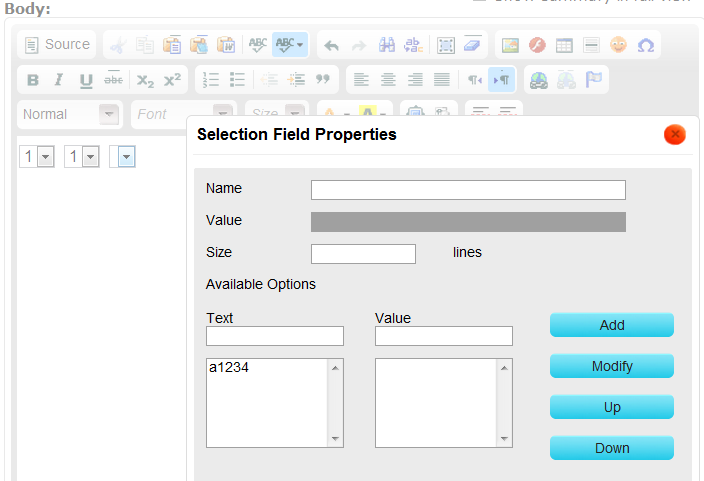
But this causes the same problem shown in the above screenshots.
<select><option value="Volvo">a1</option>
<option value="blah">2</option>
<option value="bar">3</option>
<option value="foo">4</option>
</select>
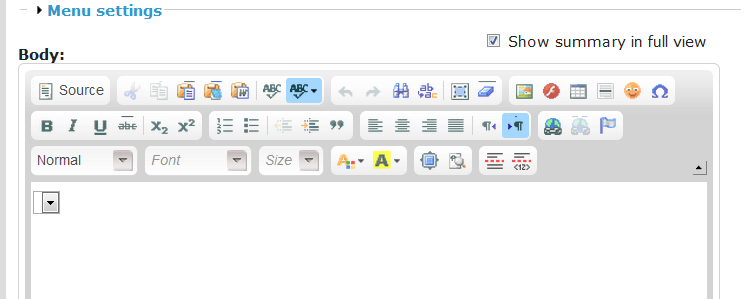
If I put all three of the above code segments in here is what I get. Two combo boxes (left, and middle) that work properly. One on the right that does not work. This is the select box editor opened up on the rightmost select box.

Comments
Comment #1
mkesicki commentedPlease check if this problem exists on CKEditor demo page (http://ckeditor.com/demo).
Which version of CKEditor library do you use ?
Comment #2
Jazzepi commentedI'm using CKEditor 3.6.1 and the Drupal module that runs it is CKEditor 6.x-1.8
I can not reproduce the problem on the demo page.
Comment #3
dczepierga commentedIn the demo page is CKEditor 3.6.2, so pls try to update to new version and report here does it work or not...
Greetings
Comment #4
Jazzepi commentedUpgraded to the new version of CKEditor and I still have the same issue with the same input.
Comment #5
dczepierga commented@Jazzepi, i try to do this with last DEV version, CKEditor 3.6.2 and i cannot reproduce this issue...
Which browser do u use?
Greetings
Comment #6
Jazzepi commentedI can reproduce this problem with Firefox 7.0.1 and Chrome 16.0.912.63 m
I can NOT reproduce this problem with IE Version: 9.0.8112.16421 UpdateVersion: 9.0.4
Comment #7
dczepierga commentedI try this with this same version of Chrome, FF 8.0.1 and IE9 - for me everything works fine.
Could u make a clean install of Drupal, install last DEV version of CKEditor module and check this again?
Greetings
Comment #7.0
dczepierga commentedclosed code tag