

Postponed (maintainer needs more info)
Project:
Open Enterprise
Version:
7.x-1.0-rc2
Component:
User interface
Priority:
Major
Category:
Support request
Assigned:
Unassigned
Reporter:
Created:
16 Jan 2012 at 17:09 UTC
Updated:
26 Mar 2014 at 19:19 UTC
Jump to comment: Most recent


Comments
Comment #1
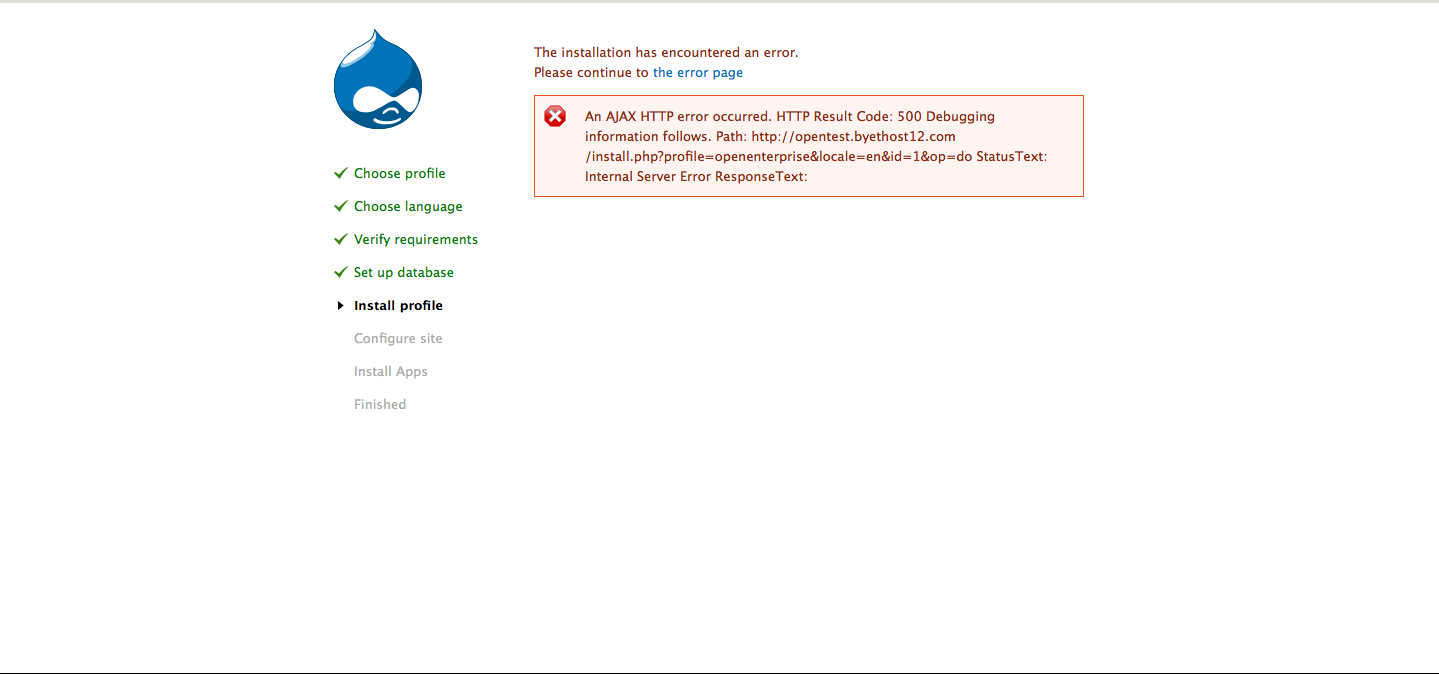
jaspher commentedHi Maurermr, I had the same problem on bluehost.
Check the error logs. For me it was a memory problem. You will need to start with a fresh db and re-reinstall Open Enterprise. Before the install though, you will need to increase your memory_limit (php.ini).
Let me know if this helped!
Comment #2
randallknutson commentedComment #3
mwolfindale commentedI had a similar problem installing Drupal Open Enterprise locally (although with version 7.x-1.0-rc2).
I found this recommendation:
Installing Drupal at Host1Free: "An AJAX HTTP error occurred"
Following these instructions, I added the following line to the end of my .htaccess file:
php_value auto_append_file noneWhen restarting installation from scratch, it completed successfully.
Comment #4
mwolfindale commentedFurther to above, you could also try the following prior to installation of OE:
1. In your .htaccess file, in addition to the line mentioned above...
php_value auto_append_file none...also add another line to increase the PHP memory limit...
php_value memory_limit 128M2. Ensure permissions are set correctly on your sites/default/settings.php and sites/default folder. Once you've downloaded and extracted OE, go to the command line, browse to the folder where you extracted Drupal and enter:
Ensuring all these things were done before installation seemed to help when installing locally, although I'm not sure it's necessary to do this before all installations depending on the server set up in each case.
Hope it helps.
Comment #5
bruce0891 commentedWe add php_value auto_append_file none and php_value memory_limit 128M to the end of .htaccess (found in the root of the OE distribution folder)? After i add there 2 lines, I cannot even proceed, as there is error as shown below
Internal Server Error
The server encountered an internal error or misconfiguration and was unable to complete your request.
Please contact the server administrator, webmaster@XXXXXXXX and inform them of the time the error occurred, and anything you might have done that may have caused the error.
More information about this error may be available in the server error log.
Additionally, a 500 Internal Server Error error was encountered while trying to use an ErrorDocument to handle the request.
Apache Server at XXXXXXXX Port 80
Comment #6
mwolfindale commentedHi aniceguy,
Yes, the .htaccess file found in the root of the OE distribution folder.
I actually found that I was able to get away without adding the php_value auto_append_file none line in the end - so I only added the php_value memory_limit 128M which when reinstalling from scratch did the job.
Are you installing locally or to a remote server? Are you able to get access to your phpInfo to see your existing PHP memory limit? If installing locally, have you tried restarting Apache? Also, are you editing the .htaccess file to up the memory limit, wiping the database and then reinstalling?
Just to summarise what I did and how I ended up getting it to successfully complete install of OE...
Comment #7
bruce0891 commentedHi mwolfindale,
Thanks for the concise detailed step.
Actually, i stuck at your step no. 4, where i need to Edited .htaccess file to add php_value memory_limit 128M line to the end (prior to this my memory limit was set to 32M).
I keep getting the error that I described in previous post. It seems that we cannot just add php_value memory_limit 128M line to the end of the file, seems to make it an invalid content structure?
Can I confirm that before editing the .htaccess file, the last few lines are actually as shown below?
Comment #8
mwolfindale commentedHi aniceguy,
Sorry forgot to ask before if you're installing locally or to an external server?
If the latter, could be a case of contacting your hosting company to make sure you've permission to override default values?
Comment #9
tonovcp commentedHi,
I followed the instructions about php mem limit 128 and php_value auto_append_file none but still get the same error everytime, exactly the same from the first post... Any other ideas?
Thank you
It is installed in my own computer... fresh install... checked php.ini and mem limit is 128...
Comment #10
DMDU commentedHi,
try install online for see any diference(s)... (I am using www.netprostor.cz - CZECH language, but intuitive UI and all limits are OK :) ).
http://DMDU.netprostor.cz (you can see, that I have OE installed :) ).
Comment #11
zhimingwang commentedI met this problem when I made a view and modified one link. I solved it in shell by running: yum install php-xml . My OS is centos 6.5.