

Closed (fixed)
Project:
BlueMasters
Version:
7.x-1.x-dev
Component:
Code
Priority:
Normal
Category:
Support request
Assigned:
Unassigned
Reporter:
Created:
20 Jan 2012 at 18:56 UTC
Updated:
24 Jan 2012 at 15:58 UTC
Jump to comment: Most recent file


Comments
Comment #1
pwhiteside commentedHi there,
Hopefully you know html and basic php because it will help you in doing this.
The front page is determined by the template file /sites/default(or all)/themes/bluemasters/page--front.tpl.php
You will need to add php inserts for each additional block you want, this is the origional front block area code,
The php insert is what makes drupal insert the blocks into the area, this one is called "home_area_1",
You need to add more such as your sidebar like so,
For this to appear in the blocks page and be seen by drupal you need to add it to the bluemasters.info file like so,
Remember to flush your theme registry and caches if it doesn't appear in the blocks page.
This will get the drupal to output the areas then you will have to make it look right by positioning the html and using css, this you should be able to do yourself if you know html & css.
I hope this helps,
Best Wishes, Phil the Whiteside of life.
Comment #2
finalzak commentedthanks for the help i have successfully added more block but now i cant seem to get them to look the right way here is what I have so far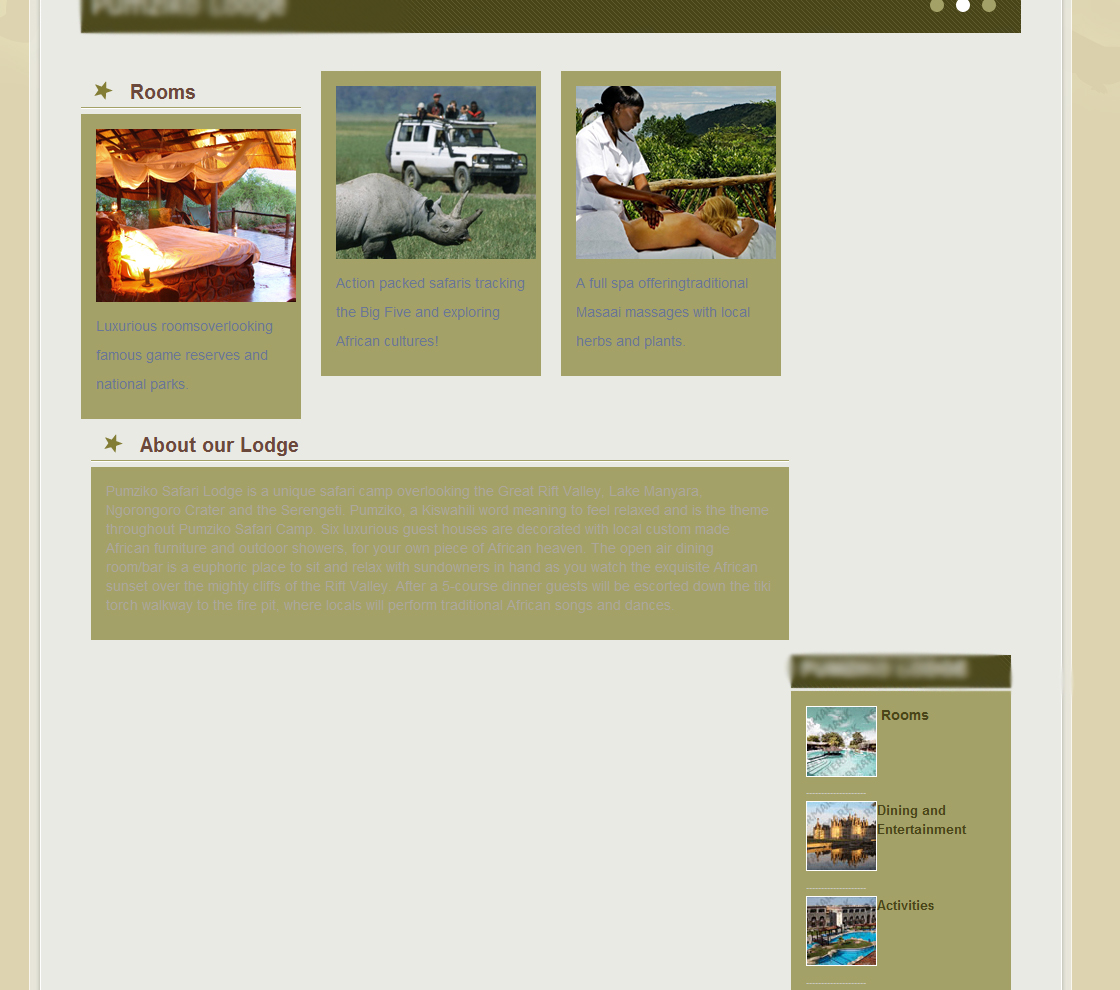
here is the code i have:
in page--front.tpl
and in style
I have tried changing the position of home-block-area.side but my page is still stretched as if the block was still in the same place. How can i get it moved up to be right next to the other 3? Thanks in advanced and any help is greatly appreciated.
Comment #3
finalzak commentedfigured it out just had to mess with margins and paddings