Active
Project:
Sky
Version:
7.x-2.3
Component:
Code
Priority:
Normal
Category:
Bug report
Assigned:
Unassigned
Reporter:
Created:
26 Jan 2012 at 09:19 UTC
Updated:
26 Jan 2012 at 11:25 UTC


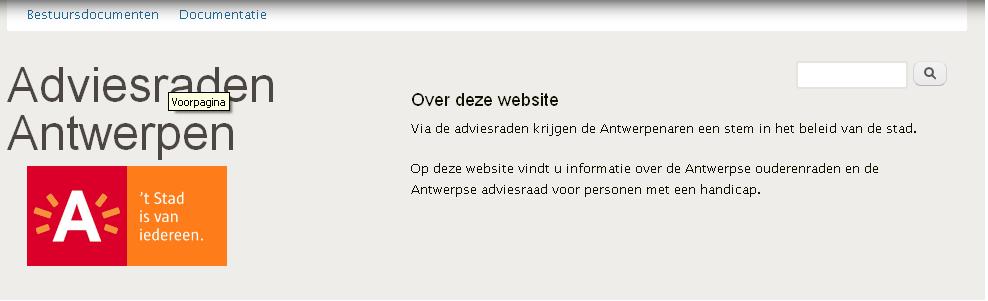
I placed the search box and an extra block in the header. In IE they are placed next to each other.
The clear:both doesn't seem to be working in IE. Also the search box is way to long.
FF: how it should look (I suppose).
IE: strange


Comments
Comment #1
Jeff Burnz commentedSorry but I don't claim to support IE7, given its virtually a dead browser these days.
If you really want to deal with this yourself there are two ways with this theme:
1. Add an IE7 stylesheet
Add this to template.php at the bottom of
pixture_reloaded_preprocess_html()Then add the
ie-7.cssfile topixture_realoaded/cssdirectory.2. Use a strait CSS override by levearging the conditional classes this theme uses:
.ie7 .block-search .form-text {width: 120px;}Place this wherever you want, such as in a custom CSS file if you are using one.