

Closed (fixed)
Project:
AudioField
Version:
7.x-1.0-beta4
Component:
Code
Priority:
Normal
Category:
Bug report
Assigned:
Unassigned
Reporter:
Created:
1 Feb 2012 at 02:48 UTC
Updated:
10 Jul 2012 at 21:25 UTC
Jump to comment: Most recent file


Comments
Comment #1
Maks commentedI have the same problem
Comment #2
egrotke commentedSame here
Comment #3
egrotke commentedOh, looks like this is just the error you get when you don't have mp3 player libraries installed correctly.
Go to administration->Configuration->Media, download players and upload inside sites/all/libraries/player/ dir.
Comment #4
hgneng commentedYes, I didn't configure player. But I just don't know how to configure. I had tried to put jplayer to sites/all/libraries/ or sites/all/libraries/player/. It seems not work.
Finally, I installed the jplayer module (https://drupal.org/project/jplayer) to play audio.
Comment #5
K_Gonzalez commentedI have the same problem but it's can easily resolve.
When you download jPlayer files (for example) rename this in jplayer.
You must have this path sites/all/libraries/player/jplayer and it's okay.
In my case the error Undefined index: in audiofield_get_player it's disappear.
It's confirm by this documentation http://drupal.org/node/973194 in "Where to extract the players?"
Sorry if my English it's bad.
Comment #6
tamerzg commentedError message is due to missing players. In latest dev if statement is added so it doesn't throw the message. To see how to install players correctly follow this tutorial: http://drupal.org/node/973194
Comment #8
tax14 commentedI am using the Audiofield module on localhost on a Windows PC. I have followed all instructions and installed a few media players (WordPress Audio Player, XSPF Slim Player and Google Reader MP3 Player) as per the documentation (http://drupal.org/node/973194). The configuration page displays the installed players and let me choose any of these. However, regardless of the player I select, I get the following error message when I display a node that uses Audiofield.
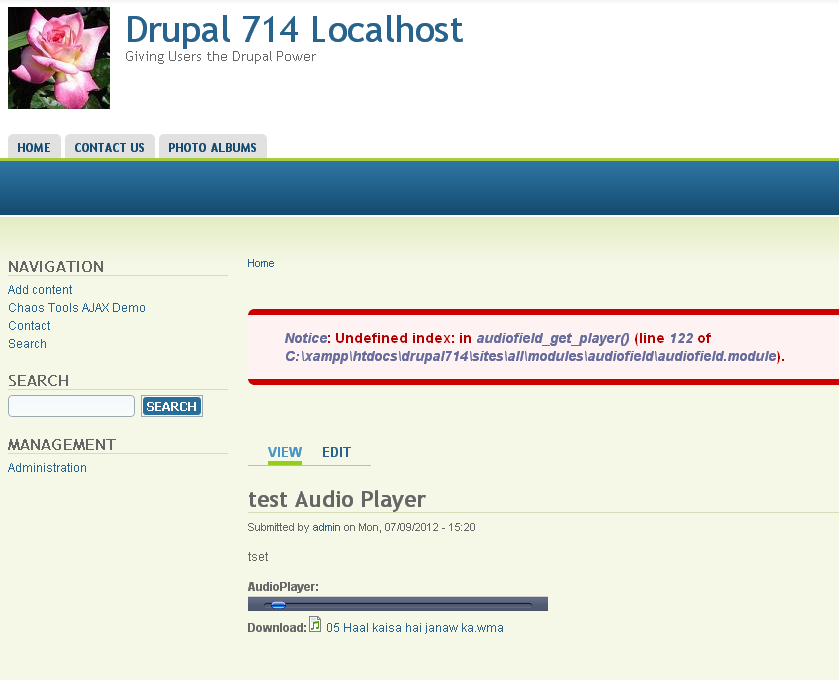
Notice: Undefined index: in audiofield_get_player() (line 122 of C:\xampp\htdocs\drupal714\sites\all\modules\audiofield\audiofield.module).
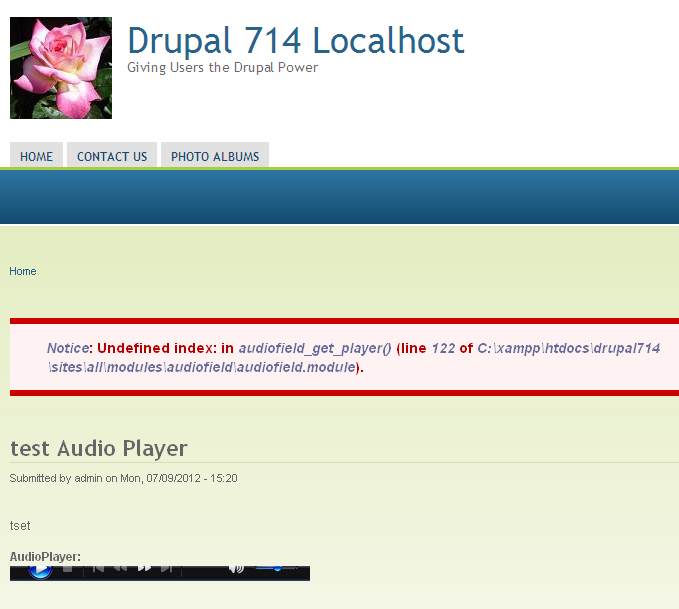
Besides, the media player is always of the same shape. It appears that the node is using Windows Media player (I see the tooltip - Windows Media Player) when I hover mouse on the media player.) I don't see any buttons on the media player though it plays the media file. Pl see the following image (on Chrome browser).
Interestingly, on Internet Explorer, I see partial buttons as shown here:
I shall appreciate if anyone can give me any suggestions to fix the " Undefined index" problem and to properly use the media player.
Thanks.
Comment #9
tax14 commentedIn continuation to my previous comment:
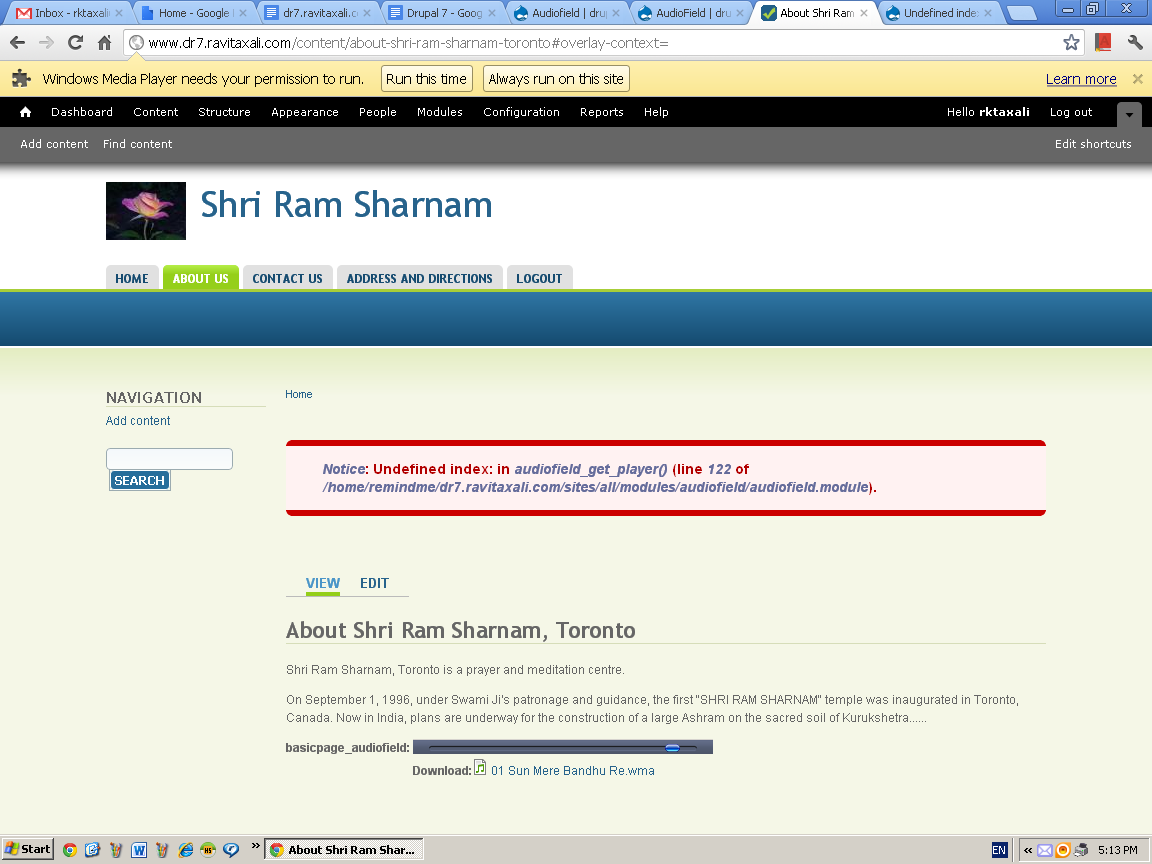
I installed the AudioField on a drupal site running on a regular server. I did not install any player and decided to use the default Google Reader player. After adding an audio content to a page, when the Browser tried to display the page, it displayed the following message: Windows Media Player needs your permission to run? (see the following screenshot.)
From this message, I understand that the browser is trying to use Windows Media Player plugin and Drupal is not able to define the Google Reader player. Besides, the error message in the module. "Notice: Undefined index: in audiofield_get_player() (line 122 of /home/remindme/dr7.ravitaxali.com/sites/all/modules/audiofield/audiofield.module)." is still there.
I shall appreciate if anyone can help, or suggest any other media player for playing audio and/or video in a drupal node.
Thanks.