

 The 2026 Drupal Business Survey is open. Your response will help shape the future of the Drupal business ecosystem.
It is a Wordpress theme that I converted to Drupal theme.
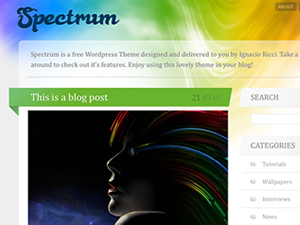
My Project page
git clone --branch master heresh@git.drupal.org:sandbox/heresh/1325968.git spectrum
Its for Drupal 6
Thank for reviewing!
| Comment | File | Size | Author |
|---|---|---|---|
| #6 | Screenshot.png | 79.24 KB | patrickd |
| #1 | Spectrum-node_edit.png | 265.82 KB | kongoji |
| screenshot.png | 88.76 KB | heresh |


Comments
Comment #1
kongoji commentedHi heresh,
good theme, I proceed with a manual review:
1) in your .info file you include files
but I can't find system-menus.css and system-menus-rtl.css
2) Consider adding a style-rtl.css file or an alternative style for LT languages (you can read more here). The included style.css seems to be a RTL stylesheet, I provide a screenshot.
3) Adding a
you are adding a jQuery v1.3.2 on top of the default Drupal 6 jQuery version, without replacing it. It could break some modules.
4) It seems you are working on git master branch, you should switch to a 6.x-1.x branch.
5) In template.php there is a
consider write in only english language, to let translator localize better every sentence.
I add also an automatic review with some code style issue, you can read it here:
http://ventral.org/pareview/httpgitdrupalorgsandboxheresh1325968git
Greetz
Comment #2
kongoji commentedComment #3
heresh commentedThanks Kongoji :)
I'll do my best to fix the problem you mentioned above.
The link u provide is broken. This is my first project, I thought I should work on git master branch. How to switch to a 6.x-1.x branch?
for adding:
scripts[] = js/jquery-min.jsIt doesn't work without it, How should I fix it?
Again Thanks for reviewing my project!
Comment #4
kongoji commentedHi heresh,
sorry for the broken link, the correct link is here:
http://drupal.org/node/1127732
About jquery upgrading, I suggest you to use the noConflict() function, you can read more here:
http://drupal.org/node/1058168
remember to document any "not ordinary" implementation like this inside your theme to make easier for reviewers to review your project.
Cheers
Comment #5
heresh commentedWoW! your are awesome.
Thank you for fast answering.
I include them to avoid core css's because I find myself doing override core css over&over. Is there any way to workaround this problem?
Comment #6
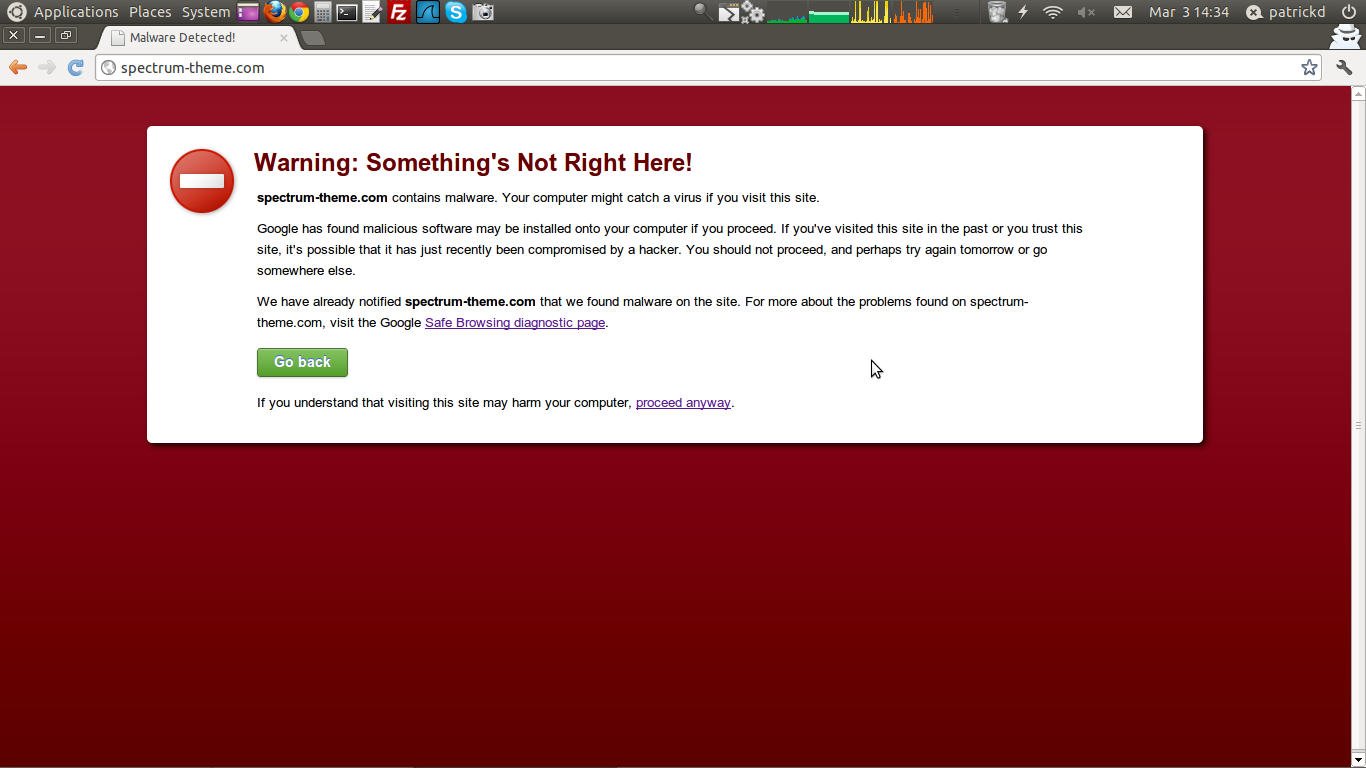
patrickd commentedwhat's going on with your demo-site?
as there are currently many applications in queue we need more reviewers, especially reviewers for themes are rare!
so think about getting a review bonus and we will come back to your application sooner.
Comment #7
kongoji commentedHi heresh,
you're totally right about the way you use to override system-menu css.
I'm sorry, this was my mistake, you can read that your implementation is the right one here (the text in red color): http://drupal.org/node/263967
I'm very sorry about that, I thought you had to create also an empty css file inside your theme directory once you specified it on .info file, but this is not true.
Comment #8
heresh commented@patrickd
This is not my Demo site, actually I didn't create the theme, I just convert it. If you want to see the Demo look over here
Comment #9
patrickd commentedyou should remove it then from your project page (it's the "try out a demonstration link" in the sidebar)
Comment #10
heresh commentedYou are right, I should remove that link. Thank you for pointing that out.
Comment #11
klausiClosing due to lack of activity. Feel free to reopen if you are still working on this application.