

 The 2026 Drupal Business Survey is open. Your response will help shape the future of the Drupal business ecosystem.
After upgrading to 7.x-3.0-rc1+55-dev from 7.x-3.0-rc1+32-dev, when I click on a link, the requested page displayed, but half the admin menus disappeared. I had to clear admin_menu cache to retrieve, but next click made them disappear again.

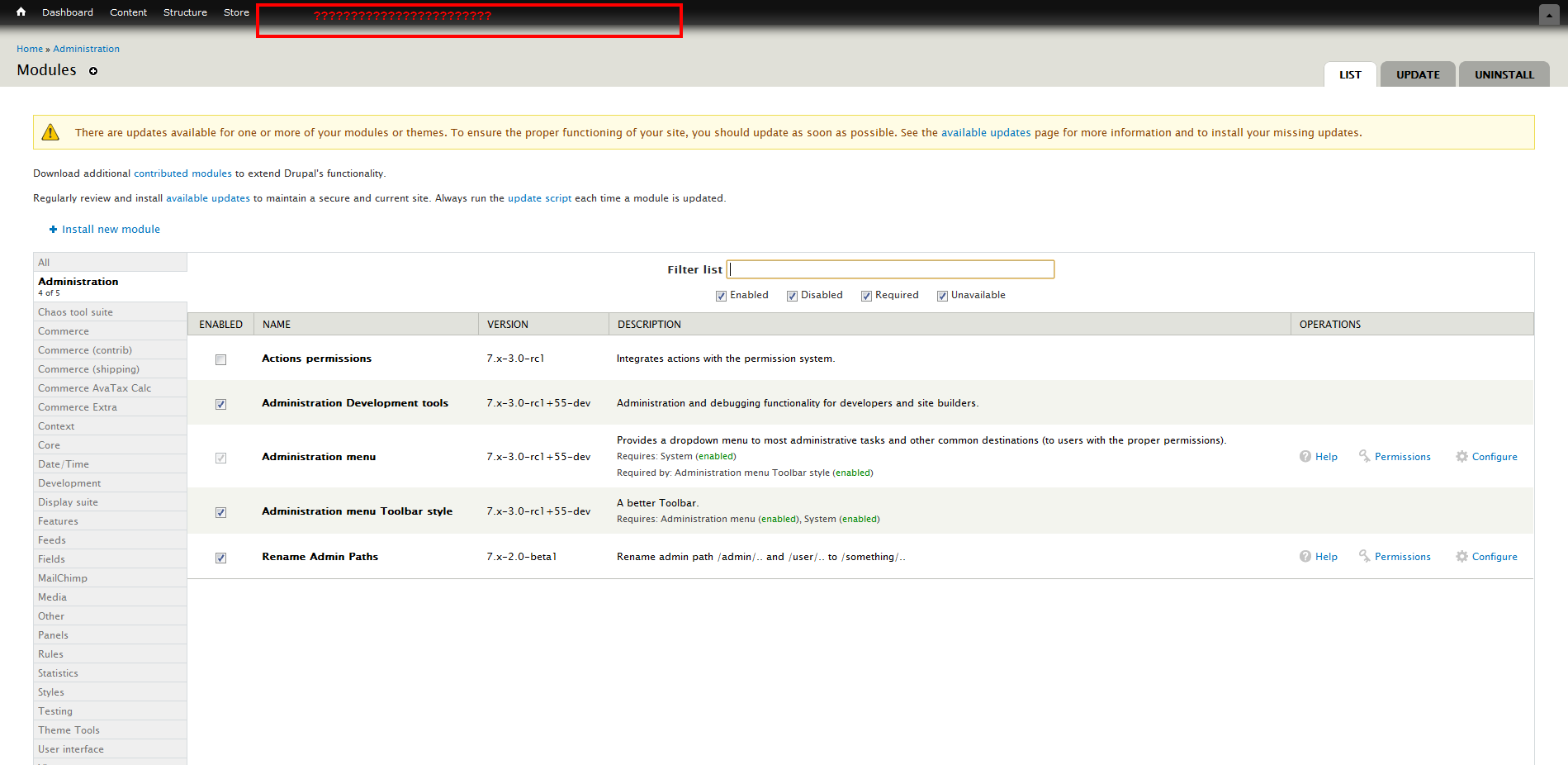
Luckily, drush makes backups, so reverting was easy and fixed the issue for now.
| Comment | File | Size | Author |
|---|---|---|---|
| #13 | after-cache-cleared.png | 9.33 KB | modstore |
| #13 | after-link-clicked.png | 5.75 KB | modstore |
| admin_menu_2.png | 99.97 KB | JSCSJSCS | |
| admin_menu_1.png | 106.02 KB | JSCSJSCS |


Comments
Comment #1
sunI suspect you did not flush all caches after updating.
Comment #2
JSCSJSCS commentedSeveral times. Went back to test with 7.x-3.0-rc1+55-dev and had same problem. Flushed caches some more, several times in an row. Same issue. Went back to 7.x-3.0-rc1+32-dev, fixed. So mark it fixed if you want, but it is not for me.
Comment #3
sunIn case of yes on all counts - can you reproduce this issue in a fresh+clean installation?
Comment #4
JSCSJSCS commented1.) The images show that I am logged in as Admin, which has access to everything.
2.) The images show that the top-level categories include configuration which even core has settings for.
3.) The images show the menu links before the upgrade, so menu links must have been enabled.
I can create a fresh+clean install, but if it works then what? Everyone that wants to upgrade will have a fresh+clean install so that it will work.
Comment #5
floptikal commentedDitto. Got the same issue.
Comment #6
sunComment #7
modstore commentedI have the same issue too. Upgraded from the latest stable to this version.
Cleared cache probably about 10 times now trying to get it working. Menu is fine after cache is cleared, but then once something is clicked, options are gone again until cache is cleared again.
Comment #8
JSCSJSCS commentedI am not able to download 7.x-3.0-rc1+32-dev for further testing. Don't know how.
drush dl admin_menu-7.x-3.0-rc1+32-dev
Could not locate admin_menu version 7.x-3.0-rc1+32-dev, downloading latest stable version
Comment #9
modstore commentedIs there anywhere I can download a previous dev version such as 7.x-3.0-rc1+32-dev? as I need this usable asap for a client. And stable isn't sufficient, as it doesn't hide menu items.
Thanks.
Comment #10
sunI'm still waiting for proper answers to #3.
A plethora of misbehaviors and bugs have been fixed, so a mere screenshot of the previous output doesn't mean anything, because the module's previous behavior was bogus in many areas. It rendered category items that were empty, it rendered links that were actually disabled, and it rendered links to which the logged in user did not have access. All of those bugs are fixed.
I'm not able to reproduce this issue on an existing site, nor in a fresh and clean Drupal installation. It's therefore also important to know whether you can reproduce this issue even in a fresh and clean Drupal installation.
Lastly, it would additionally be helpful to confirm that the links in question have not been moved to somewhere else in the Management menu hierarchy, or possibly even into another menu.
Thanks.
EDIT: Also, is your site upgraded from D6, or did it start from D7?
Comment #11
eeyorrHaving the same problem. Answers to questions in #3:
1) Yes, the user has access to the links. This occurs for user #1.
2) The top level categories are not empty.
3) Yes, the links are enabled in the Management menu.
The site in question was upgraded from D6.
Comment #12
maximpodorov commentedUsing the latest 6.x-3.x-dev brings to the same problem.
Comment #13
modstore commentedIn my case:
1. Yes, happens for user #1 (admin) as well as another role I have that I have given admin access to.
2. No categories aren't empty
3. Yes, all links enabled in management menu
Links haven't been moved, they don't display at all.
My site began as a drupal 7.12 site 2 weeks ago.
Attached 2 screenshots, one directly after cache cleared, showing menu as it should. The second after another page load, when half the items are gone.
Cheers.
Comment #14
modstore commentedUPDATE: just turned off this option "Cache menu in client-side browser" in the admin menu settings, and everything seems to work fine now. :)
Comment #15
eeyorr#14 seems to work for me, as well.
Comment #16
JSCSJSCS commentedThe option to "Cache menu in client-side browser" wasn't in the 7.x-3.0-rc1+32-dev that was working for me. It must be new for the 7.x-3.0-rc1+55-dev that has the problem for upgraders.
#14 worked form me too. Thanks modstore!
I am not one to mess with the menus. It looks line modstore images and mine are similar in that it gets goofed up at the Appearance menu item.
Comment #17
patoshi commented#14 worked for me too.. thanks!
for those stuck go here:
www.???.com/admin/config/administration/admin_menu
Comment #18
DerekL commentedHere Here to Number 14!
I have to learn to stop compulsively updating all my modules ...
Comment #19
mrtoner commentedI duplicated this issue on 6 sites this morning after updating to rc1+55 from rc1 (to avoid the duplicated admin/structure/menus items). In each case, admin_menu failed to display after updating; only after clearing all caches did admin_menu return. Once I clicked on a menu, however, two or four of the top level menus would disappear: Modules (sometimes), Configuration (sometimes), Reports (always) and Help (always). When Configuration did appear, it would be missing most of its items.
On one site, my Management menu was blown up after the update. I had to re-arrange the menu (Administration had no sub-items) and then reset the menu items one by one. Even after doing this, admin_menu failed to work correctly. On another site, three items in the Management menu were disabled; after enabling them, admin_menu still failed to work correctly.
Your questions, sun:
And disabling "Cache menu in client-side browser" solved the problem in each case.
Comment #20
mstrelan commented+1 to number 14. Logged in as user 1.
Comment #21
sunComment #22
sunCan you test whether the patch in #442560: Admin menu disappears (randomly), needs either cache to be emptied on every page or page refresh several times resolves this issue and report back here?
Comment #23
keansmith commented#14 works.
Comment #24
cmedina commentedI have tested the patch in #442560: Admin menu disappears (randomly), needs either cache to be emptied on every page or page refresh several times and I inform you that it works, but I'm still having a problem: the administration menu always is at the top of the browser viewport (even when scrolling the page).
I've tried checking and unchecking the checkbox in the setting but it does not work.
Comment #25
sun@cmedina: Yay! Thanks for testing! The other issue you mentioned is #1086346-5: Better Toolbar does not respect 'Keep menu at top of page' setting, to be fixed over there.
I'm going to commit that patch to 3.x-dev now. Thus, marking as duplicate.
Comment #26
cmedina commentedthanks you sun, now all it's OK.