

Closed (fixed)
Project:
Drupal.org security advisory coverage applications
Component:
theme
Priority:
Critical
Category:
Task
Assigned:
Unassigned
Reporter:
Created:
12 Mar 2012 at 08:13 UTC
Updated:
13 May 2012 at 19:30 UTC
Jump to comment: Most recent file


Comments
Comment #1
patrickd commentedwelcome,
Please take a moment to create a README.txt that follows the guidelines for in-project documentation.
Also add your .gitignore to the .gitignore so it'll be ignored by git.
Please take a moment to make your project page follow tips for a great project page.
The result of automated review looks good.
You can also get a review bonus and we will come back to your application sooner.
regards
Comment #2
adammaloneI've just had a bit of an in depth look at the hiya theme. These are my comments:
Comment #3
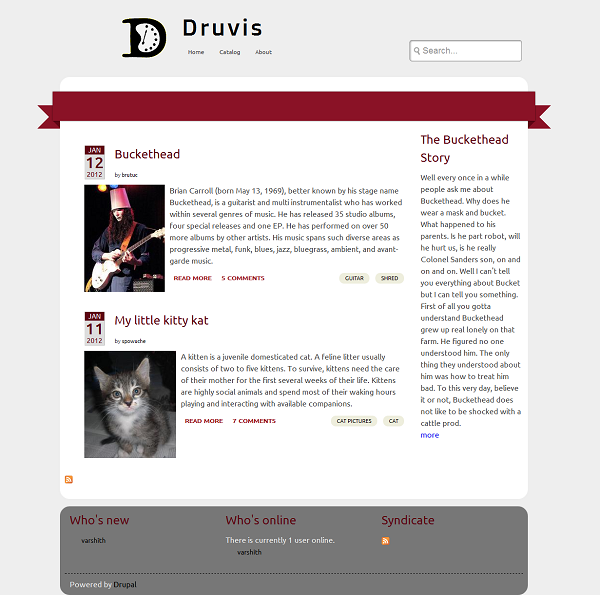
varshith commentedAttaching a screenshot
Comment #4
patrickd commentedChanging the issue title back ;)
Comment #5
varshith commentedThanks patrickd and typhonius for the comments.
Comment #6
adammaloneRegarding the calender image, personally I think that consistency in site design is quite important. With some content types displaying the calendar image and some not it just looks a bit disjointed.
Your argument could potentially be that blogs and articles are time sensitive things that should go on a calendar but what about an 'events' content type? Would that not also require a calendar.
Not marking as needs work as this is just an aesthetic change that I'll leave to the theme dev to decide on, just giving some food for thought!
Comment #7
megan_m commentedThis looks pretty good. I installed it on the test site I'm using for my own theme development and it works reasonably well.
There are a few text elements that could use some attention. Check em tags, h3 - h6, lists, definition lists, tables, and blockquotes. Paragraphs have no margin around them. If you're going to use a CSS reset it's important to make sure all these things get added back in. The Style Guide module can help you to identify things like this when you're working on your theme. Some attention to link hovers would also be helpful. Very few link types have over states, and with some of them (like on the node headers), the change is so subtle it's barely noticeable.
I glanced briefly over the CSS code ... why is there a full CSS reset in a separate file (reset.css), and then another reset in style.css around line 49-117? That's very strange. And, that reset.css is being called last, which means it's overriding and reseting much of what's in the other three files. Why? That's why the text styles aren't appearing properly. They're set in text.css but then cleared by reset.css.
It would be helpful to put some comments in your CSS to mark different sections and keep the code organized.
Comment #8
varshith commentedThank you drupalchick for your comments. I will fix all the CSS issues and add comments to them too. The Style Guide module is really helpful.
typhonius, thanks for your input. I will look into it too.
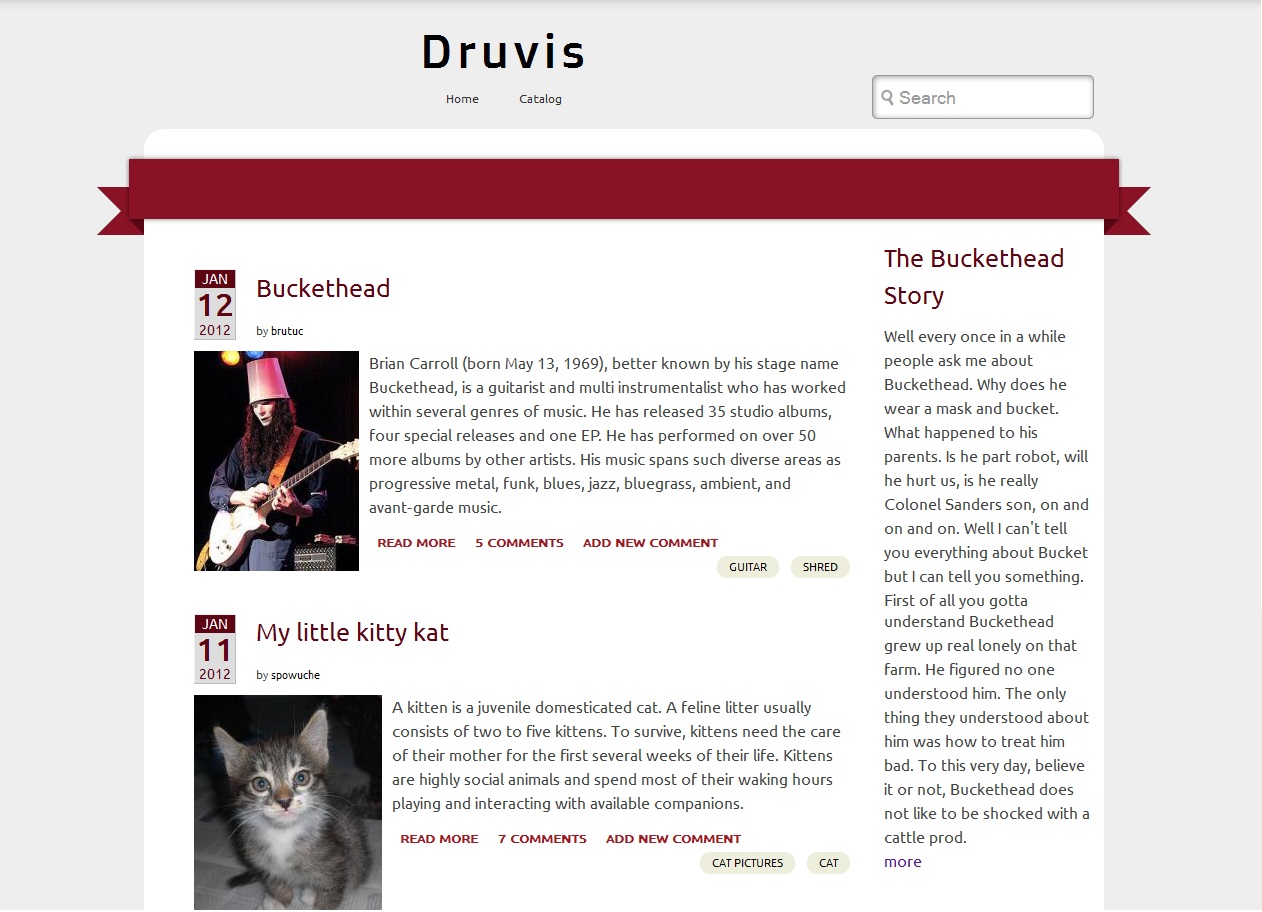
(I am attaching a full screen view of the site)
Comment #9
varshith commentedI have fixed all the review comments. Thanks for taking the time to review my theme.
Comment #10
lukas.fischer commentedI installed the theme on my local machine. Played around and reviewed code. For me it looks good.
I found:
Comment #11
varshith commentedThanks for the review lukas.fischer
Comment #12
varshith commentedComment #13
varshith commentedComment #14
crobinson commentedThese changes look good to me. I have some final comments but to me these are minor "TODO" items, not release blockers. I'm therefore marking this as reviewed.
1. README.txt is excessively delimited - a single line of ---- under a heading is fine for a one-page file!
2. There's extra whitespace in the template files that doesn't add to readability (node--article.tpl.php, multiple blank lines in between blocks, but not the same amount - sometimes 2, sometimes 1, sometimes 3). It's only a few extra bytes but it would be nice to be consistent.
3. It wasn't obvious to me after installing it how to switch between the two layouts. It would be very nice if this was a theme setting or exposed to CTools in some way so a Panels/Context based site could set it, or if it hooked a class instead of a variable for the same reason.
4. The theme overrides traditional form elements like author, which is common, but until I poked through template.php I didn't realize what it was doing specifically for articles and blogs (when I tested it, I didn't have these types enabled until I started reading the code). It would be nice to call these behaviors out in the README.txt file for admins who are new to the theme.
5. The JS file uses a document ready() rather than a Behavior. This isn't forbidden - Behaviors are preferred, but there are use cases where document ready calls are correct. This particular one is a grey area because you're almost never going to see the search form loaded via AJAX, and certainly not as you use it in your theme. I recommend documenting this decision in the comment block above the function (or implementing it as a Behavior, where there would be no concern).
6. Because your CSS file spans many pages, as a convenience for themers new to your project it would be a good idea to add comment blocks above major groups.
In the end, I believe these are nice-to-haves that should be worked on over time, but not necessarily as blockers to this becoming a full project. As a starting point for general theming work I think this is a good basis, it is usable as-is out of the box, looks good, and does not have any significant problems that I was able to find.
Comment #15
sreynen commentedHi varshith,
Thanks for your contribution and welcome to the community of project contributors on drupal.org.
I've granted you the git vetted user role which will let you promote this to a full project and also create new projects as either sandbox or "full" projects, at your discretion.
Now that you've experienced the full review process, please consider reviewing other projects that are still awaiting review. Anyone can help with reviews, following the guidelines.