

Closed (duplicate)
Project:
D7 Media
Version:
7.x-2.x-dev
Component:
Media Browser
Priority:
Normal
Category:
Bug report
Assigned:
Unassigned
Reporter:
Created:
26 Mar 2012 at 21:30 UTC
Updated:
10 Apr 2014 at 10:45 UTC
Jump to comment: Most recent, Most recent file


Comments
Comment #1
dddave commentedPlease test with the latest dev to see if this problem persists. If so, could you please check for script errors or such with firebug or chromes dev tools?
Comment #2
seanrJust got it again trying to post a video after the upgrade. There is nothing in Chrome's error console. See attached.
Comment #3
dddave commentedI am going to try to recreate this tonight. Does this only happen with Chrome? Are you testing on a vanilla instal or do you have other modules in use which could interfere?
Comment #4
seanrLooks like a Chrome/webkit issue to me right now, but it is fairly intermittent even then. Often reloading the page and trying again will make it work, and sometimes it's only when it's the second item in the page. It's just generally pretty erratic. We do have other modules installed, but none that should be interfering with the javascript on the node/edit screen other than WYSIWYG. We're using the default D7 admin theme on node edit pages. There aren't even many custom fields on this content type, just a couple of checkboxes, a text field and an image field in addition to the body. I will try to retest on a perfectly clean install and see if that has any impact.
Comment #5
dddave commentedSo far I wasn't able to reproduce this with latest media2 dev. Might be some odd interference...
Comment #6
seanrStill doing it for me with the dev version. What other modules are known or suspected to interfere with it?
Comment #7
dave reidI would be checking your browser's JavaScript console for JS errors. Not sure if that's been answered or not. The modal's iframe could actually be loading your site's default theme and not your admin theme so it could be some kind of conflict. JS console is the best way to find out.
Comment #8
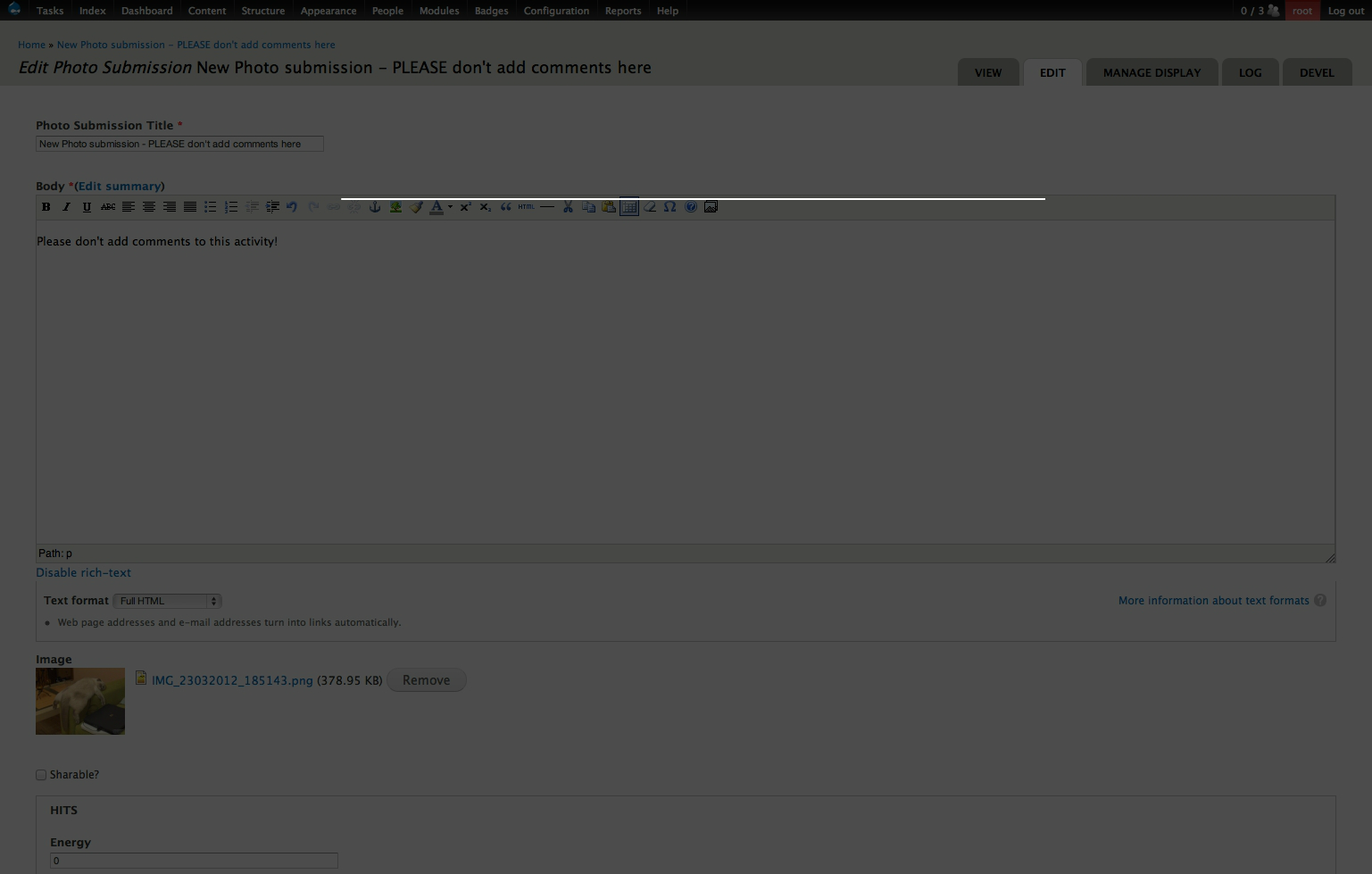
stephen Piscura commentedI'm actually running into the same thing in Firefox, only i can see overlay and nothing else. So to be clear, when i click "Select media", an overlay comes up and nothing else. The overlay remains until i refresh the page.
This same behavior happens using both the 7.x-2.0-unstable3 and 7.x-2.x-dev versions.
I'm at a complete loss here. I've cleared caches, run updates, run cron, etc. At this point, i don't even have the beginning of an idea about how to troubleshoot this. The site is more or less crippled for my client until i can fix it.
Out of desperation, i'm posting the console log, but i don't possess the sorcery necessary to discern and act upon it.
So this is me putting out an SOS.
Comment #9
dave reidGET http://legationagallery.com/media/browser?render=media-popup&types%5Bima... [HTTP/1.1 500 Internal Server Error
This sure sounds like the problem. I would check your admin/reports/dblog page or your server's error logs for PHP fatal errors as to why this happened.
Comment #10
dddave commentedAre you using translated interfaces? #1364640: Upload popup window doesn't work with translated interface
Comment #11
seanrIn my case, it only fails in webkit, and there are no javascript errors in the console and no errors recorded by Drupal either. Reload the page and the popup works just fine. It's all very bizarre to me.
Comment #12
stephen Piscura commentedThanks Dave,
I thought as much. I don't yet have a sense of how to correct this internal server error (and thus the problem persists). I've got to get someone more equipped than myself to look under the hood. In any case, your response is greatly appreciated.
Comment #13
kevcol commentedI get the same behavior in Firefox as Stephen when I allow anonymous users to upload embedded YouTube and Vimeo video.
"I'm actually running into the same thing in Firefox, only i can see overlay and nothing else. So to be clear, when i click "Select media", an overlay comes up and nothing else. The overlay remains until i refresh the page. only i can see overlay and nothing else. So to be clear, when i click "Select media", an overlay comes up and nothing else. The overlay remains until i refresh the page."
When I am logged in, this isn't a problem. But I was trying to allow anonymous users to add video links.
I dunno if that wrinkle helps.
Not sure if it's related, but I see watchdog errors that say "page not found - misc/jquery.cookie.js"
Comment #14
dddave commentedThis info in #13 seems relevant. @seanr are you an anonymous user, too?
Comment #15
stephen Piscura commentedUpdating to media 7.x-2.0-unstable4 solved my problem. Magically.
Thank you Drupal community, for always making things better.
Comment #16
prins310 commentedRe: Status: postponed (maintainer needs more info)
Drupal Gardens also seems to have been affected by this bug. See forum-post:
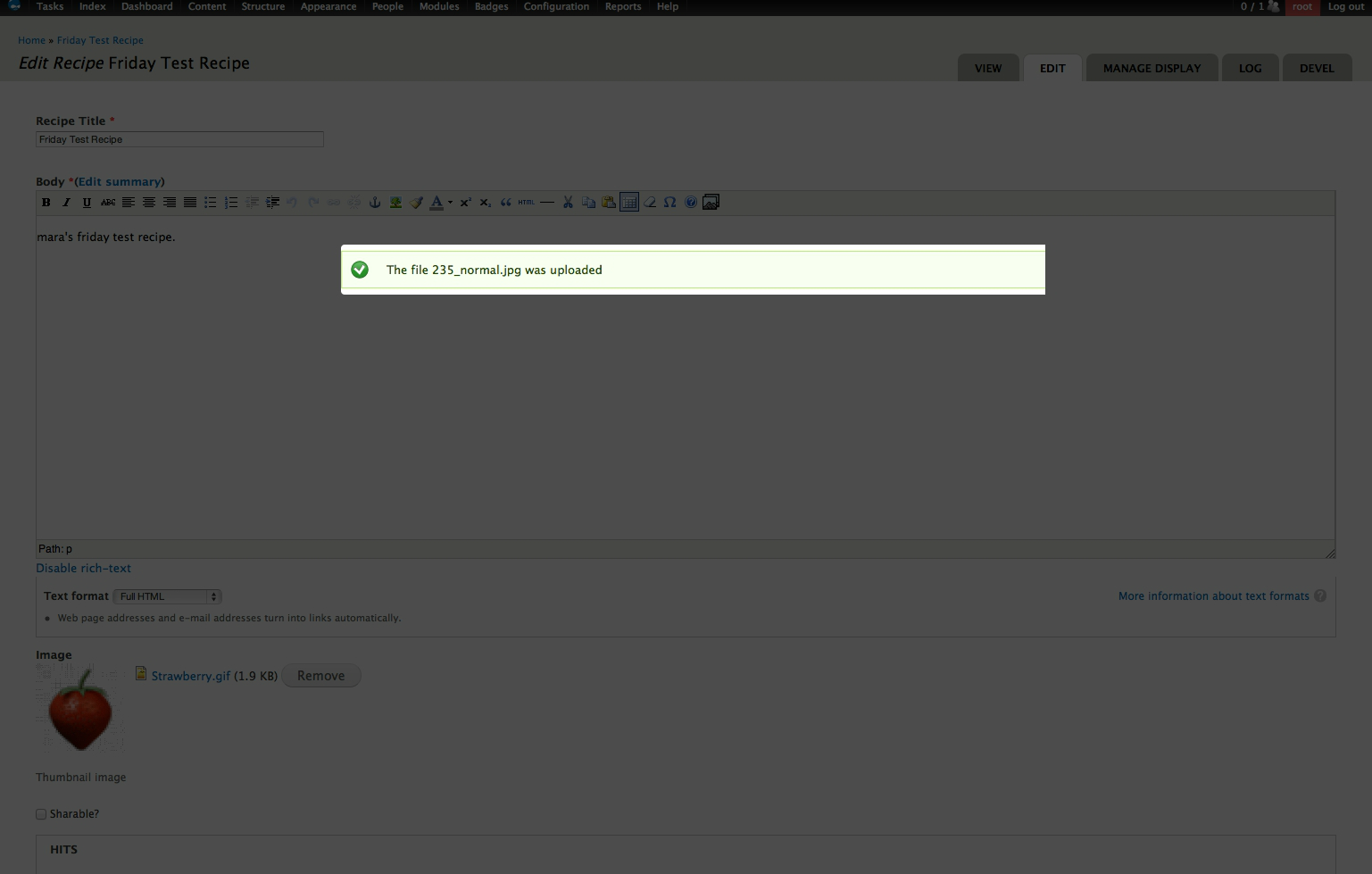
Editor hangs on "success message overlay" after media upload
at
http://www.drupalgardens.com/content/editor-hangs-success-message-overla...
The issue, tracking internally as DG-1848 at Aquia.
Maybe the team at DG can provide more info, so this bug can be assigned and fixed.
Comment #17
prins310 commentedHere is a typical error message I get in the console of Safari 5.1.7 when trying to add media to a page:
Does that help to pinpoint what causes the issue?
P.S. I am running Media 7.x-1.1 and Media Browser Plus 7.x-1.0-beta3
Comment #18
prins310 commented#10 provided the answer for me, as I use a translated interface.
See: http://drupal.org/node/1364640
Patch #3 successfully fixed my stuck in overlay after upload problem with Media 7.x-1.1.
Thanks dddave for pointing me in the right direction!
Comment #19
dave reidLooks like we have multiple reports that this was fixed by #1364640: Upload popup window doesn't work with translated interface which has been committed to the latest 7.x-2.x and 7.x-1.x.
Comment #20
alibama commentedupdated to the latest media 7x-2x and it's still breaking on both chrome and safari mac
Comment #21
idiaz.ronceroSame happens to me in 1.x.
Erratic behavior, though - it happens some times, others it's ok.
Using commerce kickstart 2.3