Needs review
Project:
BlueMasters
Version:
7.x-1.3
Component:
Miscellaneous
Priority:
Minor
Category:
Task
Assigned:
Reporter:
Created:
28 Mar 2012 at 18:20 UTC
Updated:
5 Apr 2012 at 01:42 UTC


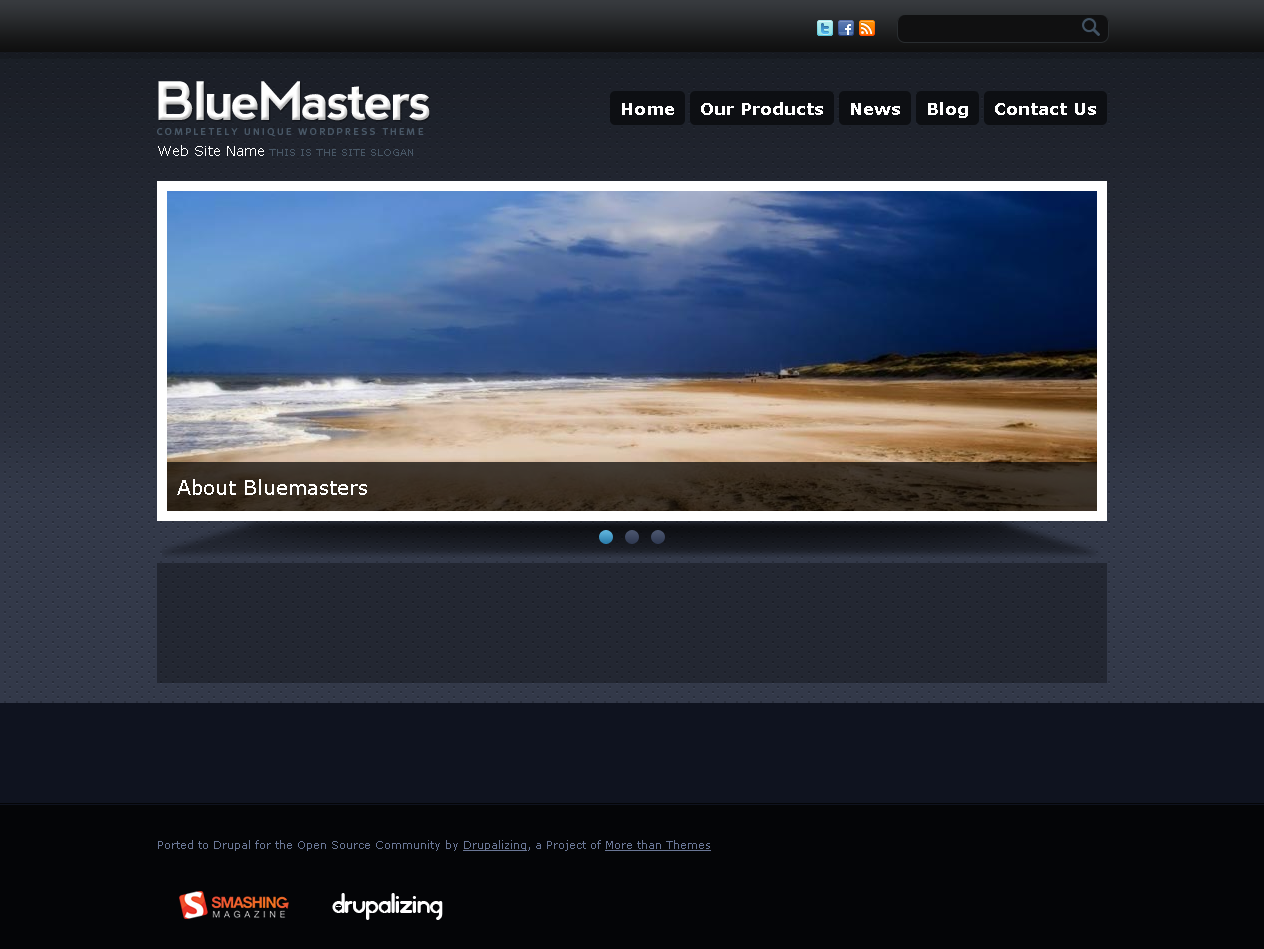
Using a clean installation of D7 and BlueMasters, the "Main page content" block in the Content region is not displayed. In fact, anything placed in that region is not displayed. Please see the attached image. I tested this in Firefox and IE, with all ad blockers disabled. In Firefox, the error console indicates no errors.
Any ideas what might be going wrong?
| Comment | File | Size | Author |
|---|---|---|---|
| BlueMasters.png | 462.99 KB | mjross |

Comments
Comment #1
Homotechsual commentedThis is by design.
Bluemasters uses a custom front-page template which has a number of block regions...
Read the documentation here:
http://wiki.morethanthemes.com/index.php?title=Blue_Masters_7.x
If you want the normal drupal front page (you'll lose the slideshow without making changes to the theme):
Remove the "page--front.tpl.php" file from the theme directory.
If you want the normal drupal front page (AND the slideshow/banner on ALL pages):
Open file: "template.php"
Change:
To:
Open file: "page.tpl.php"
Find:
</div><!--EOF:header-->After, add:
Remove file: "page--front.tpl.php"
Create an HTML block (Admin/Structure/Blocks/Add)
Insert:
Assign the block to the "banner" region.
Comment #2
Homotechsual commentedChanging status(es)