Closed (fixed)
Project:
Zen
Version:
7.x-5.x-dev
Component:
IE problems
Priority:
Normal
Category:
Support request
Assigned:
Unassigned
Reporter:
Created:
2 Jun 2012 at 17:18 UTC
Updated:
12 Aug 2013 at 20:41 UTC


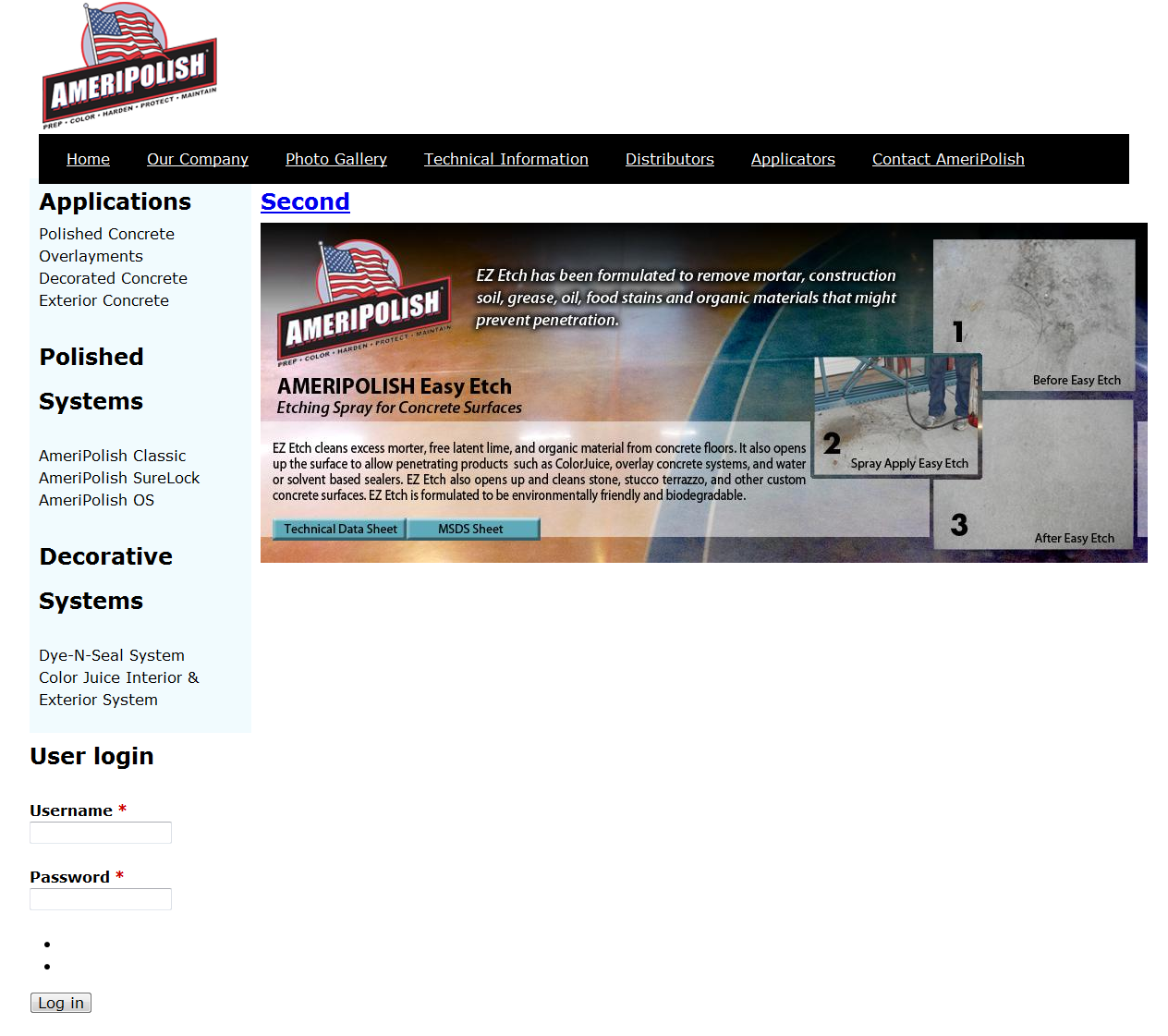
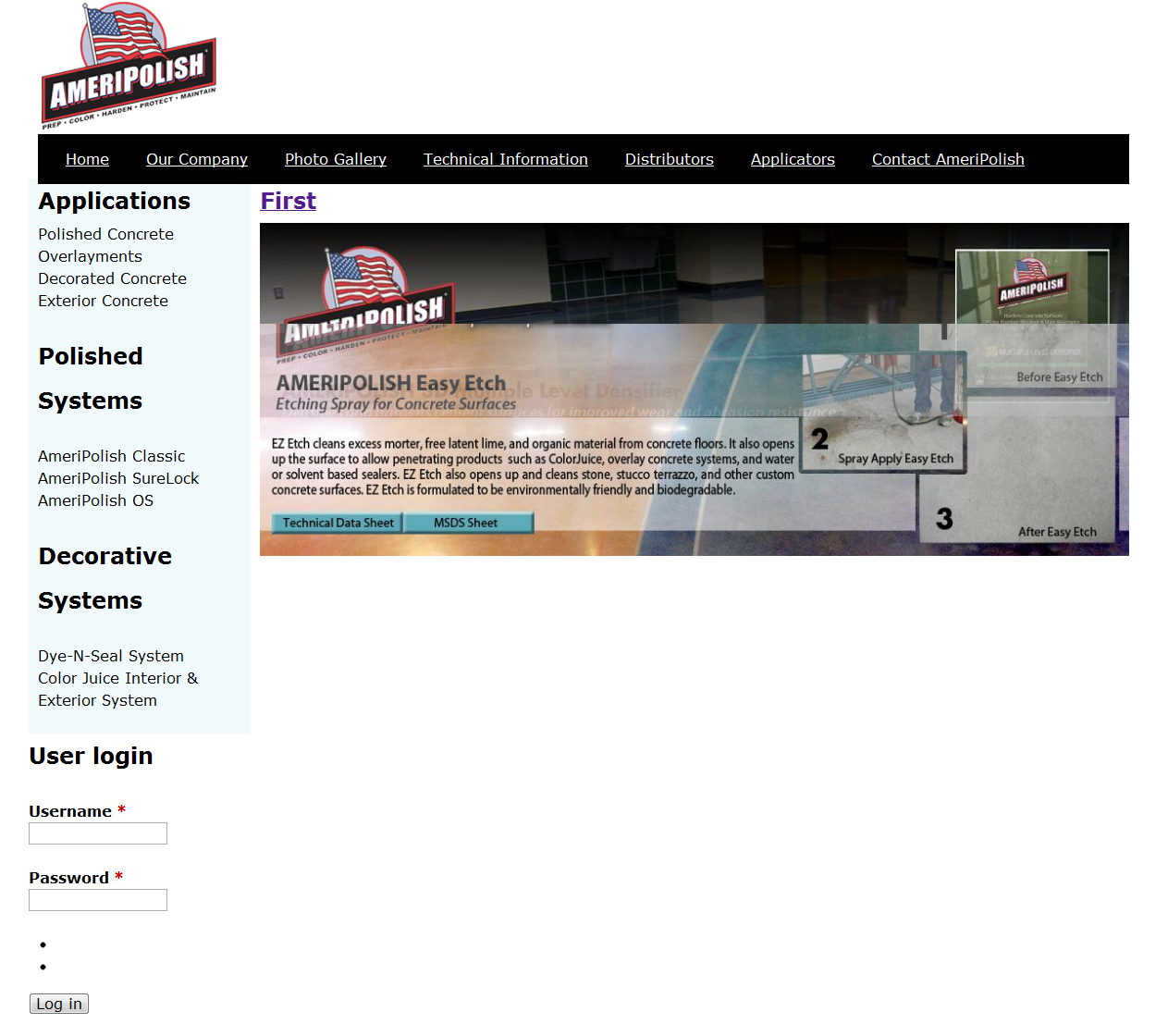
I am trying to avoid enabling "Aggregate / Compress CSS" but it seems that if I don't do Zen does not work with IE8. And if I enable compress it creates different css files that don't live inside of my sub theme. Can someone please to a look at my screenshots attached and see what could be going wrong?
| Comment | File | Size | Author |
|---|---|---|---|
| IE.png | 115.5 KB | spasebar | |
| firefox.png | 638.91 KB | spasebar | |
| chrome.png | 555.14 KB | spasebar |


Comments
Comment #1
vm commentedhow many stylesheets are included in the head? IE: has issues with serving more than 31 stylesheets. The fact that CSS aggregation, moves the aggregated file to the files folder and out of the subtheme shouldn't be an issue as your changes should still go into the subtheme css files, and when cache is cleared the aggregated CSS file is rewritten.
Comment #2
spasebar commentedHi VM, to answer your question regarding how many CSS are in the head, I don't know :( I am new to all of this and really am trying to figure out this huge learning curve. I know a little but not as much as everyone else on here it seems. To found out how many CSS files are in the head, where would I look?
Comment #3
jay-dee-ess commentedI have the same problem [edit - should note that I'm not using jQuery cycle here]
Aggregate CSS is on and there are just four CSS files in head.
Comment #4
johnalbinIE has a limitation on how many stylesheets it will load. That's one of the problems that the CSS aggregator fixes. While developing you can use this module: http://drupal.org/project/ie_css_optimizer
Comment #5
Belaselm commentedI had the same error in IE8 and IE7, but it vanished when I changed the responsive sidebars to fixed-width. Maybe responsive sidebars can't determine the page width in IE7 and IE8, and use 0 width?
Comment #6
kristi wachter commentedAnother thing to try is overriding or disabling the
img { max-width: 100%; }
code in your CSS - that solved the Zen + IE8 + jQuery Cycle problem for me (even with CSS aggregation turned off).
Comment #7
maximpodorov commentedI confirm that
img { max-width: 100%; }
breaks images in IE8 if they are not in elements with the specified width (the example is image inside inline element). This is really annoying. Is it possible to provide the solution for this problem?
Comment #8
echoz commentedCheck if you are using the version of normalize that added width: auto; for IE 8, following the max-width: 100%;
Comment #9
johnalbinLooks like the answer has to do with the max-width and width properties. Nice work, everyone!
Comment #10
maximpodorov commentedWill you commit a fix for this bug?
Comment #11
johnalbinIt was. See #1782090: Responsive images in IE8, height isn't adjusted
Comment #12
maximpodorov commentedNo, the bug (maybe different) is still exists. See my comment #7. Do you need an example illustrating the problem?
Comment #13
echoz commented@maximpodorov, this issue touched on a few different things, why don't you open a new one if your's is not the same as the OP.