

 Come together with the global Drupal community in Rotterdam, 28 Sept – 1 Oct 2026. Sessions, contribution, connection, and Early Bird savings until 8 June.
Dear anyone who could solve my problem,
I am trying to do the Taxonomy Access configuration so that some of my pages are accessible only for premium users but I cannot make it work, because it doesn't reject the access of authenticated users. The configuration I carry out run as follows, step by step:
1-Download taxonomy_access 6.x-1.3 module, copy to \private_html\sites\all\modules
2-Activate modules: 'Taxonomy Access Control' and 'TAC fields'
3-Permissions (/admin/user/permissions):
-'Administer nodes unchecked' for authenticated users
-'Access content' checked for authenticated users
- All 'create [type] content' checked for authenticated users
- All 'delete any [type] content' unchecked for authenticated users
- All 'edit any [type] content' unchecked for authenticated users
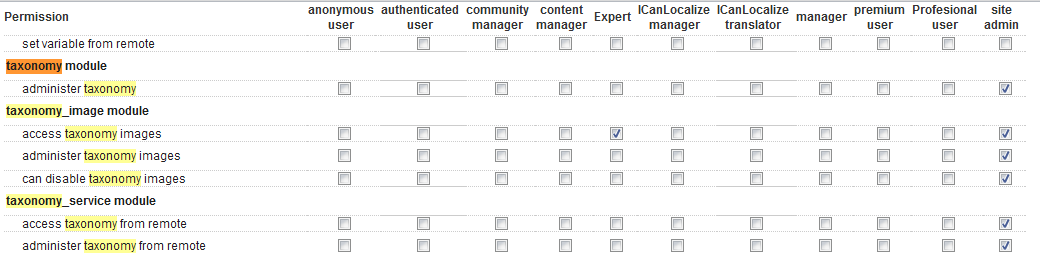
4-My 'taxonomy access' related permissions, view table.
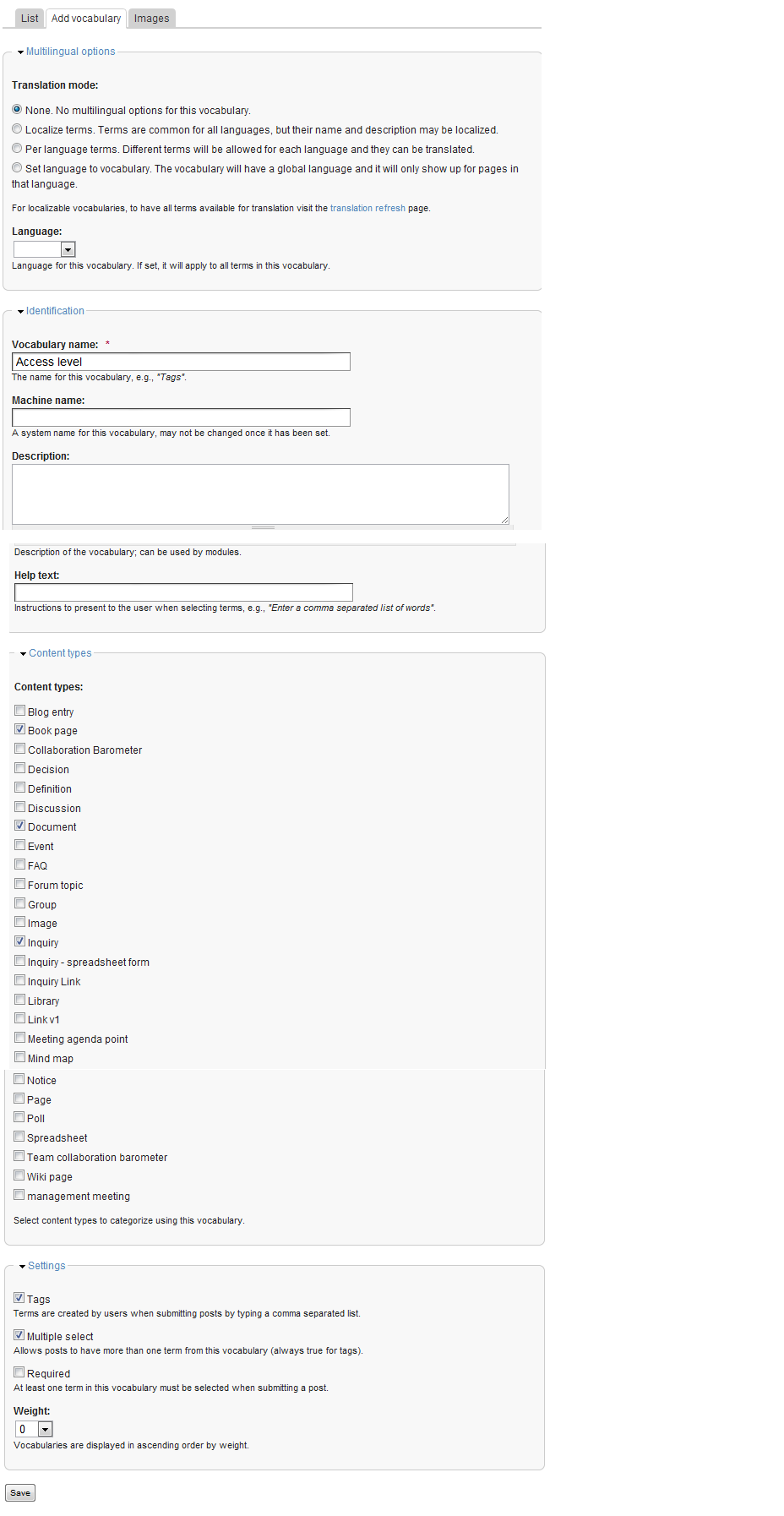
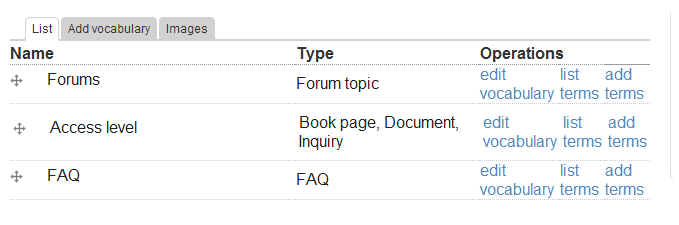
5- In /admin/content/taxonomy I create 'Access level' vocabulary and add the term 'Premium content'

6- Create a 'Premium customer' role.
Then, the next step is "Add an "Access level" term reference field to the core page content type, using the "Access level" vocabulary." But I haven't got the "term reference" option, I show in the next picture all the options I got. From here on I don't know how to finish the configuration. I tried with some type of fields but none of them work.

To finish the configuration I went to /admin/user/taxonomy_access and edited both authenticated user, denying all permissions (view, edit and delete) and Premium customer, allowing all the permissions to make the test. Then, I edited a document and add "Premium content" term into the access level field, but never managed it to work.
Besides, I don't really know what to do with TAC Fields configuration.
| Comment | File | Size | Author |
|---|---|---|---|
| Taxonomy access permissions.png | 21.6 KB | surjas | |
| 'Premium content' term adding.png | 55.82 KB | surjas | |
| Access level vocabulary.png | 11.14 KB | surjas | |
| 'Access level' vocabulary creation.png | 83.74 KB | surjas | |
| Access level field.png | 20.72 KB | surjas |


