

Postponed
Project:
AT Panels Everywhere
Version:
7.x-3.0-rc1
Component:
Code
Priority:
Normal
Category:
Support request
Assigned:
Unassigned
Reporter:
Created:
23 Sep 2012 at 12:52 UTC
Updated:
7 May 2014 at 17:16 UTC
Jump to comment: Most recent


Comments
Comment #1
nlambert commentedI came here looking for an answer to this very question.
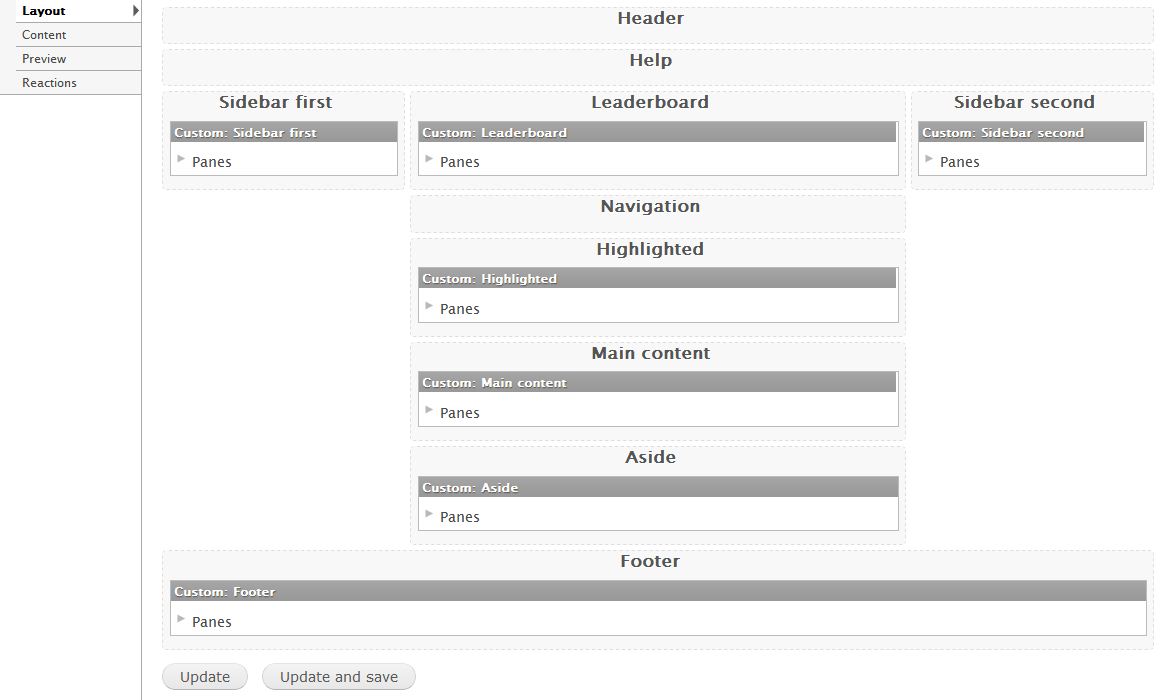
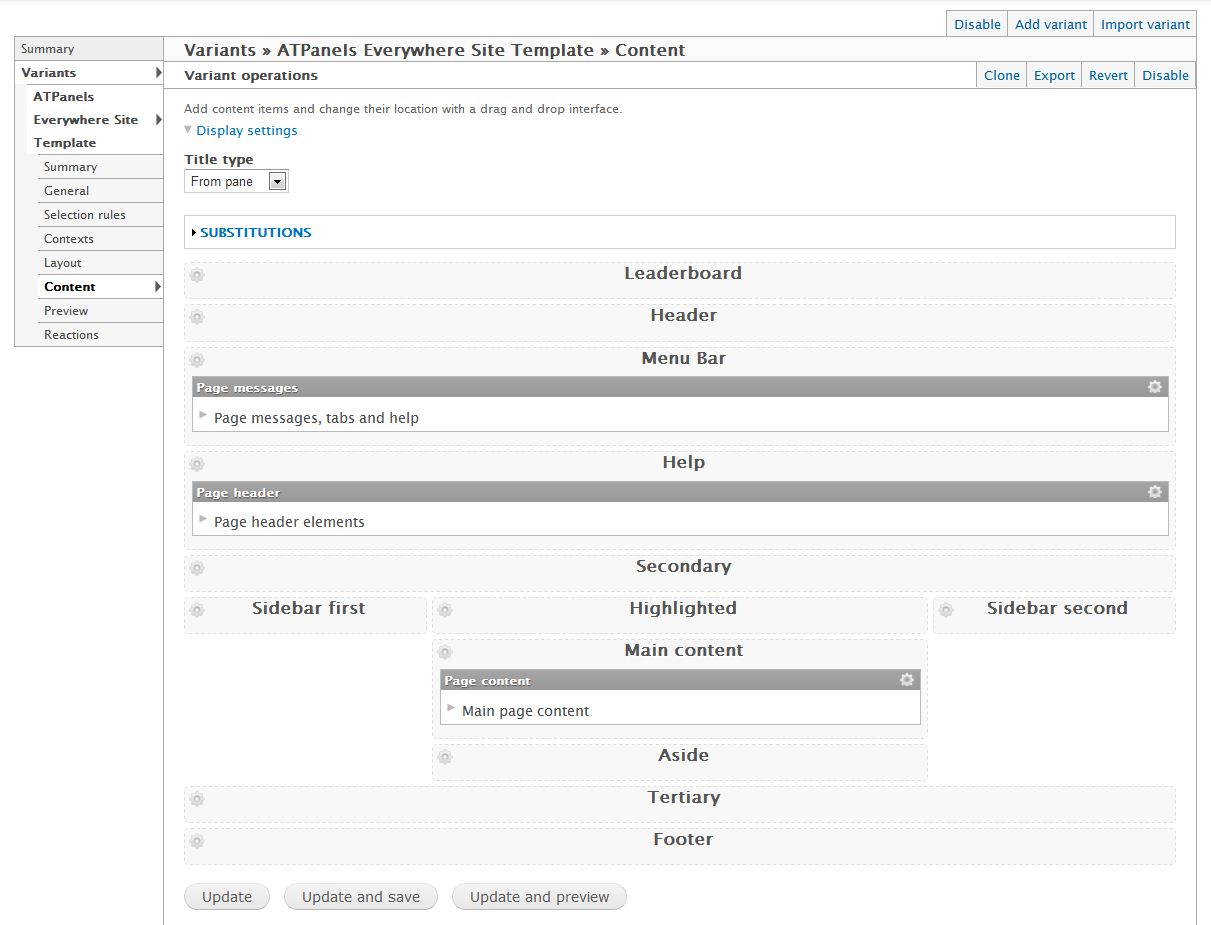
The only way I can see to solve this problem, is to have separate layouts for page level and content level.
Comment #2
damienmckennaIt isn't a bug, it's an undocumented feature =)
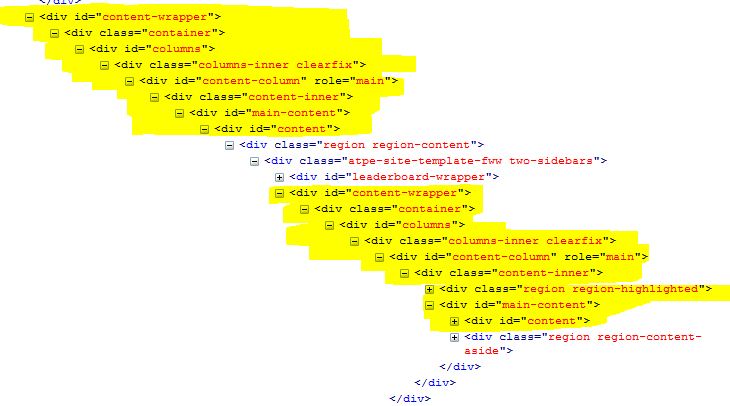
The templates for the layout control what DIVs are used for each region, so I suggest splitting up the layouts into ones suitable for the whole page (Panels Everywhere) vs for the content area (Panels & Panelizer)?
Please follow #2261183: Layout within layout causes duplicate html where we'll work out the best solution, possibly including an API change, and then we can go from there.