

Closed (fixed)
Project:
BlueMasters
Version:
7.x-1.x-dev
Component:
Code
Priority:
Normal
Category:
Bug report
Assigned:
Unassigned
Issue tags:
Reporter:
Created:
19 Oct 2012 at 17:12 UTC
Updated:
20 Apr 2020 at 18:57 UTC
Jump to comment: Most recent, Most recent file

Comments
Comment #1
Quadders commentedFixed it myself
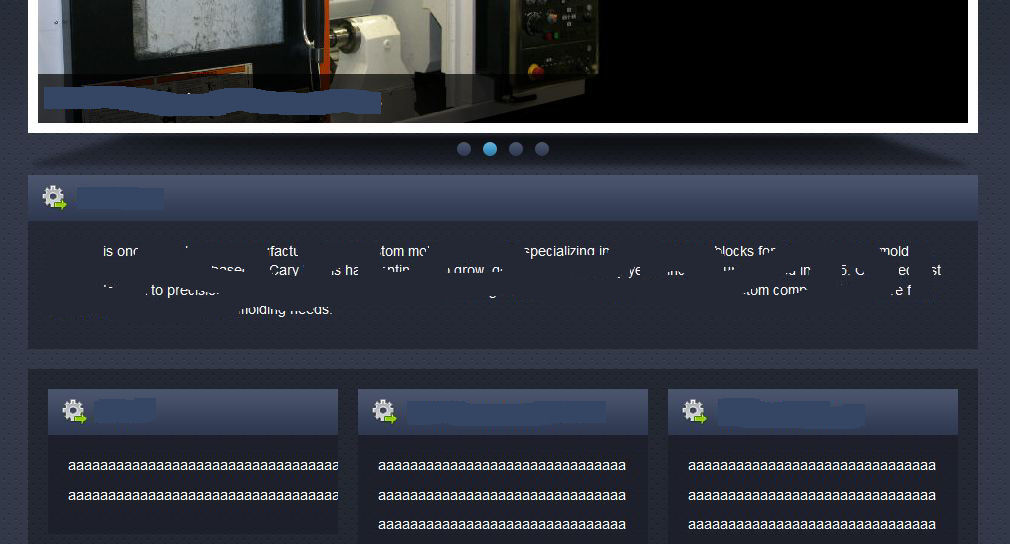
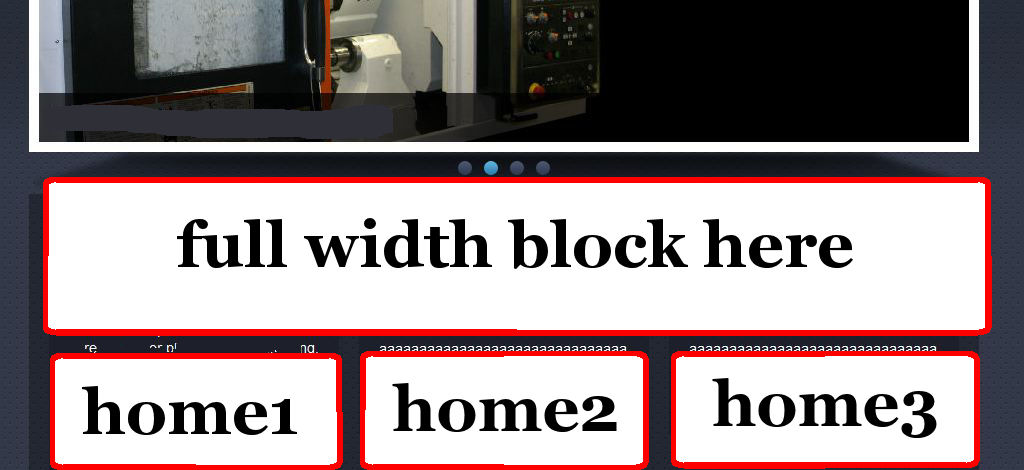
This is how i added the extra block i wanted.
first off in the bluemasters info file i added the region
regions[mission] = mission between the highlighted and content region.
Then i added the following code to the page--front.tpl.php file
if ($page['mission']):print render($page['mission']);endif;Finally i added the following css to the style.css file to match the rest of the blocks. I had to add this after the home blocks area but before the footer area started.
/*
* mission
*/
#mission .region-mission { background:url(images/home-block-header-bg.png) repeat-x top; repeat-x top; padding-bottom:20px; }
.mission .block { width: 950px; float:left; }
#mission .block { background:url(images/home-block-header-bg.png) repeat-x top; padding-bottom:20px; }
#mission .block h2 { height: 36px; font-size:20px; font-weight:bold; color:#ffffff; margin:0; padding:10px 0 0 20px; }
#mission .region-mission .block h2 { background:url(images/icons/man-icon.png) no-repeat 13px 10px; padding:10px 0 0 49px; }
#mission .block .content { background:url(images/sectionbg.png); padding:20px; display:block; overflow:hidden;
font-family: Arial, Helvetica, Sans Serif; font-size: 14px; color: #ffffff; }
Don't forget to clear all sites cache once you upload all the new files.
I think all the coding is correct and did try to include a screen shot but it won't let me. :|
Thanks
Quad.
Comment #2
Quadders commentedScreenshot for the above.
Sorry.
Comment #3
Quadders commentedIssue fixed
Sorry not sure on all the options on this forum.
Still learning but hope my info helps anyone else looking for the same sort of thing.
Best wishes
Quad.
Comment #5
avpaderno