

Closed (fixed)
Project:
Commerce Kickstart
Version:
7.x-2.0-rc2
Component:
Miscellaneous
Priority:
Normal
Category:
Support request
Assigned:
Unassigned
Reporter:
Created:
29 Oct 2012 at 15:56 UTC
Updated:
3 Sep 2013 at 08:01 UTC
Jump to comment: Most recent file

Comments
Comment #1
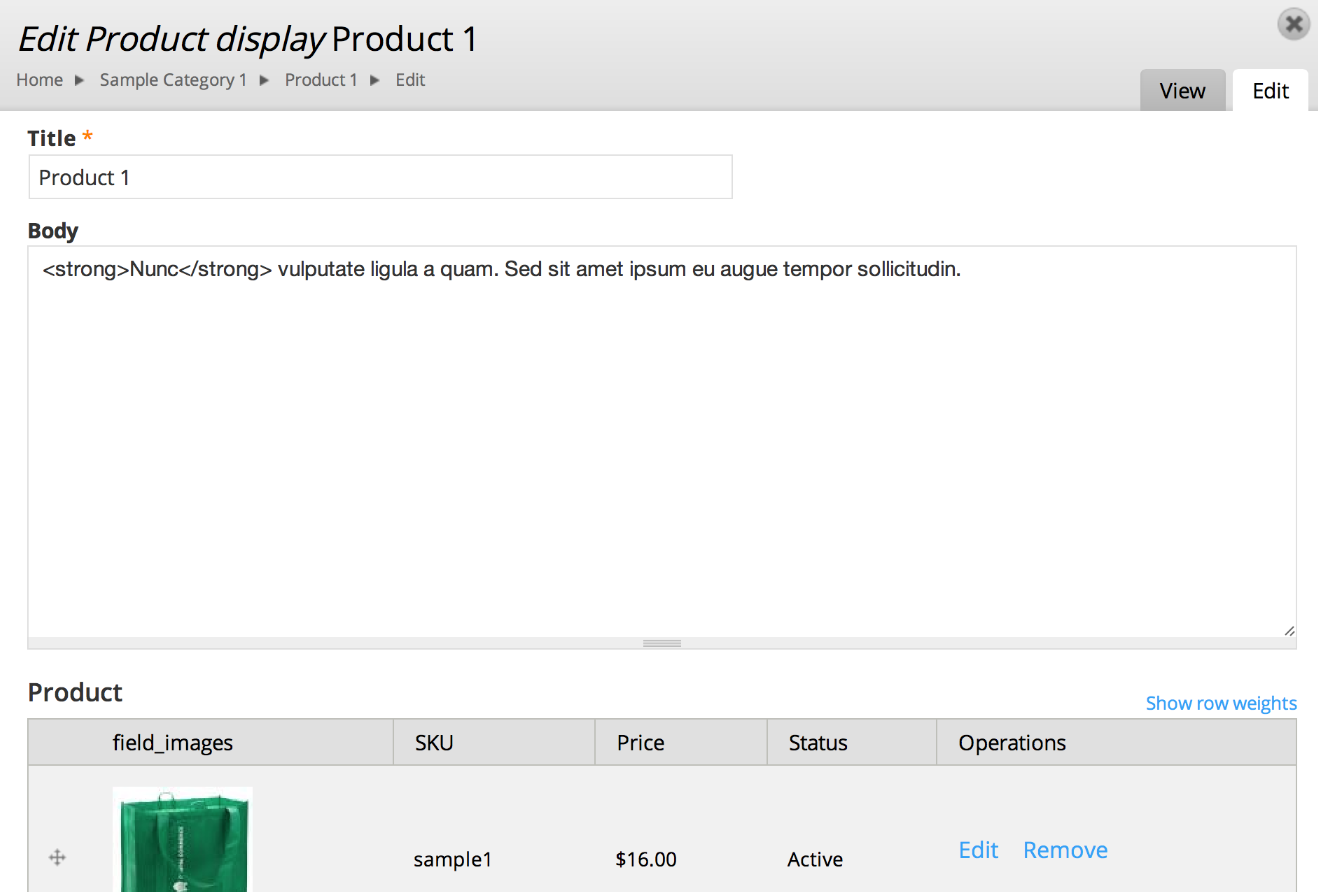
lsolesen commentedCould you provide some screenshots of the problems and the setup of your text formats and please try with version Kickstart 2.1.
Comment #2
pmaslov commentedIn Kickstart 2.2 I don't see "Text Format" selector below the text area fields such as "Body". I am logged in as administrator and all the settings are default. Administrator is granted several text formats, so I would expect the drop down allowing to select which format to apply.
Comment #3
pmaslov commentedI have realized that I can edit content type and in "manage fields" can specify "Text Processing" = "Filtered Text" instead of "Plain Text" which causes text formats selector to show up for that field (e.g. for "Body")
Comment #4
vasikei think this is solved. Commerce kickstart installation does set the "Text Processing" = "Filtered Text" for the body fields by default.