

Closed (works as designed)
Project:
Media: Vimeo
Version:
7.x-1.0-beta5
Component:
User interface
Priority:
Normal
Category:
Support request
Assigned:
Unassigned
Reporter:
Created:
5 Nov 2012 at 10:30 UTC
Updated:
16 Dec 2014 at 22:45 UTC
Jump to comment: Most recent

Comments
Comment #1
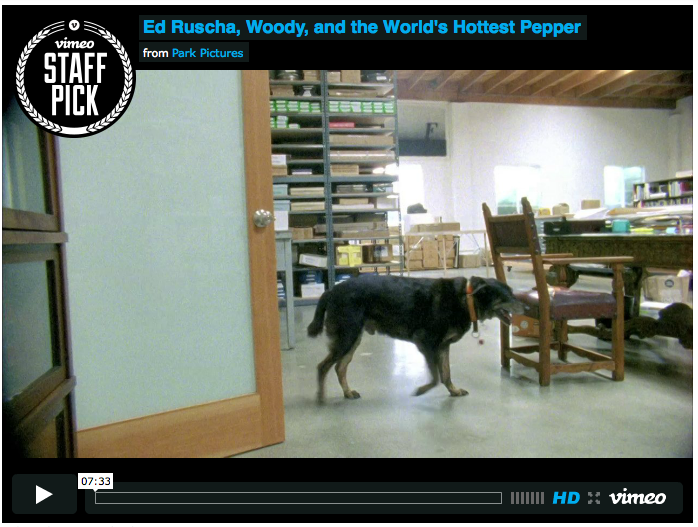
gmclelland commentedI seem to be getting the same thing.
Comment #2
gmclelland commentedGot it working, make sure the height and width at /admin/structure/file-types/manage/video/file-display
is set to a proper ratio, see http://clipstream.com/help/video3/aspect_ratios.shtml for ratios.
Once I changed the width from 390 to 360, the black bars disappeared. Make sure the width matches the type of video ratios you are displaying.
Comment #3
brightboldThank you so much @gmclelland! I had been reluctant to put fixed pixel amounts in those fields because my site is responsive, but your solution is the ticket: just put in measurements that provide the correct aspect ratio and FitVids will take care of the rest.