
Synchronize Ooyala Labels and Taxonomy
The Ooyala Taxonomy module allows for each Drupal vocabulary to be synced with Labels in the Ooyala Backlot. Both free-tagging and hierarchal taxonomies are supported.
Drupalize.Me has several free videos on using Taxonomy to leverage Ooyala...
Configuring Taxonomy for Ooyala
Using Taxonomy to Create a Filtered View
Creating an Ooyala Slideshow with Views and Taxonomy
The simplest method to see taxonomy sync in action is to enable the Ooyala Label Example module. This module will add a Tags field to the Video content type ready to be synced with Ooyala. Note that since Ooyala Labels have unique identifiers, you will have to manually connect the vocabulary to the Ooyala label.
Before enabling the module, first create a Tags label in the Ooyala Backlot to hold all of your tags. Since the backlot has no concept of a vocabulary, a top-level label is used instead as a container for sync'ed Drupal terms.

Enable the Ooyala Label Example module, and set the connection to sync the Tags vocabulary on the Ooyala settings page.
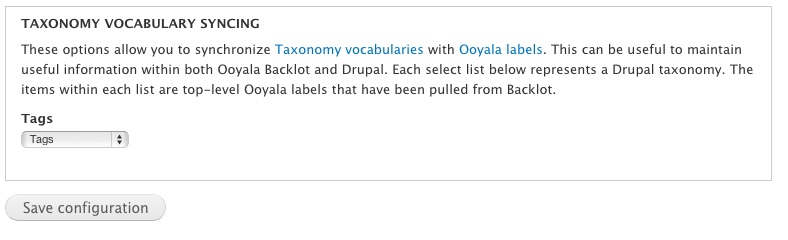
After saving this form, try adding tags to a video. They will be shown in the Backlot once the asset has been saved. Note that sometimes the Backlot is slow to update it's cached metadata, in which case it's best to log out and back in to the Backlot to see the new label assignments.
Help improve this page
You can:
- Log in, click Edit, and edit this page
- Log in, click Discuss, update the Page status value, and suggest an improvement
- Log in and create a Documentation issue with your suggestion
