

Closed (fixed)
Project:
myTinyTodo
Version:
7.x-1.0-beta10
Component:
User interface
Priority:
Normal
Category:
Support request
Assigned:
Unassigned
Reporter:
Created:
29 Nov 2012 at 07:24 UTC
Updated:
13 Jan 2016 at 18:58 UTC
Jump to comment: Most recent, Most recent file


Comments
Comment #1
krisv commentedAnyone have an idea? I'm sure I just forgot something, but I'm not proficient enough with Drupal to figure out what...
Thanks,
Kris
Comment #2
krisv commentedHi,
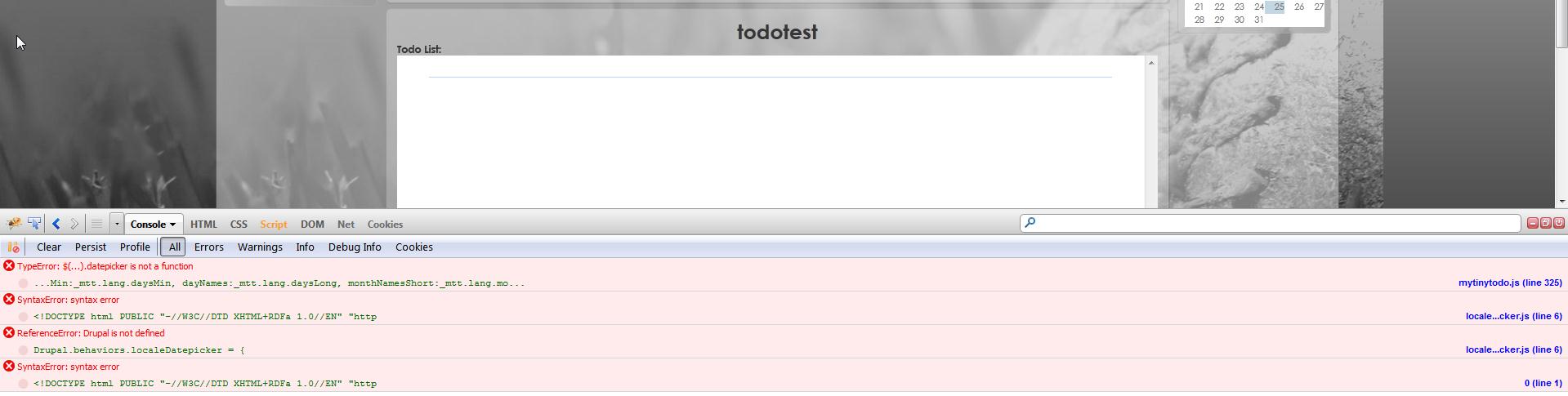
Still no luck getting the box to work, when installing firebug I see this (see attachment). Does anyone have an idea?
Thanks,
Kris
Comment #3
fizk commentedWhat version of Drupal 7 are you running?
Comment #4
krisv commentedHi fizk,
I'm running version 7.19.
Kind regards,
Kris
Comment #5
fizk commentedCan you try using the development version: http://ftp.drupal.org/files/projects/mytinytodo-7.x-1.x-dev.tar.gz
I plan to make another 7.x release very soon since beta10 is a year old.
Comment #6
krisv commentedHello fizk,
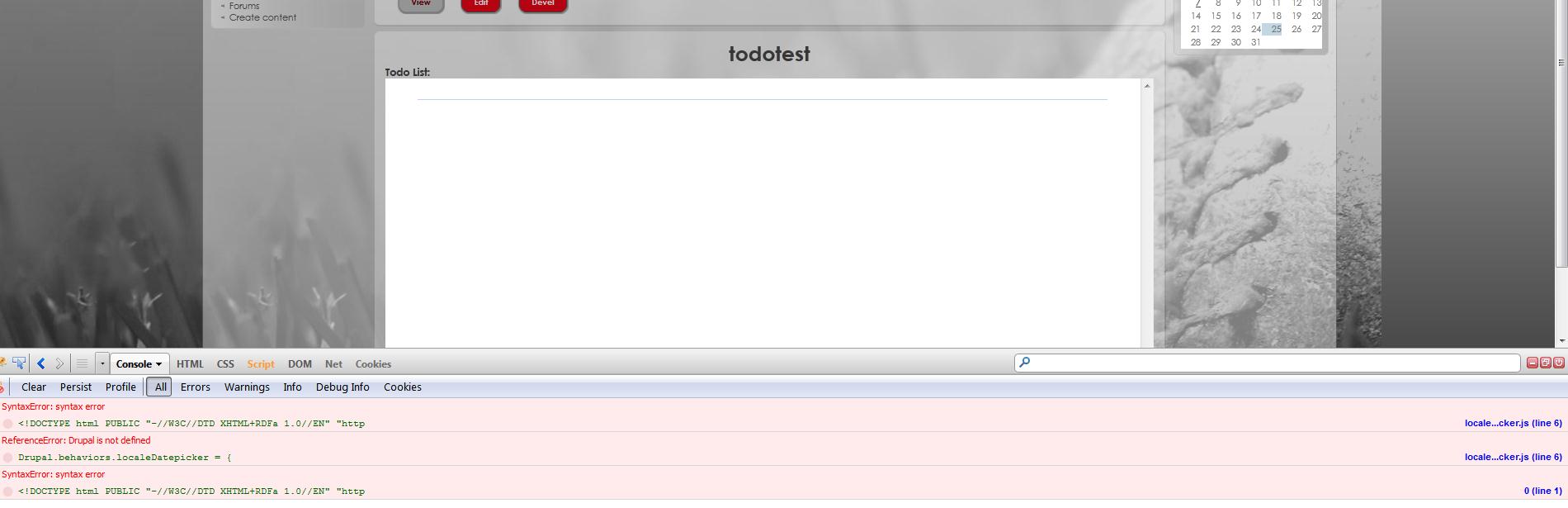
I installed the dev version (.zip in my case), but the problem persists, I attached another screenshot. Maybe I can provide you some more logging (and how do I do that exactly)?
Thanks,
Kris
Comment #7
fizk commentedThat seems to have cleared up the Javascript errors that were coming from this module.
Try disabling the Locale module to get rid of the remaining Javascript errors.
Comment #8
krisv commentedWow that's fast :-)
Anyway, it seems I was a bit too hasty with my screenshot, the error is still there (see attachment). I disabled locale as a test, the error stays, I have to reload the page again for it to show.
As a bonus I lose the body text of all my posts when disabling locale, so I enabled it again for now.
Kris
Comment #9
fizk commentedCould you attach here the source code of that page?
Comment #10
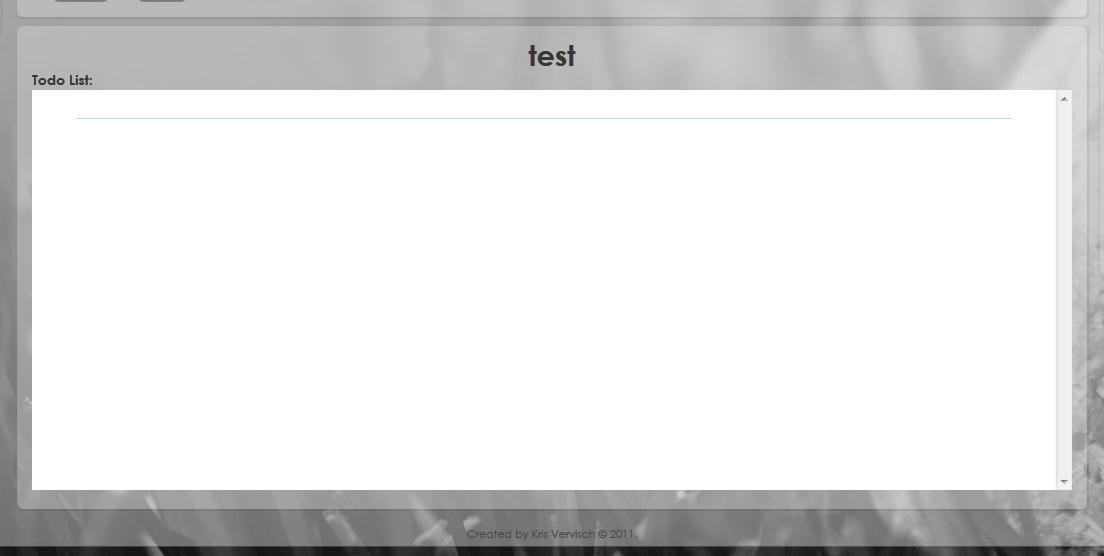
krisv commentedSee attachment, I hope this is what you are looking for, if not, please tell me what to do...
Thanks,
Kris
Comment #11
krisv commentedHi,
Do you have any more updates?
Thanks,
Kris
Comment #12
fizk commentedI think it's related to your version of jQuery, or that the page is loading jQuery too many times, and in the process removing the datepicker object.
I noticed that you're running the jQuery Update module. Try disabling it.
Comment #13
krisv commentedYes! That was the solution!
Thanks a bunch, now we can start using this great module.
Now I only have to figure out why I added the jquery update module in the first place...
Kris
Comment #14
krisv commentedComment #15
fizk commentedAwesome :) Enjoy!
Comment #16
codeelegance commentedIf anyone gets here like I did, try disabling the devel module - AND FLUSH CACHE several times.