

 Come together with the global Drupal community in Rotterdam, 28 Sept – 1 Oct 2026. Sessions, contribution, connection, and Early Bird savings until 8 June.
I am using Adaptive theme. I have set up and mapped 5 responsive styles on path admin/config/media/resp_img/groups/my_theme
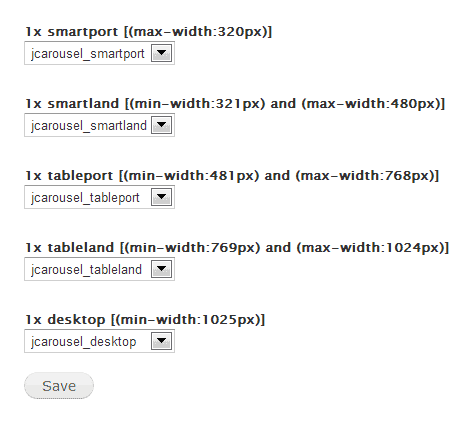
My View displays Field: Image. The field format is set to jcarousel-smartport (I am not using jcarousel library at this point and the image style name is just because I plan to use it, so it's just a name).
So I would expect that when viewing on a desktop, the images should be as defined for jcarousel-desktop image style (100x100 in this case). But they are displayed as defined for jcarousel-smartport (50x50). And so on, for all screen sizes they don't change the display at all.
I don't see any javascript errors when viewing the View. The image html looks like this (even when viewed on a desktop):
<img typeof="foaf:Image" class="image-style-jcarousel-smartport" src="http://example.com/sites/example.com/files/styles/jcarousel_smartport/public/images/54134899_n.jpg" width="50" height="50" alt="">
Why is it not working?
| Comment | File | Size | Author |
|---|---|---|---|
| #1 | Selection_022.png | 44.94 KB | jelle_s |
| #1 | Selection_023.png | 33.42 KB | jelle_s |
| resp.png | 7.36 KB | raincloud |


Comments
Comment #1
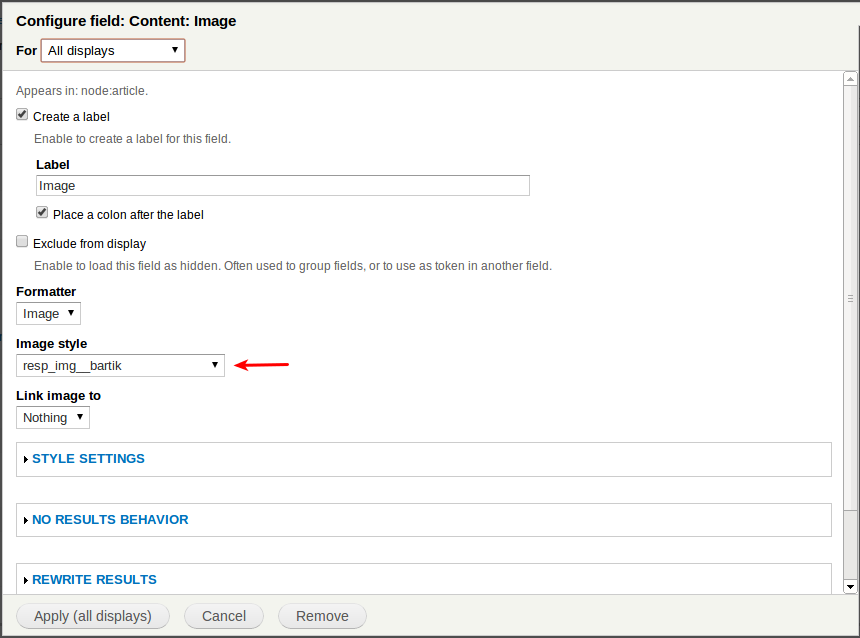
jelle_sIn 2.x, when editing the field in your view there should be an image style called resp_img__my_theme (if your group is called my_theme as you stated above). If you choose that image style your images should be responsive.
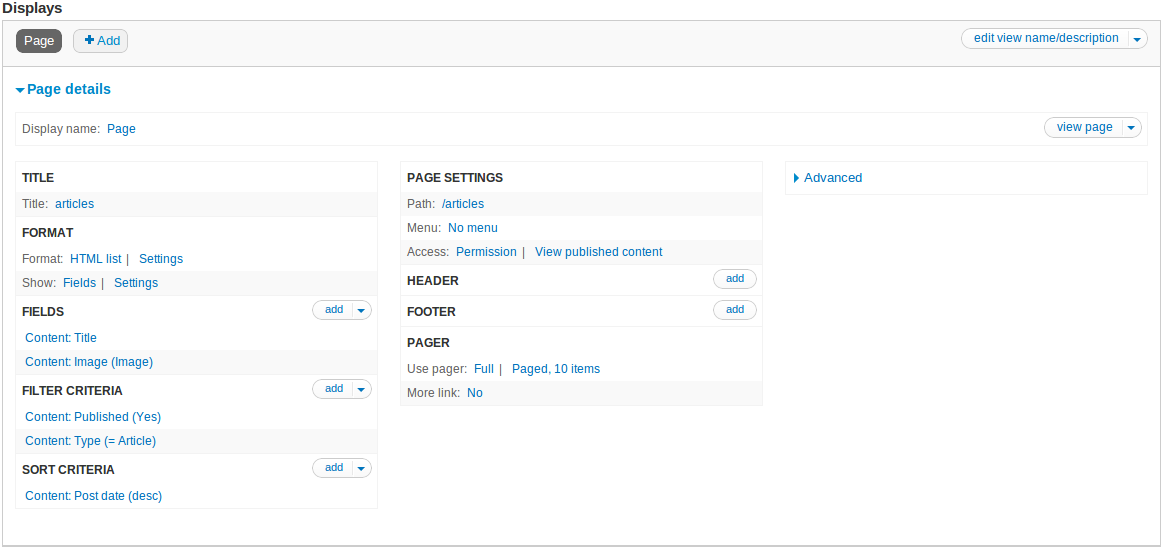
This is my view:
And the image field settings (I'm using responsive_bartik and my group is called bartik):
The output of the image field should look something like this:
Comment #2
jelle_sFeel free to reopen if this doesn't work