
Display Text
The Display Text page of the Room Reservations module is used to configure information that is displayed to the user throughout the application.
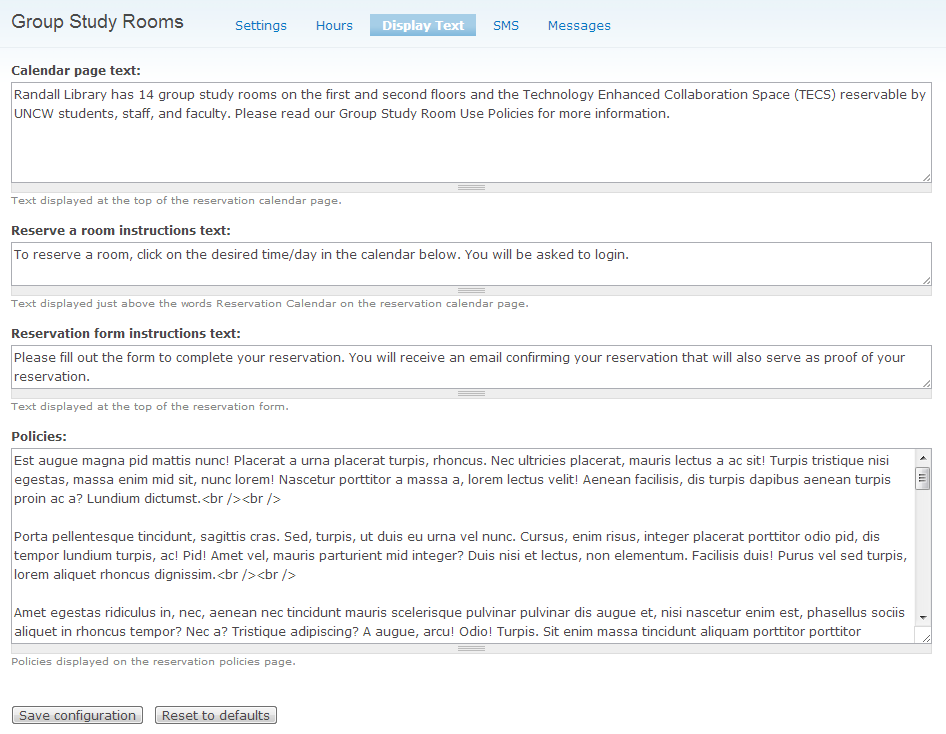
There are four items that need to be entered:
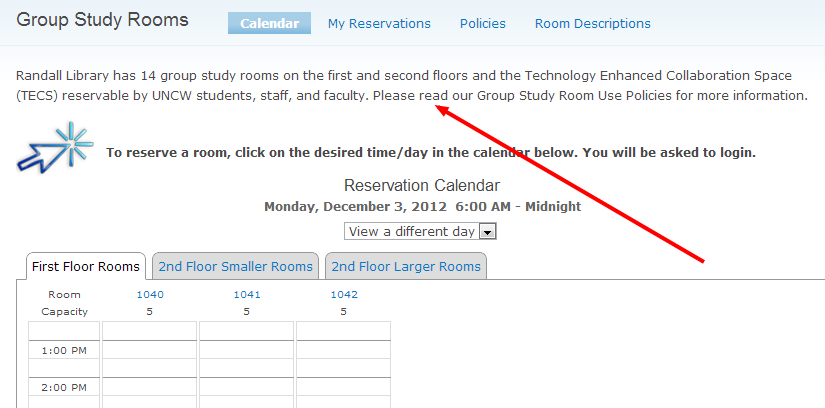
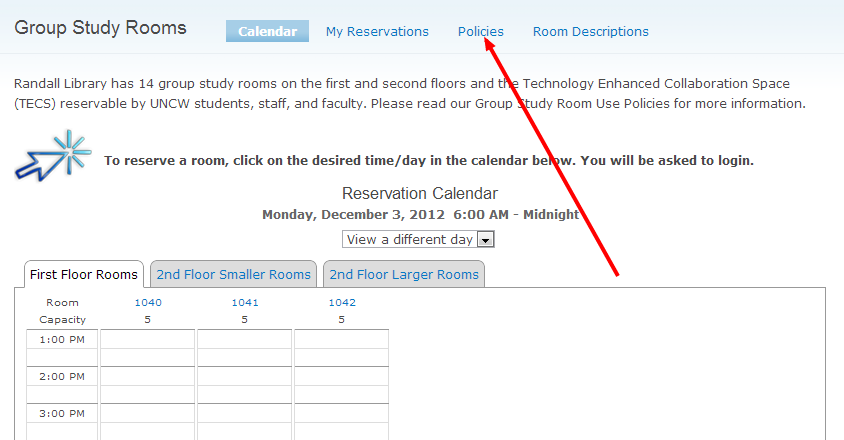
Calendar page text. This is the text that appears at the top of the reservation calendar.
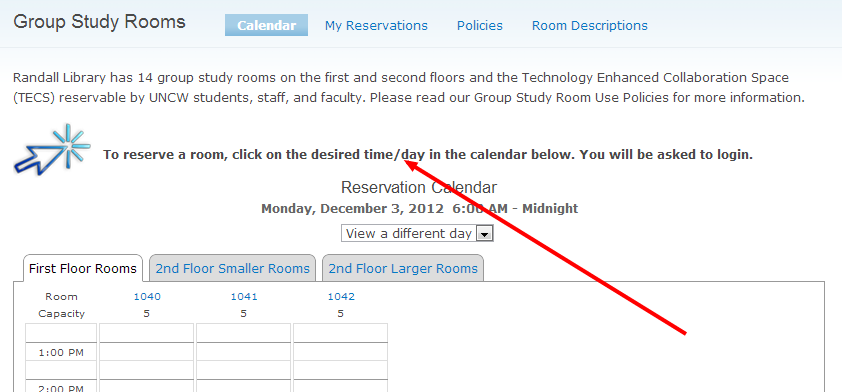
Reserve a room instructions text. This appears in bold text just above the reservation calendar. It should be used to provide brief instructions to the user on how to use the application.
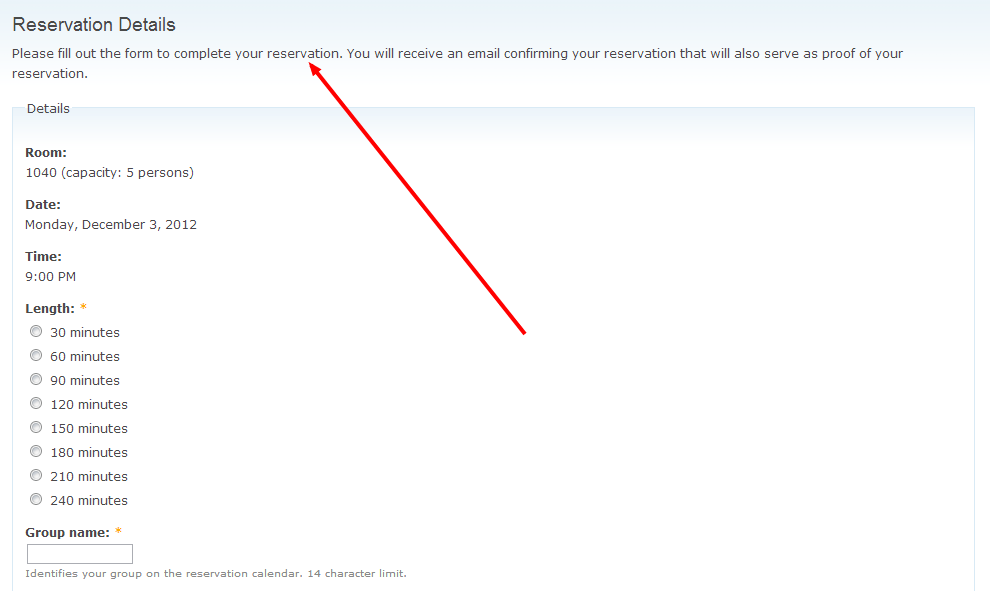
Reservation form instructions text. This appears at the top of the reservation form.
Policies. Use this area to list the facility's policies for room rentals. HTML tags can be used to format the text. The policies are displayed on a separate page that is reached from a link at the top of each page in the application.
Help improve this page
You can:
- Log in, click Edit, and edit this page
- Log in, click Discuss, update the Page status value, and suggest an improvement
- Log in and create a Documentation issue with your suggestion
