

Closed (works as designed)
Project:
Aurora
Version:
7.x-2.7
Component:
Code
Priority:
Normal
Category:
Bug report
Assigned:
Unassigned
Reporter:
Created:
16 Jan 2013 at 21:53 UTC
Updated:
6 Feb 2013 at 00:14 UTC
Jump to comment: Most recent file

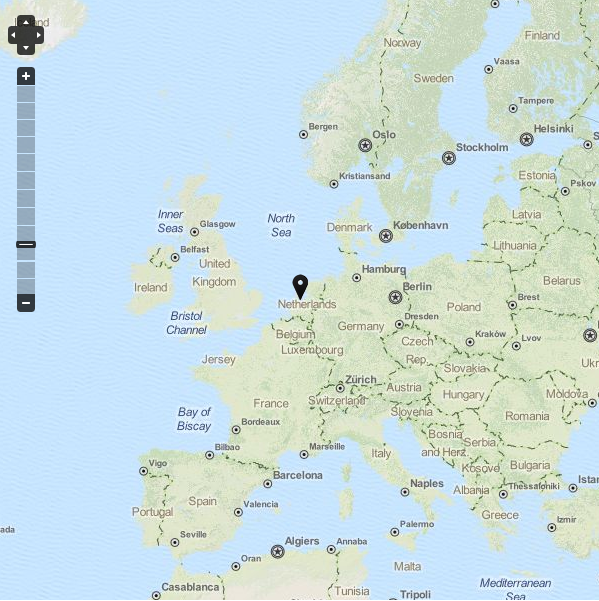
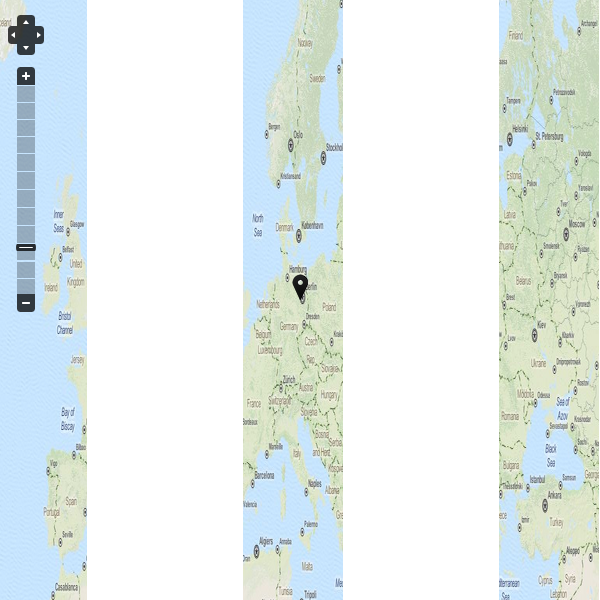
Comments
Comment #1
Snugug commentedWhat are your JavaScript settings for your subtheme?
Comment #2
Snugug commentedAlso, do you have source for that for me to look at?
Comment #3
marcvangendThanks for looking into this.
All settings are default, so the info file says:
I installed Modernizr 7.x-3.0-dev (today's build) and jQuery Update 7.x-2.3-alpha1. Switching from jQuery version 1.5 to 1.8 didn't solve the problem.
I am attaching the source of the page. (Just anonymized some strings containing the client name.) If you want, I can put it on a server and send you a personal message with the url.
Comment #4
marcvangendAfter digging in the source code some more, I found that:
#OpenLayers.Map_2_OpenLayers_Containerhas inline style width:100pxI was able to fix the problem using a simple CSS rule in my theme:
This works great for now, but I'm not sure what the real fix should be. I don't expect Aurora to include all kinds of exceptions and hard-coded classnames to support 3rd party libraries, but on the other hand, I guess we can't expect OpenLayers to change its map widget all of a sudden.
Comment #5
iamcarrico commentedIf I am reading this correctly, then Aurora is working as it should by making images responsive. This seems like a weird thing for OpenLayers to do, but I dont see a way to "fix" it more than what you have already done. If there is a fix you can think of that is more comprehensive-- let us know. Until then, I will close this issue out.
Comment #6
marcvangendI think you are correct. Aurora is not broken. Open Layers is not broken either (although it's a bit weird). The two are just a little bit incompatible. Let's just hope people will find this thread when they need it.
Comment #6.0
marcvangendsome additional info