

Postponed (maintainer needs more info)
Project:
Dynamic display block
Version:
7.x-1.0
Component:
User interface
Priority:
Normal
Category:
Bug report
Assigned:
Unassigned
Reporter:
Created:
18 Jan 2013 at 08:07 UTC
Updated:
18 Jan 2013 at 09:19 UTC

Comments
Comment #1
ppblaauw commentedI think your confusion is between basic and advanced options of ddblock module.
The ddblock module has to options, basic ddblock and advanced ddblock slideshows.
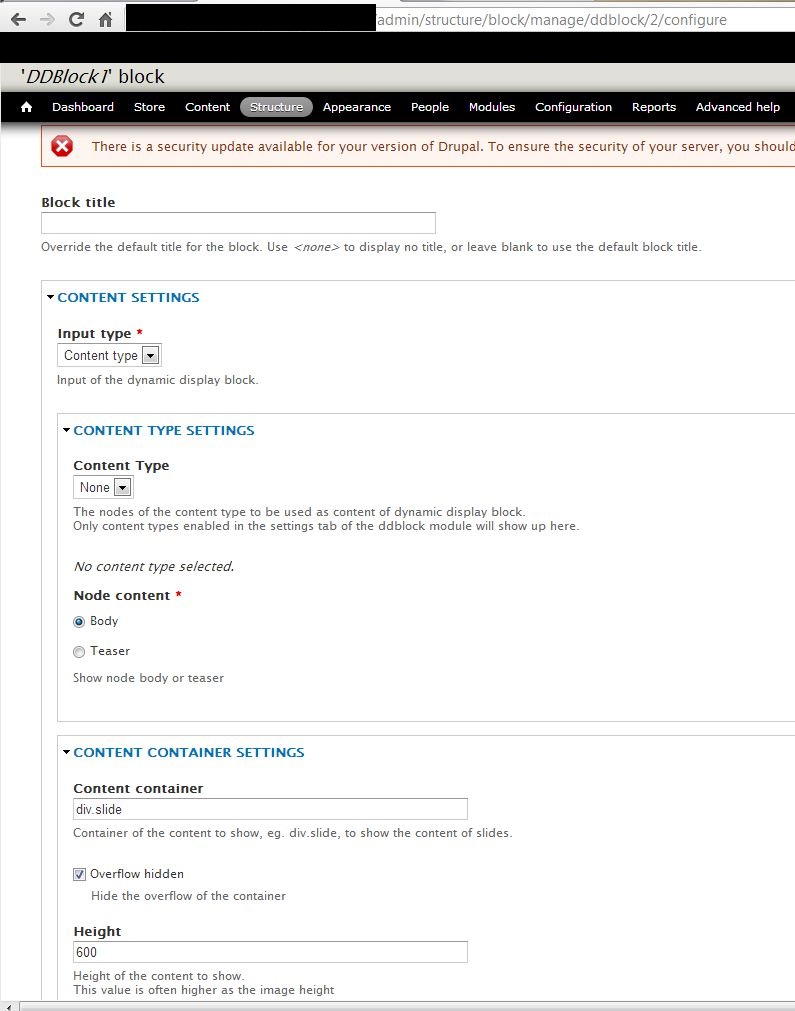
With the Basic option you can get content from:
- a folder with images - for simple image slideshows.
- nodes of a certain content type (in this node you need to place HTML) - for simple more static slideshows.
Basic option don't use slideshow themes.
With the Advanced option you can get content from:
- views (for more complex slideshows with overlays, different layouts, styles).
In the view you define fields to use in the slideshow like:
- image.
- Title, text and reamore button to use with a slide.
- pager image and or pager text.
For creating an advanced slideshow:
Create a content type with fields for the slideshow.
Create a view selecting the field in a block display.
In ddblok configuration:
- In settings tab to select the content type and view to be used for slideshow.
- In instance tab create a block for the view block display created in the view.
- In list tab configure the ddblock slideshow.
Advanced ddblock slideshow can use different free and commercial slideshow themes.
(See also advanced slideshow tutorial at: ddblock.myalbums.biz)
Hope this helps you further, please let me know.