Hello,
I am coming across various problems replicating the ways product variations are displayed in the demo store with new, custom added product variations of my own.
I am using the Commerce Kickstart installation profile v. 7.x 2.0
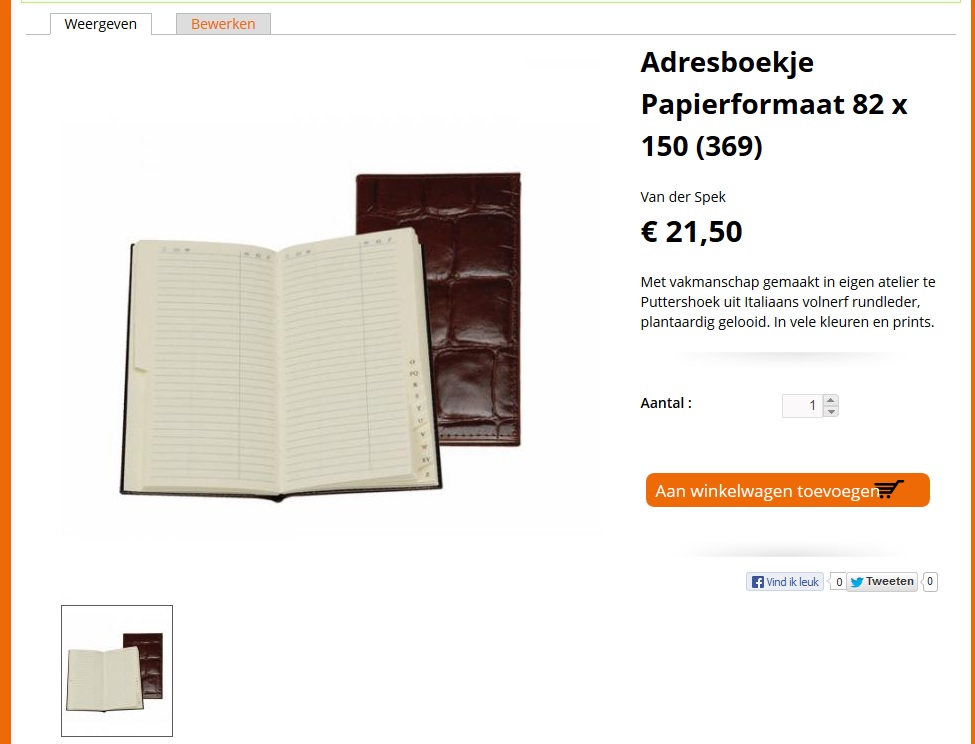
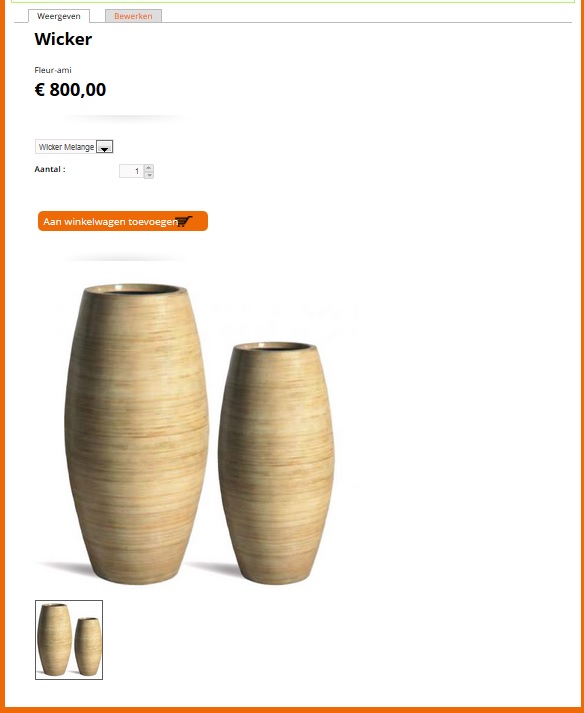
I follow the instructions to add a new product variation. I then copy all of the options in the 'manage display settings' in both the 'content type' and 'variation type' of my new product. However my new customised product does not display in a similar way to the demo products (see image).
Along with these issues there are several more;
1) My new added product variation is not clickable (ie. none of the links are there)
2) I cannot change the order that the fields are displayed in using weighting in the 'manage display' settings for the variation type.
Are these known issues and are there any fixes available?



Comments
Comment #1
bojanz commentedWe don't have any known issues around creating custom product display types.
What happens if you check the "Create matching product display type" when creating a new variation?
This creates the product display type for you and applies common Kickstart configuration, which might help you get closer to your goal.
(The idea is that if you checked that checkbox, you shouldn't need to configure anything product display type related to get the correct look).
Comment #2
drupalreggie commentedHi,
Here's what I've just done;
Add new product variation type (create matching product display type is checked)
Add new product, selecting my new variation type. Set product title and create a variation.
Save.
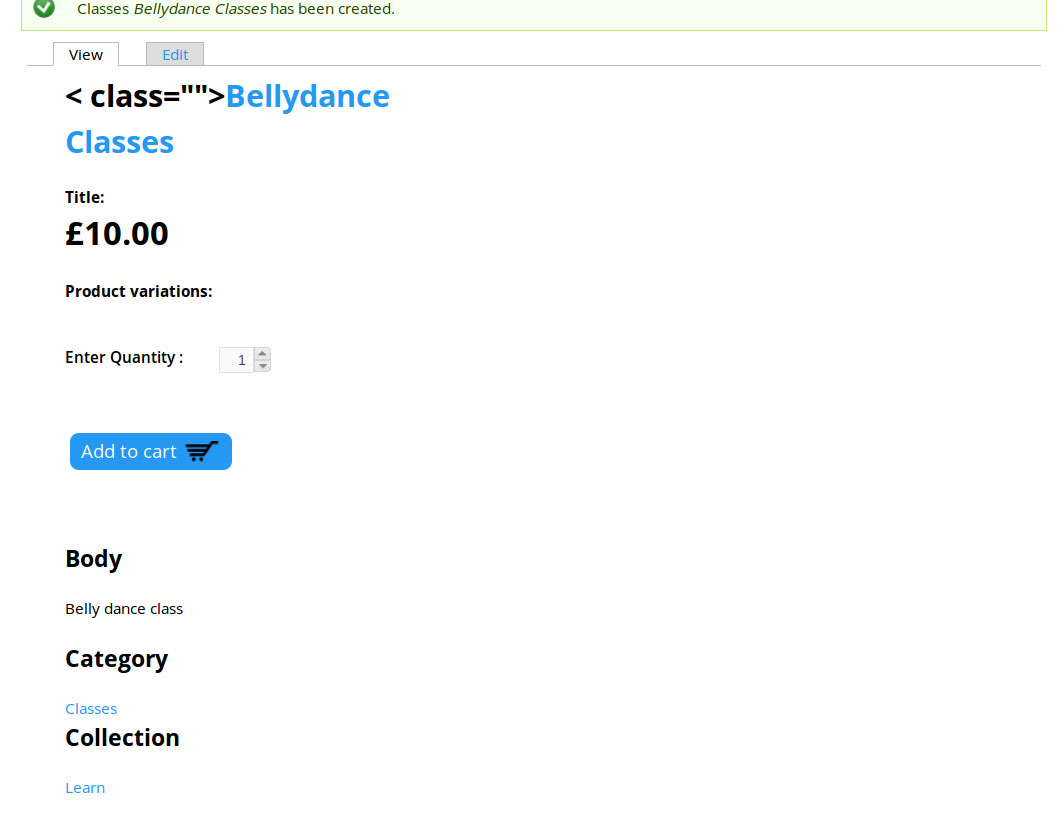
The attached screenshot shows the default 'full node' view that you are taken to after saving. I also checked to see if the new variations appeared in the right collections, they do not.
Hope we can work out a fix without me having to create loads of new views... :)
Comment #3
azizness commentedYou need to configure manage display of the content type that has been automatically created. You can find it at admin/structure/types
Comment #4
dudenhofer commentedTo give you a little more feedback, you will need to check that all the displays match. This includes both the Product display AND the Product Variation display. You might open one of the demo products in another browser window to compare them.
1) Check your Product Variation display settings (Products > Product Variations) and click "manage display" for your new product variation type. Check that the Custom Display settings for Node: Full Content and Node: Product List are enabled. Then make sure these match the demo product variation displays.
2) Check your Product type (Content > Content Types) and click "manage display" for your new product type. Again, check that Node: Full Content and Node: Product List are enabled and compare those to the demo product type displays.
Comment #5
jsacksick commentedMarking this issue as fixed since the last comment is a month old.
You could also take a look at this module http://drupal.org/project/bundle_copy which could help you.
Comment #7
drupalreggie commentedThanks for replies all...
@ 3 and 4 - If you test this out you'll see that even if both product variations display settings are matched field for field the new product type will not display as the original, commerce kickstart included, product types do.
Comment #8
martin74 commentedI have the same issue
When renaming / re using Variation types my product displays nicely image left , text right
When creating my own Variation type , my product display cant be matched as the demo
iv been throu all the manage display field ive been duplicating them on and on , to all displays
but my product display is screwed , top to bottem displayed and not like the demo products
Comment #9
popetardo commentedsame here.
I think you have to replicate structure type.
Comment #10
spacerex commentedsame problem here as 7 and 8. I'm reopening this issue because I've tried everything listed here with no results.
Comment #11
drupalreggie commentedHi all,
I managed to side step this issue a little using the following technique.
To create a new product that displays in a similar manner to the demo content do the following;
Bit fiddly, and probably bad practice / plain wrong for many reasons, but it was the only way I found to replicate the nice presentation featured in the kickstart demo store.
Cheers,
Comment #12
fdefeyter@gmail.com commentedSorry druppalreggie, I didn't manage it either :-(
Comment #13
dudenhofer commentedI think this is a templating problem, try to copy /profiles/commerce_kickstart/themes/commerce_kickstart_theme/templates/node--product--type.tpl.php to node--YOURPRODUCTNAME.tpl.php in your theme. This is similar to #1939932: Image fields linked to Product (and not variation), not displayed properly on product detail page - I think both issues can be resolved with updated documentation.
Comment #14
lsolesen commentedClosing as @dudenhofer answered and there has been no follow-up comments.
Comment #16
confid66 commentedFF version 2.20 of kickstart , same issue here and now there's no node--product--type.tpl.php at the aforementioned location nor renaming to node--YOURPRODUCTNAME.tpl.php seems to work!!
Comment #17
confid66 commentedI'm reopening this since I get the same issue and the solution proposed is not applicable to the new version.
Also this is the most viewed post when researching for this problem so I think this should be the place where a definitive solution should reside.
Comment #18
nolaan commentedReally we beg you to fix this!!! It's so painful.
For now the file to hack is ./profiles/commerce_kickstart/modules/commerce_kickstart/commerce_kickstart_product_ui/theme/node--product--type.tpl.php !
Modify 14
print render($content['product:YOURFIELD_YOU_WANNA_PRINT']);Hope this will help someone....
Comment #19
caseyb commentedIn case this helps anyone wanting to duplicate product types, I use the following two modules to replicate each of the types:
To clone product variation types use this Commerce Clone Product Variation module.
And to duplicate product content types, by using the Bundle Copy module, I export and then import a content product type and just change the name of the content product type to your new one in the import code that you will paste into the import field before clicking the Import button.
I then add any product specific fields before the image field to retain the layout.
Comment #20
confid66 commentedI am closing this since I got what I was looking for based on the last 2 posts. Not really the kind of solution that I was looking for but since it solved my problem I judge it can be closed down.
Thanks