

Closed (works as designed)
Project:
ImageCache Actions
Version:
7.x-1.x-dev
Component:
Canvas Actions Module
Priority:
Normal
Category:
Support request
Assigned:
Unassigned
Reporter:
Created:
30 Apr 2013 at 12:33 UTC
Updated:
30 Apr 2013 at 14:45 UTC
Jump to comment: Most recent file


Comments
Comment #1
jorge.suarez commentedStyles applied before rotation added to the main post.
Comment #2
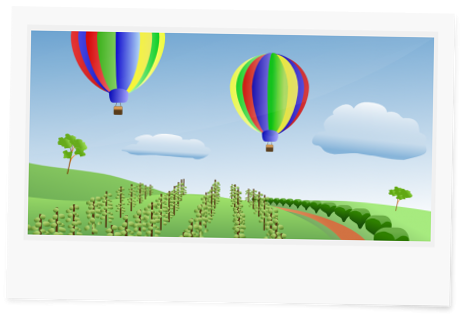
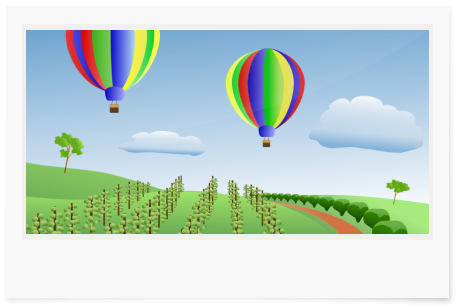
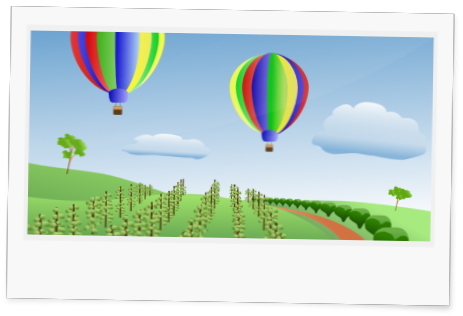
fietserwinUse imagemagick as tookit. Rotation is 1 of the main reasons to do so. See these images:
GD:
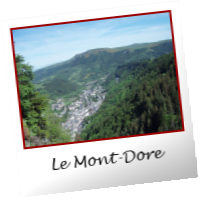
Imagemagick:

Comment #2.0
fietserwinAdded styles applied before rotation