

Closed (fixed)
Project:
Wysiwyg
Version:
7.x-2.x-dev
Component:
User interface
Priority:
Normal
Category:
Bug report
Assigned:
Unassigned
Reporter:
Created:
21 May 2013 at 10:16 UTC
Updated:
22 May 2013 at 06:48 UTC
Jump to comment: Most recent file


Comments
Comment #1
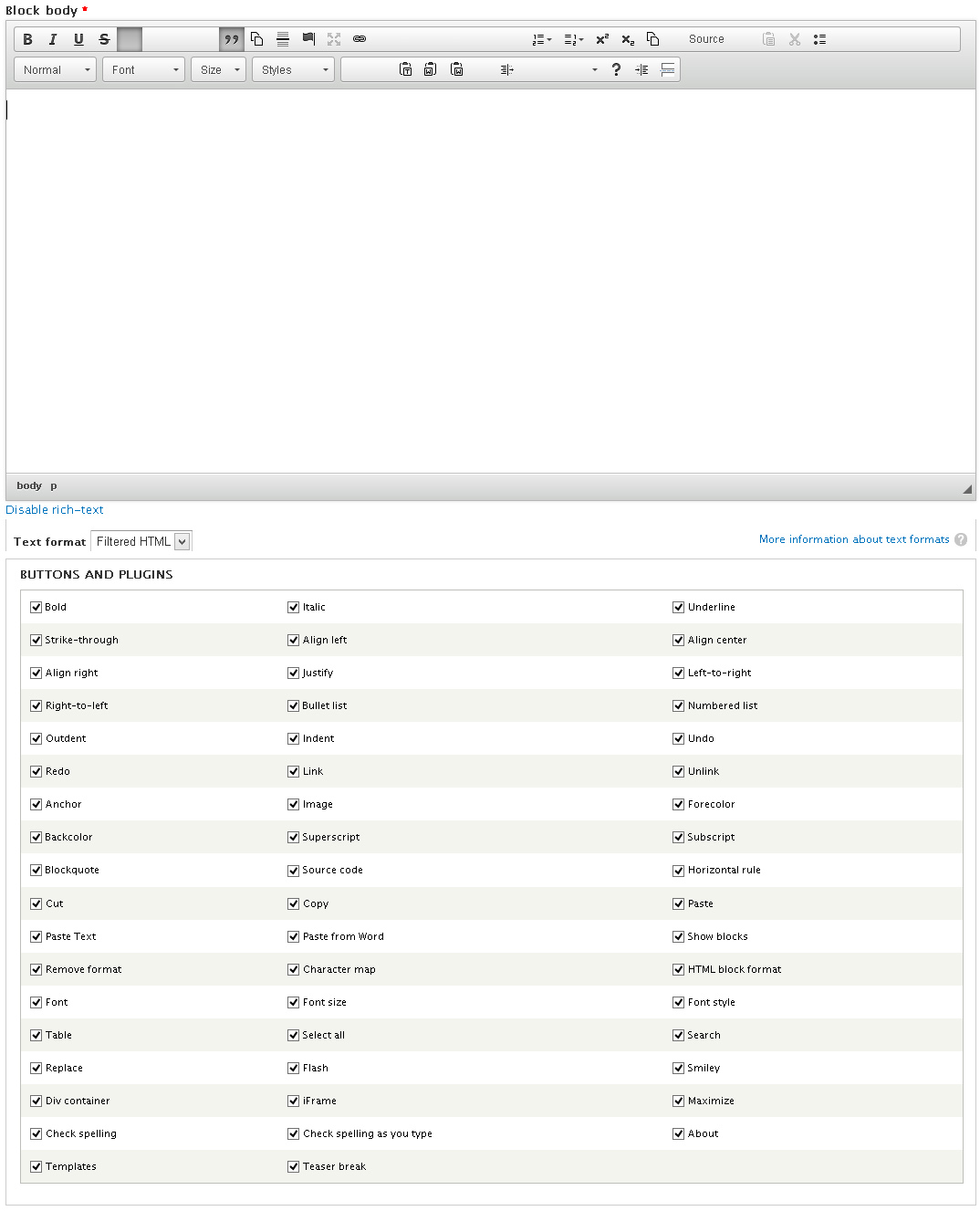
twodLooks like CKEeditor failed to load the button images. Have you tried clearing the browser cache?
Comment #2
matas.k commentedOh come on. Of course I tried. I tested all CKEditor version from latest to previous version in a row and seems like version 4.0.3.0eafb700 fixes half of the problem (it's still missing half of the buttons like arranging the text and etc.):

(And yes, I have ticked all buttons in the profile)
Comment #3
twodSorry, had to ask since many of our users don't even try that, and it helps when less experience users find issues and try to determine if they are having the same problem. I also have to ask if you downloaded the "Full" CKEditor 4 package? The "Basic" and "Standard" ones do not actually include all plugins supported by Wysiwyg. I've not had time to include checks for this and hide buttons for unavailable plugins, so ther's only a note in the installation instructions on the profile overview page so far.
There's a known issue with Wysiwyg currently placing all buttons in the same toolbar group, which may push some of the buttons off the screen. That does not seem to be an issue here though since none of them are partially visible. Just to be sure, try the "Use default toolbar button grouping" checkbox under "Editor appearance" (available in the latest -dev snapshots only).
Making buttons sortable/groupable is currently being worked on in a different issue, and I could use a lot more testers in there if you're able to help.
Comment #4
matas.k commentedI deleted module dir and library, cleared caches and installed latest dev with latest full version of CKEditor 4.1.1 and seems like problems are all solves. I still don't get it what was the problem.