

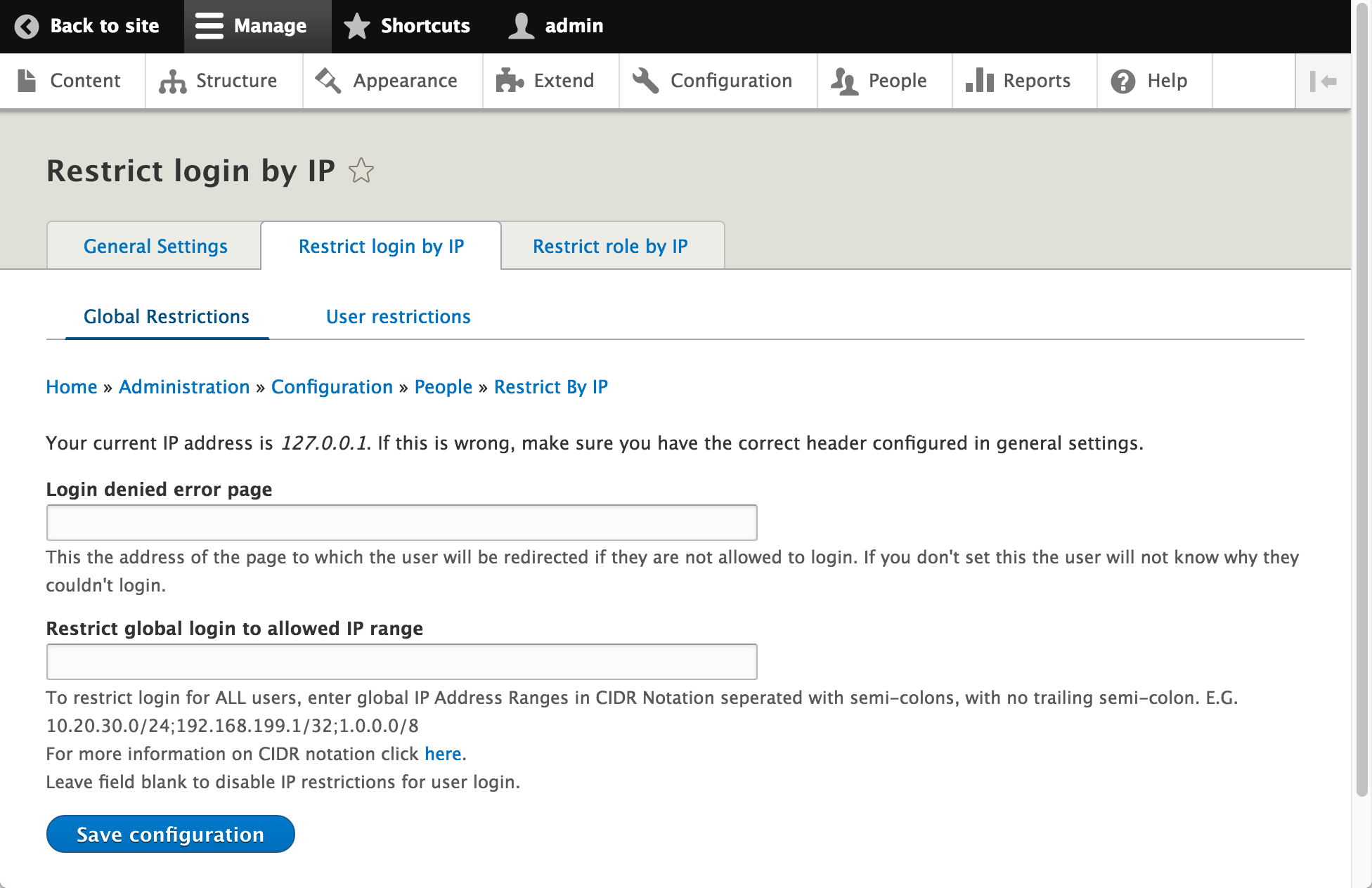
This module restricts Drupal features to certain IP addresses or IP address ranges, entered in CIDR notation. It can restrict logins and/or role access.
Restrict login by IP
- Global ranges apply to ALL users, including user 1.
- Individual accounts can also be given their own allowed ranges on their user form, and a login is allowed when either list matches, so a personal range acts as a per-account exception to the global restriction.
- A denied attempt fails on the login form with a configurable message.
- If an already signed-in user's IP address stops matching, they are signed out and sent to a configurable page (the login page by default).
Restrict role by IP
When a role is restricted, that role is not available to users outside its allowed ranges: choose whether an out-of-range user loses the role for the duration of the request or is signed out entirely, with a configurable message either way. Role restriction on its own does not affect the ability to log in.
All roles can be restricted except the built-in "anonymous user" and "authenticated user".
The client IP address is resolved through Drupal core's request handling. If your site is behind a reverse proxy or CDN, you must configure the reverse_proxy settings in settings.php; the module's settings pages show the address it currently detects.
Locked out?
If a restriction locks you out and you have shell access, drush restrict_by_ip:status reports what is configured and whether an address may log in, and drush restrict_by_ip:allow adds an allowed range. See the README for more detail and other options.
For developers
There are hooks so you can alter the allowed ranges before they are applied, for example adding ranges kept in settings.php or an external service. See restrict_by_ip.api.php for the hooks and examples.
Versions
9.x requires Drupal 11.3 or later and is where new features land. 8.x-4.x is in maintenance mode and receives security/bug fixes only.
Any other suggestions are welcome, and please report any problems.
Thanks.
Related modules
- Restrict Login Page by IP: hides the login page itself (403) from IPs outside an allowed range, rather than letting the login fail. Works together with this module, but note it makes the login page uncacheable by design.
- Restrict IP: restricts access to the entire site by IP allowlist, with path and role exceptions and country-level rules. Use it when the whole site is private, not just authentication.
- Advanced Ban: the opposite direction, a denylist for known-bad IPs with ranges and expiring bans. Successor to core's Ban module, which is deprecated in Drupal 11.3 and removed in 12.
- Login Security: brute-force hardening for the login form, including attempt limits, soft/hard IP blocking and notification emails.
Module Sponsors
6.x-3.x version sponsored by UNC Charlotte.
6.x-2.x, restrict by role addition, sponsored by panthar.
Project information
- Project categories: Access control, Security
 1,338 sites report using this module
- Created by ymmatt on , updated
 Stable releases for this project are covered by the security advisory policy.
There are currently no supported stable releases.
Releases
Configure reverse_proxy* in settings.php or it won't work!
Development version: 9.x-dev updated 3 Aug 2026 at 12:14 UTC
Development version: 8.x-4.x-dev updated 9 Jul 2026 at 12:21 UTC


