

Closed (fixed)
Project:
Table of Contents
Version:
5.x-2.1
Component:
Code
Priority:
Minor
Category:
Bug report
Assigned:
Unassigned
Reporter:
Created:
13 Apr 2008 at 21:22 UTC
Updated:
18 Aug 2008 at 15:57 UTC
Jump to comment: Most recent file




Comments
Comment #1
deviantintegral commentedYou're using Zen classic? Made any modifications?
Does the page validate as HTML, or is something being generated by the ToC module which is breaking things? I fixed a couple of bugs in the -dev version which might make a difference, specifically with nested lists and a misunderstanding I had of the html spec.
Thanks,
--Andrew
Comment #2
deviantintegral commentedComment #3
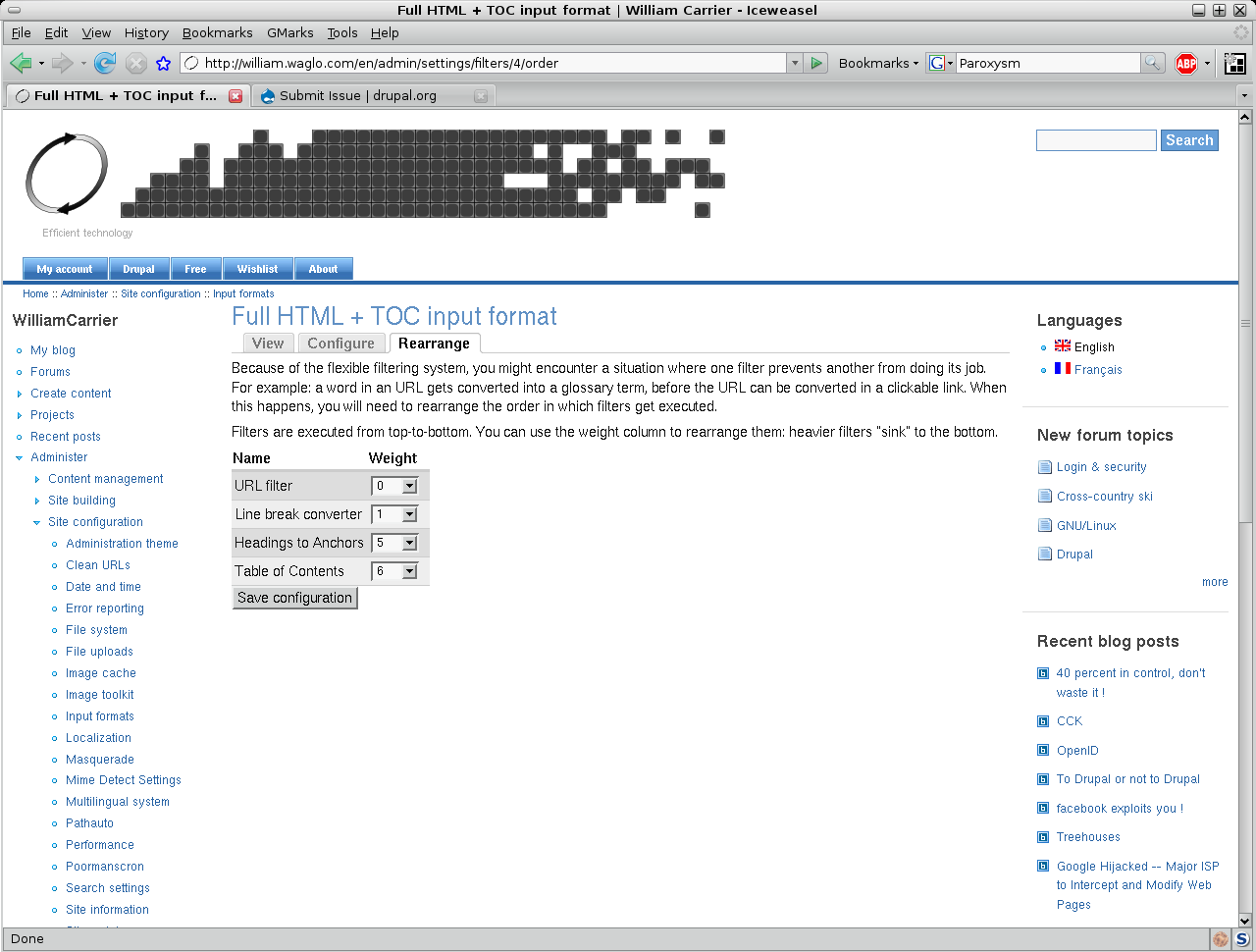
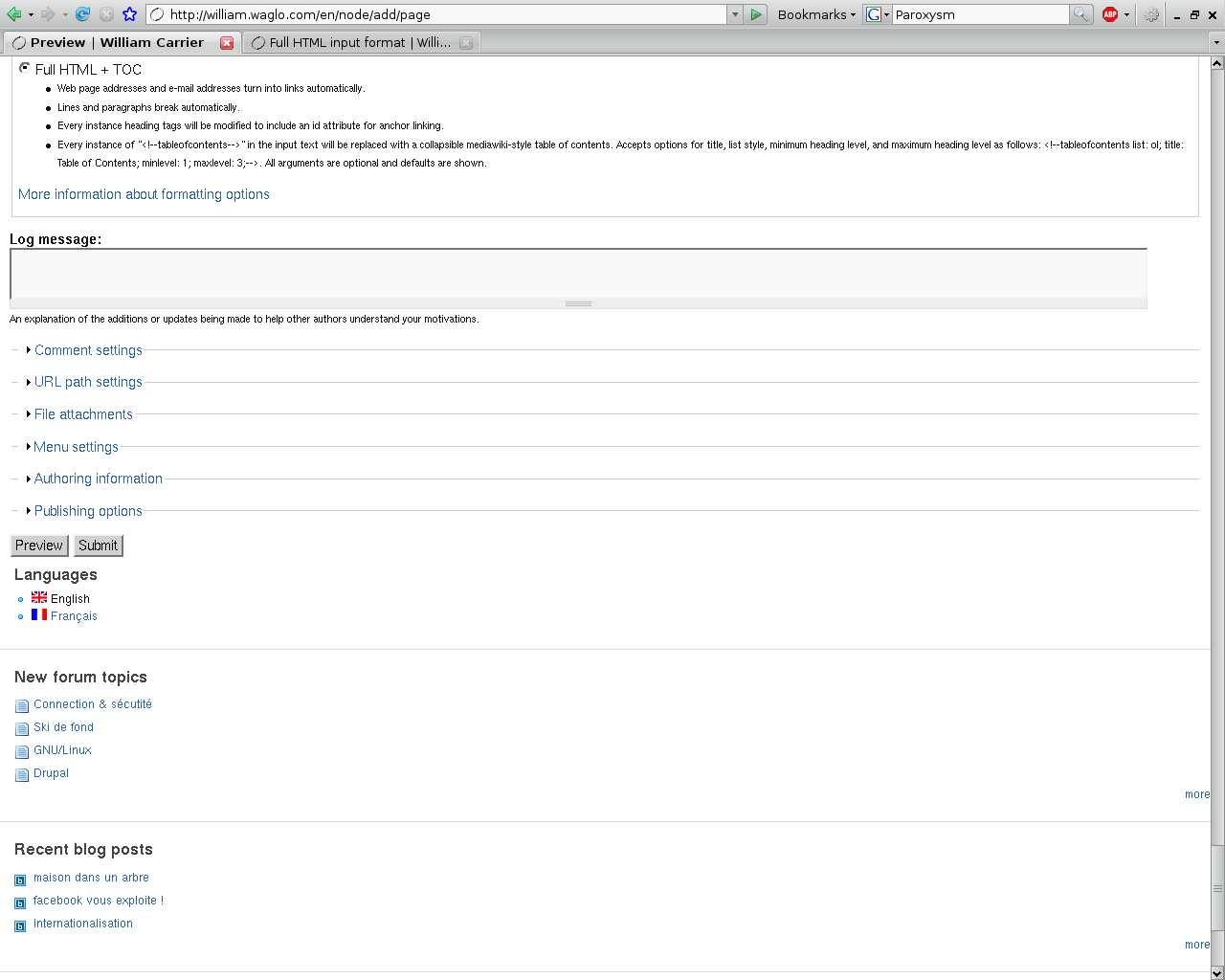
dynv commentedAs shown in the screenshots, the page works as expected as long as the the TOC filter input format isn't selected.
The site use a very slight modification of zen classic, I doubt this would cause the problem.
Comment #4
dynv commentedProblem persist ...
Also using standard Zen Classic doesn't help as I thought.
Comment #5
deviantintegral commentedI went to the URL in your screenshots (http://william.waglo.com/en/page/resume-r-c-fortin), and using Firebug I deleted the table of contents from my local copy. The sidebar is still pushed down, leading me to believe the issue is not actually b/c of the TOC. I noticed a bunch of your content is outside of the "content" div, perhaps you have a misclosed div somewhere? It might still be something placed there by the module, so let me know what you find.
--Andrew
Comment #6
dynv commentedAs stated in my previous post on the second line :
Not only did I try it with a different theme but with a different server and the problem persist.
Comment #7
deviantintegral commentedPerhaps the problem is somewhere in the actual content of the page. Does it still happen in the simplest of cases?
I tested Drupal 5.7 / Zen 1.1 with some content and couldn't replicate the issue.
--Andrew
Comment #8
dynv commentedI did another page ( http://william.waglo.com/en/page/simple-toc-page ) with less items and this problem didn't occur but another one took place ... <h1>1</h1> seem to have disappeared from the TOC !
Comment #9
deviantintegral commentedYou need to set a minlevel attribute: by default, it starts at h2 since h1 is the site title.
<!--tableofcontents minlevel: 1;-->--Andrew
Comment #10
dynv commentedOk.
Will you address the page which is pushed down ? It's valid HTML ...
Comment #11
deviantintegral commentedActually, I currently get 12 errors on your resumé page. Perhaps it's because you have a paragraph tag before the table of contents div?
--Andrew
Comment #12
deviantintegral commentedComment #13
dynv commentedAs you could've seen on http://william.waglo.com/en/page/simple-toc-page#sourceoftheproblematicpage it's not the case.
I'll correct the HTML then let you know.
Comment #14
deviantintegral commentedNo update in quite a while - if you have more information, feel free to post it.
Thanks,
--Andrew