

Closed (fixed)
Project:
FCKeditor - WYSIWYG HTML editor
Version:
6.x-1.3-rc1
Component:
Code
Priority:
Normal
Category:
Bug report
Assigned:
Unassigned
Reporter:
Created:
3 Aug 2008 at 15:36 UTC
Updated:
7 Jul 2009 at 19:25 UTC
Jump to comment: Most recent file

Comments
Comment #1
Steve Dondley commentedI upgraded to dev version and still having the same issue. I am using IMCE, btw.
Comment #2
Jorrit commentedDoes this also happen on a fresh Drupal installation?
Comment #3
Steve Dondley commentedNo. Do you want me to try installing everything on a fresh installation?
Comment #4
Jorrit commentedIf it's not too difficult ... It is much easier to find the problem if the problem can be reproduced starting from a fresh installation.
Comment #5
wwalc commentedAnother suggestion: compare file browser settings (old vs new installation) in the FCKeditor profile and save this profile.
Also make sure that you have
in the right place in the config.php file in the FCKeditor subfolder (more info in README.txt).
Comment #6
Jorrit commentedComment #7
barako commentedI have exactly the same problem with version 6.x-1.3-rc1 and I use IMCE too.
I can upload files with IMCE pop-up, it works very well, it's just with "Quick upload" that it doesn't work.
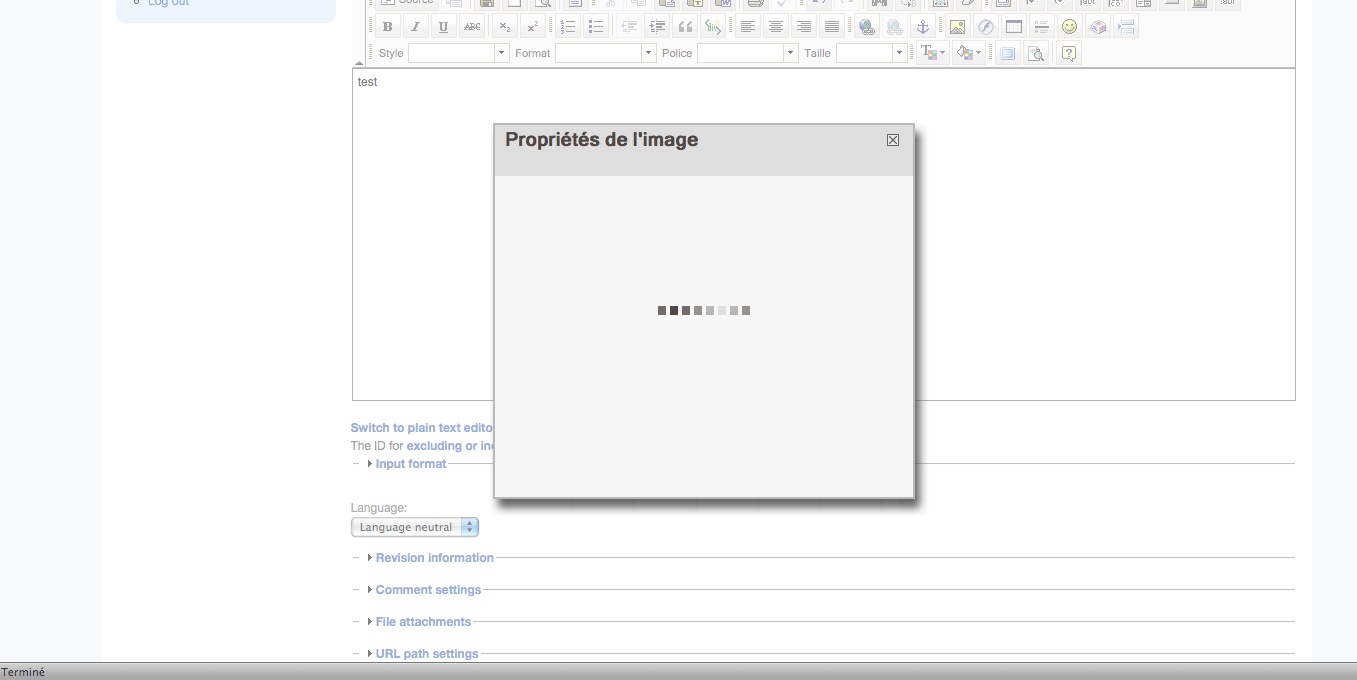
When I choose my file and click on "send to server" button, the page stays blocked on that screen and the file is not uploaded on the server.
I'll try on a fresh install to see if I have the same bug.
Comment #8
wwalc commented@barako: Humm... does it happen always, or are you able to upload at least small files?
Could you send me a PM with a link where I could see it? Or if you would like to debug it by yourself:
Install Fiddler, launch it and then launch IE (you may use a also different tool that works like a HTTP Proxy).
Search for the following url:
modules/fckeditor/fckeditor/editor/filemanager/connectors/php/upload.php?Type=Image
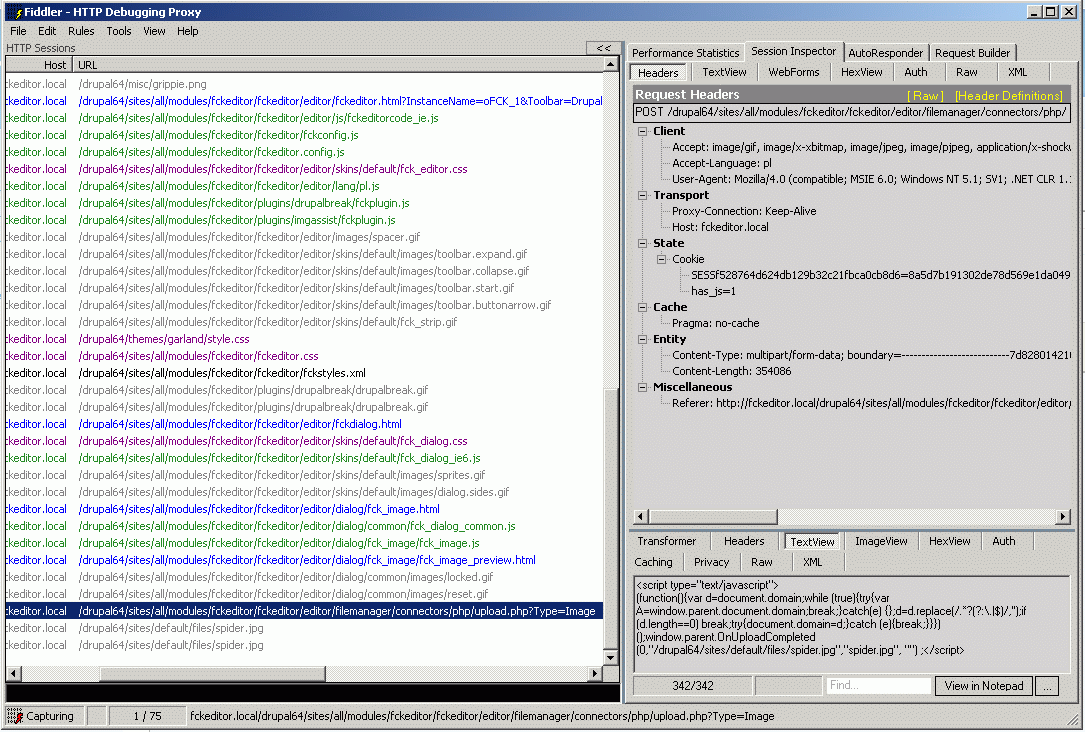
Click on a Session Inspector tab and take a look at the bottom and press the TextView button (see the screenshot).
You should see there some strange javascript code:
(function(){var d=document.domain;while (true){try{var A=window.parent.document.domain;break;}catch(e) {};d=d.replace(/.*?(?:\.|$)/,'');if (d.length==0) break;try{document.domain=d;}catch (e){break;}}})();window.parent.OnUploadCompleted(0,"/drupal64/sites/default/files/spider.jpg","spider.jpg", "") ;Let me know what you've got there.
If you get an empty page there, take a look at the errror log or turn on display_errors and error_reporting in this one file (modules/fckeditor/fckeditor/editor/filemanager/connectors/php/upload.php).
Comment #9
Jorrit commentedClosed because of inactivity. If it is still a problem, please reopen.