
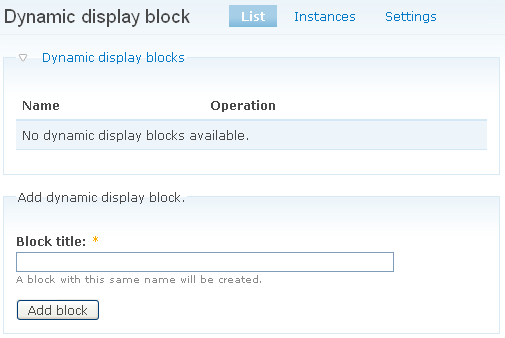
Add a block
Path to configuration screen
Block settings
Path to dynamic display block settings page
Configure a block
Path to configuration page
Content settings
Path to dynamic display block settings page
Custom settings
Path to dynamic display block settings page
Deleting a block
Path to delete dynamic display block page
Editing a block
Path to Edit dynamic display block page
Instances tab
Path to Instances tab
Settings
Path to dynamic display block settings page
Settings tab
Path to Settings tab

