
Editing a block
Last updated on
30 April 2025
Path to Edit dynamic display block page
- Navigate to Administer > Site configuration > Dynamic display block in the admin menu.
- Click the Edit link for a specific block.
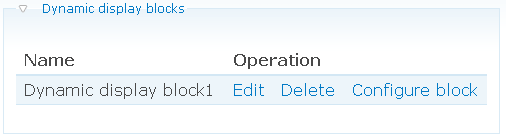
To edit a dynamic display block:
- Type a unique block title in the Block title field.
- Click the Save button.
Help improve this page
Page status: Not set
You can:
You can:
- Log in, click Edit, and edit this page
- Log in, click Discuss, update the Page status value, and suggest an improvement
- Log in and create a Documentation issue with your suggestion
