

 Come together with the global Drupal community in Rotterdam, 28 Sept – 1 Oct 2026. Sessions, contribution, connection, and Early Bird savings until 8 June.
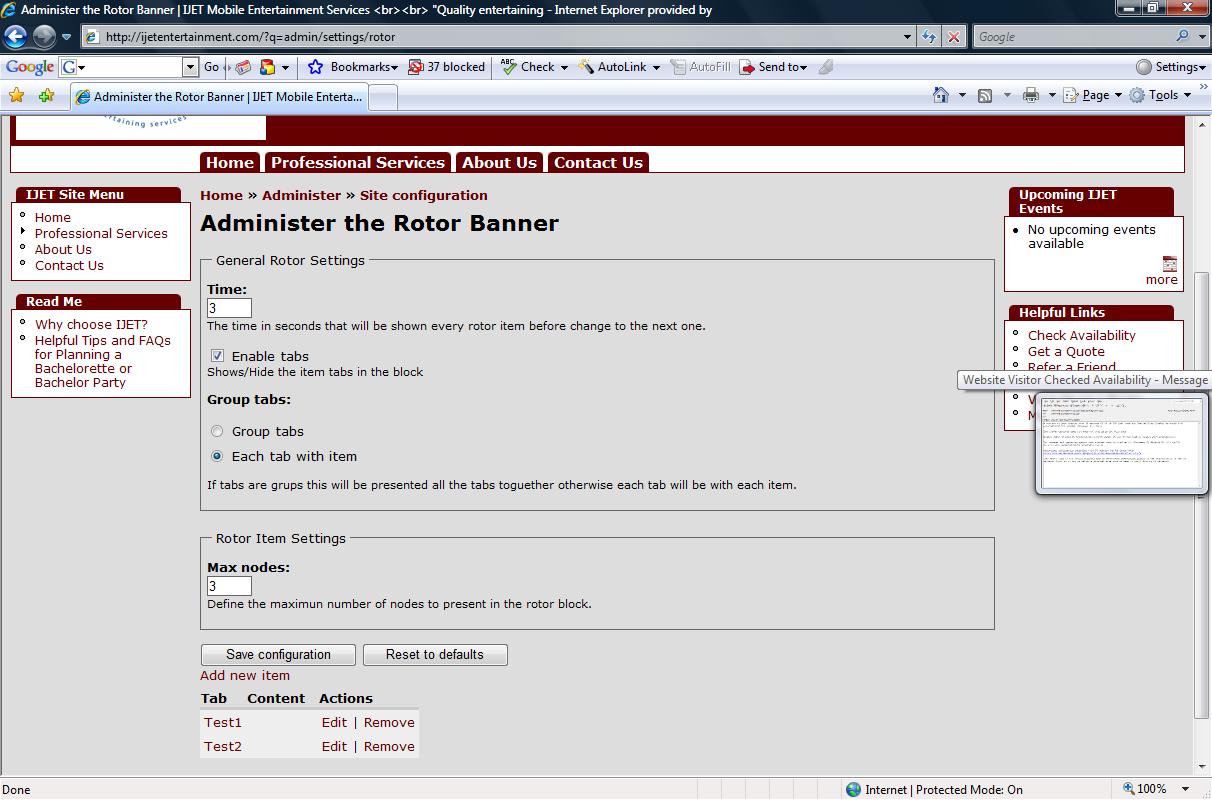
Hi. I just installed and configured the banner rotor but I am not seeing it display anywhere on my pages. I created two items but I am not seeing the banner nor the items.
Can you help?
| Comment | File | Size | Author |
|---|---|---|---|
| SupportIssue_Att1.jpg | 132.56 KB | ijetent |

Comments
Comment #1
Morten_P_Andersen commentedI have the same problem. In sites/default/files/ my img is delete - strange?
Comment #2
root_of_roots commentedDoesn't look like you have an image attached. Try that.
Comment #3
root_of_roots commentedOkay - I think there is a bug where the images disappear.
This happened to me for the second time. I had images there but they disappeared, leaving me with a gray box.
The first time the images disappeared was when I was updating from 6.3 - 6.4. The second time was when I was playing around with a "Recent Story's" block (Views2)
-ROR
Comment #4
jbcm commentedThis is happening to me as well - it seems to happen whenever cron is run.
I am temporarily working around this by changing the owner of uploaded files, so apache can't delete them.
Comment #5
jbcm commentedComment #6
mrfelton commentedgonna get onto this now
Comment #7
mrfelton commentedMarked #267987: Files disappearing as duplicate
Marked #312058: Deletes Images upon Update for Drupal Version [Drupal 6.x] as duplicate
Comment #8
mrfelton commentedThis is fixed in CVS. I'll push out a dev snapshot later on tonight.