

Closed (fixed)
Project:
Freestyle
Version:
6.x-1.x-dev
Component:
Code
Priority:
Normal
Category:
Support request
Assigned:
Unassigned
Reporter:
Created:
1 Oct 2008 at 06:45 UTC
Updated:
30 Oct 2008 at 15:06 UTC
Jump to comment: Most recent file

Comments
Comment #1
pimentoski commentedi can do the test for you, do you want me to put some printscreens from IE an FF to compare?
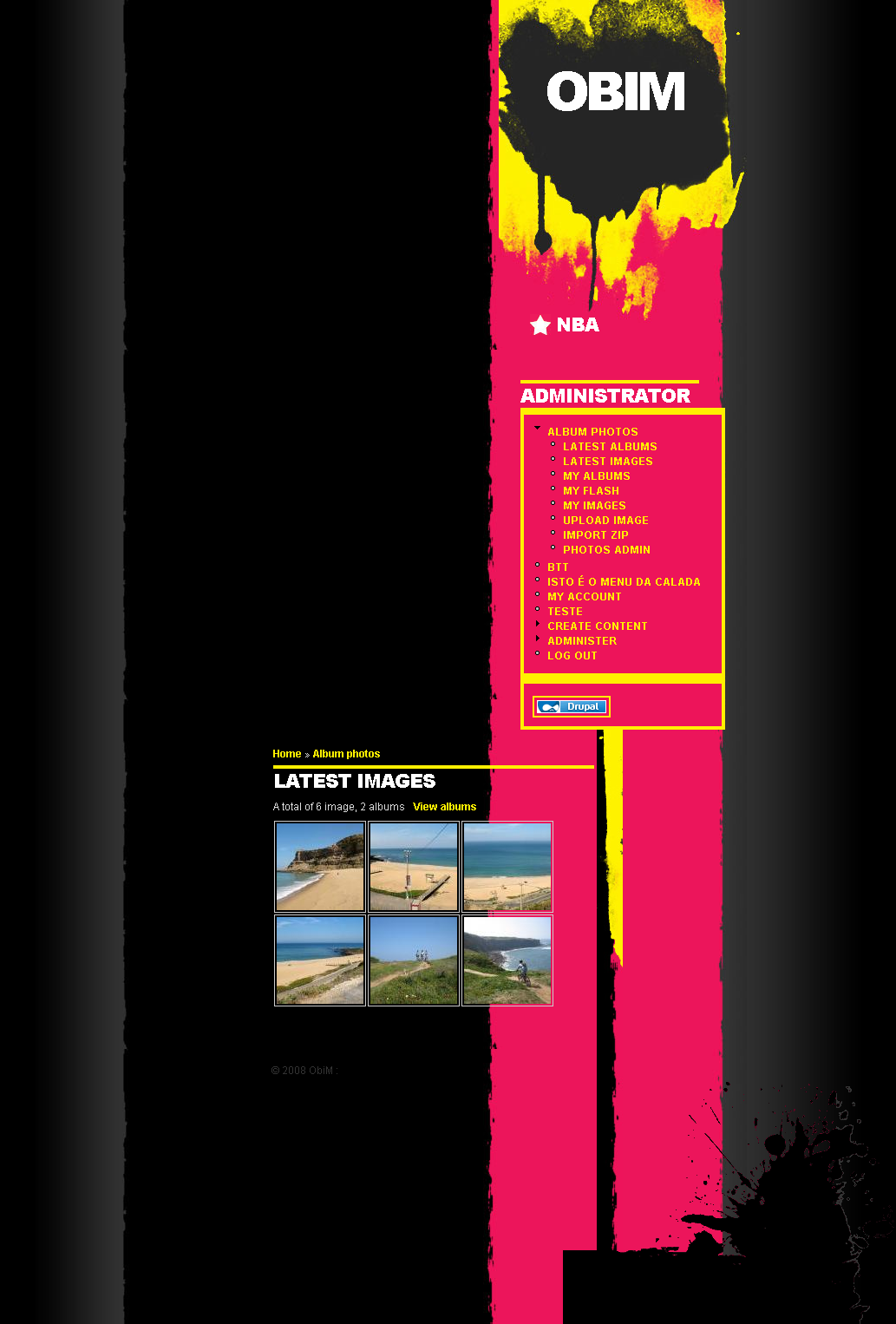
the first thing that i notice is the content of the site is always in the bottom, and appears always after the navigation menu on the left.
one more question, why do you put the navigation on the right and the content in the left? it should have a LTR version of this very good looking theme.
Comment #2
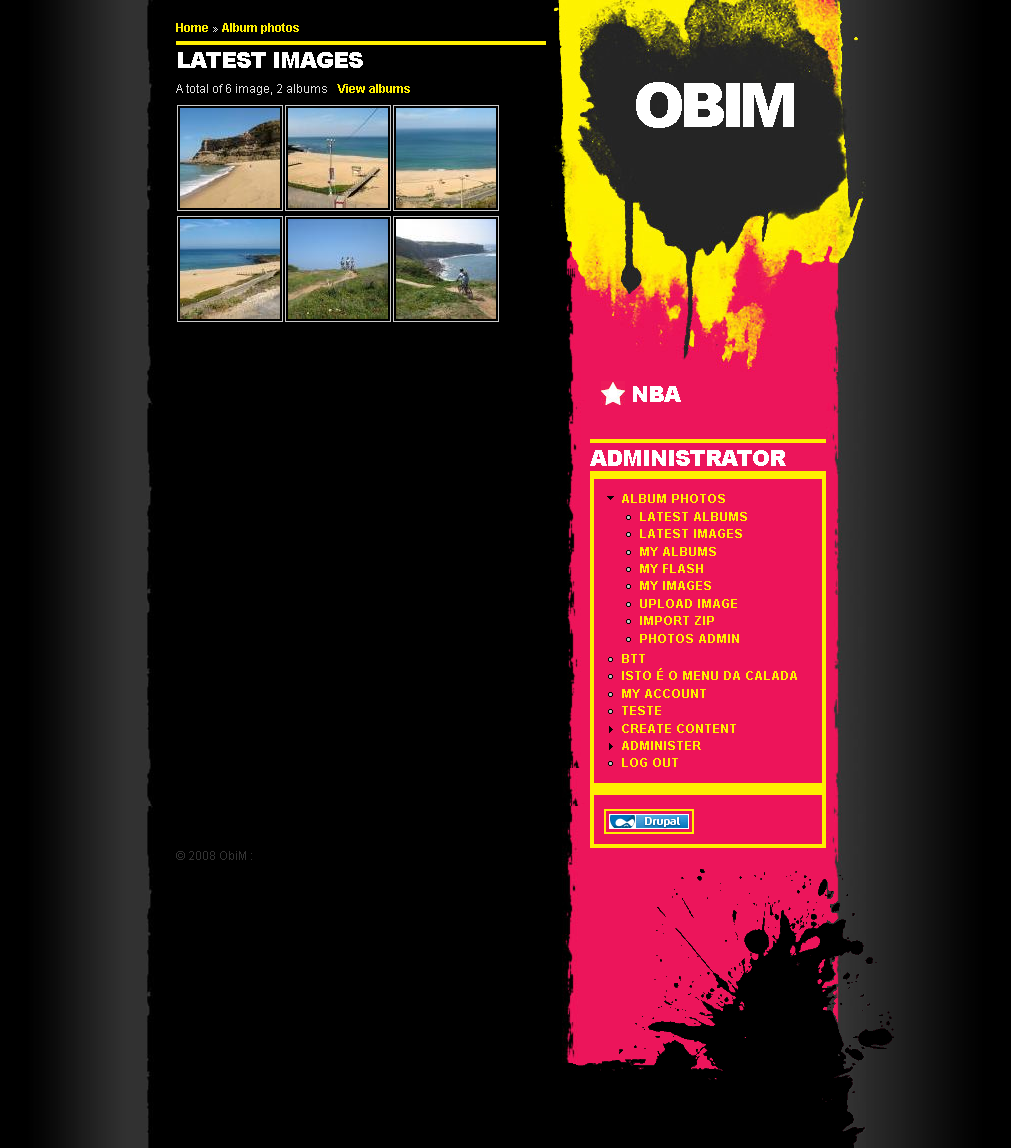
pimentoski commentedsome print screens
Comment #3
seaneffel commentedpimentoski, thanks for the screenshots. They are very revealing. It looks like I need to add a clear property to the content block, I'll tackle that this weekend.
As for the content on the left, I converted this theme from a freebie HTML template and picked that one because the content was in the left column. I thought it looked cool and for ltr readers it put the newest article right at the top of the page layout - no header or navigation between the reader and the newest thing.
Comment #4
FiReaNGeL commentedSomething handy if you're doing development : http://browsershots.org/
Comment #5
seaneffel commentedThanks for that tip, it was immensely helpful. Closing this ticket.
Comment #6
seaneffel commentedComment #7
seaneffel commented