Active
Project:
Pageroute
Version:
5.x-1.0
Component:
Code
Priority:
Critical
Category:
Bug report
Assigned:
Unassigned
Reporter:
Created:
3 Oct 2008 at 10:47 UTC
Updated:
17 Feb 2009 at 12:49 UTC
Jump to comment: Most recent file


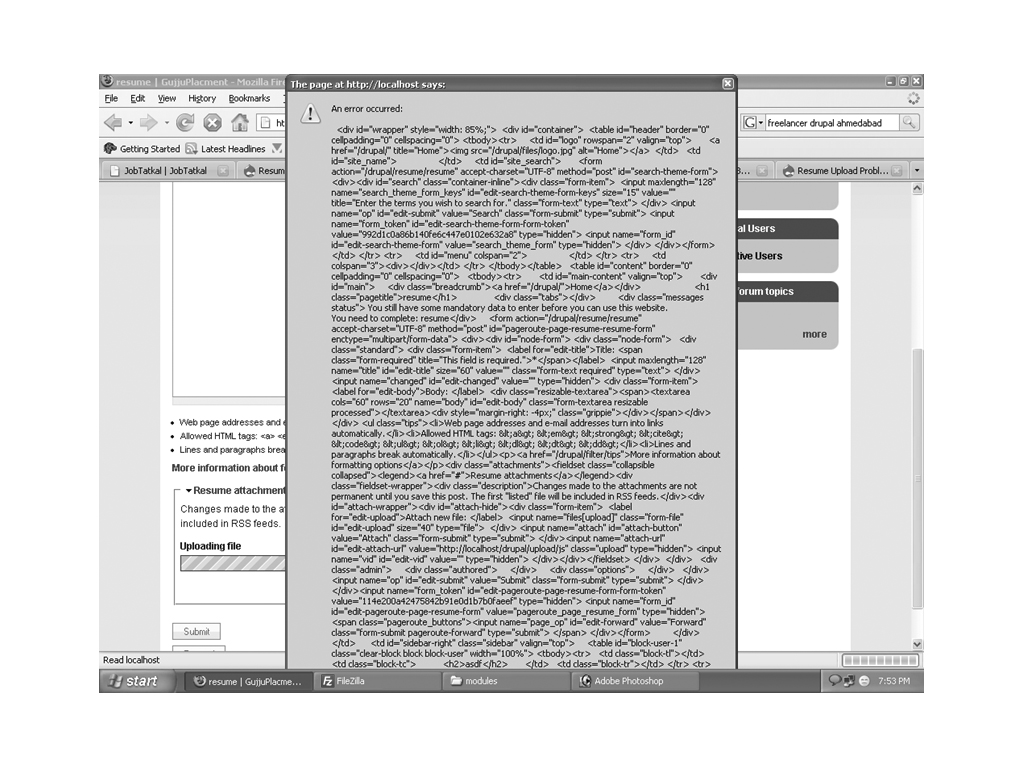
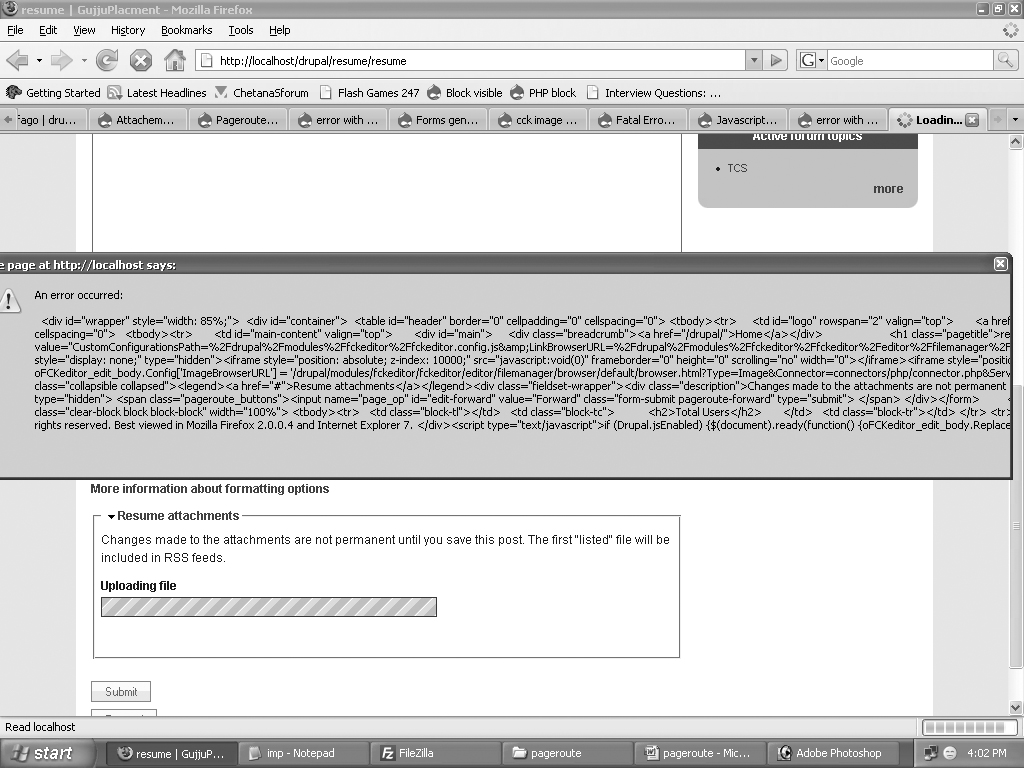
I am using Pageroute module 5.x-1.0 and have attached "Resume" Content type where I have to upload the resume of students. But while uploading I get some popup error which I have attached as image in this issue.
I have tried the all patch provide in other issue but it didnt work.
Please do help me to find solution fast as my website is live now and people are facing problem.
website: www.jobtatkal.com
Its Urgent...
| Comment | File | Size | Author |
|---|---|---|---|
| #2 | problem1.jpg | 325.64 KB | pniraj007 |
| problem.jpg | 334.48 KB | pniraj007 |

Comments
Comment #1
oadaeh commentedWhat happens if you disable fckeditor?
Comment #2
pniraj007 commentedThanks for replying..
I have checked by disabling fckeditor but it is still giving popup error though the type of error has changed then before. Screenshot of error is attached.
Please do help me solving it.
Comment #3
pniraj007 commentedI think it is giving page source code as an error. I have tried all this issue but couldnt find the solution:
http://drupal.org/node/187013
http://drupal.org/node/135083
http://drupal.org/node/260396
http://drupal.org/node/250431
http://drupal.org/node/253344
and many more...
But none worked :((
Comment #4
oadaeh commentedHow can you troubleshoot and fix the problem if you don't really know what the error is?
I don't know for sure, but I'm guessing this is not a Pageroute error, and this issue shouldn't be here. I think if it were a Pageroute error, you wouldn't be getting a pop up error message. If it's a page source code error, as you're thinking it is, then it's probably some where in your theme's code or possibly in some custom code you might have.
It looks like you're attaching a resume, but getting an error back saying you haven't attached one. If resume attachments are not required for that page, try submitting the page without a resume being attached. If they are required, try changing it so they are not required, and submit a page without a resume.
Are you parsing the attached resume after it's uploaded? If so, try temporarily disabling that code and see if you can submit a page with an attached resume.
Comment #5
pniraj007 commentedThanks for replying.
Yes, Your right even I can't find what the error is.
Attachment is not required. I did it without attachment and it worked perfectly.
The error comes at time while its uploading the file(loading gif)(when I press attach button) not at the time of submission of node. And when I use this content type without pageroute it works perfectly for the upload.
Please do guide me.
Comment #6
oadaeh commentedAre you saying that if you select a file and then click Submit it works, but if you click Attach it does not? If so, then your problem is possibly somewhere in the JavaScript code. If not, then one more thing to try is changing the theme to Garland or Bluemarine and trying it again where it fails now to see if it still fails again or succeeds.
Comment #7
pniraj007 commentedYes, you are right.
It is the problem with the javascript. When I comment the lines in code calling the javascript and then upload just with submit of node it automatically gets uploaded.. but this is the case with my localhost.
But when I got live, and comment that lines... the upload of resume is not done as of was done in localhost.
what can be that issue?
Now its not giving any error.. thanks for that.
Hope you can help me out with javascript.
Comment #8
pniraj007 commentedWhy Javascript is creating such problem when content type is attached to pageroute??
Comment #9
oadaeh commentedSorry. I'm at my limits. I don't know anything about Pageroute, and I'm not very knowledgeable about JavaScript, either.
Comment #10
pniraj007 commentedOki fine no problem, please do response if any one has any idea about pageroute & upload.
Comment #11
fagoupgrade to the latest development snapshot of pageroute and try if it helps.
Comment #12
pniraj007 commentedHi Fago,
Thanks for replying..
I have checked it with Development Snapshot but still its giving the same popup error. I have attached screenshot of error in above replies. I think it is a error of Javascript.
Please do find me a solution if u can.. I would really appreciate.
Thank You.
Comment #13
pniraj007 commentedNo Solution :((
Comment #14
Tauran commentedInstall the latest release of subform elements.
Please reopen if the request persists.
Comment #15
pniraj007 commentedThe issue still persist...