Configure restricted member roles
If a user has the "configure restricted member roles" permission, then a new tab will appear in his group's "Member's" page: "Configure

Once OGUR is installed, and you've determined your group "Assignable roles" (see "Installation": http://drupal.org/node/163571), if a user has the "configure member roles" permission, then a new tab will appear in each group's "Member's" page: "Configure member roles".
You use the "Configure member roles" tab to assign group role(s) to users within each group. Only users who have the "configure member roles" permission will see this tab.
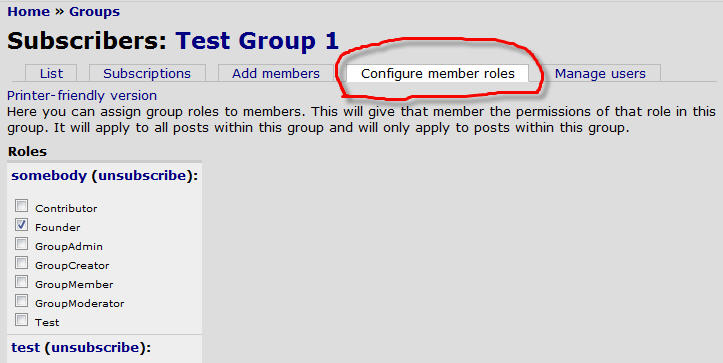
The group "Members" page is located here:
/og/users/** group id **
The group "Configure member roles" page is located here:
/og/users/** group id **/roles
If a user has the "configure restricted member roles" permission, then a new tab will appear in his group's "Member's" page: "Configure

Drupal is a registered trademark of Dries Buytaert.
