Closed (duplicate)
Project:
Location
Version:
6.x-3.0-rc2
Component:
Data update
Priority:
Normal
Category:
Bug report
Assigned:
Unassigned
Issue tags:
Reporter:
Created:
12 Dec 2008 at 17:26 UTC
Updated:
4 May 2009 at 13:35 UTC


I have a website ( http://www31.a2hosting.com/~teamriv ) where I have "chapters" listed, which are, in reality, Organic Groups. Each "Chapter", has the possibility of having multiple "locations" within it's region or city. So for example, the "Loma Linda, CA" chapter might have two separate locaitons: 1) The University and 2) The VA Hospital.
I am experiencing "switching" and alteration of location information after saving a second location.
Here's what I do, and what happens:
1) I open a "Chapter" node in edit mode;
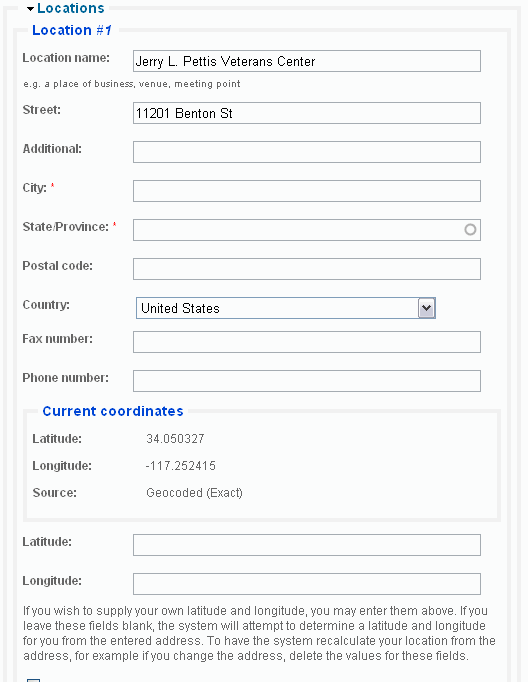
2) I add an address for Location #1;
3) I save the "Chapter" node;
4) I view the node and everything looks cool;
5) I open the "Chapter" node in edit mode again;
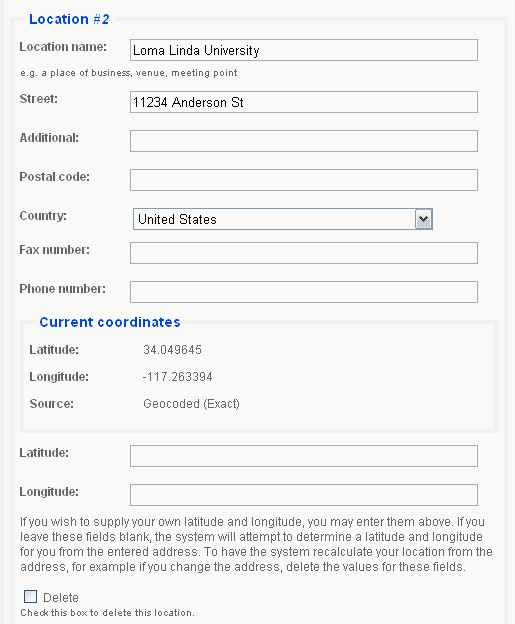
6) I add an address for Location #2;
7) I save the "Chapter" node;
8) I open the "Chapter" node in edit mode one more time;
9) ALL Location #1 info is now listed under Location #2, and Location #2 info is now listed under Location #1.
What the heck is going on??
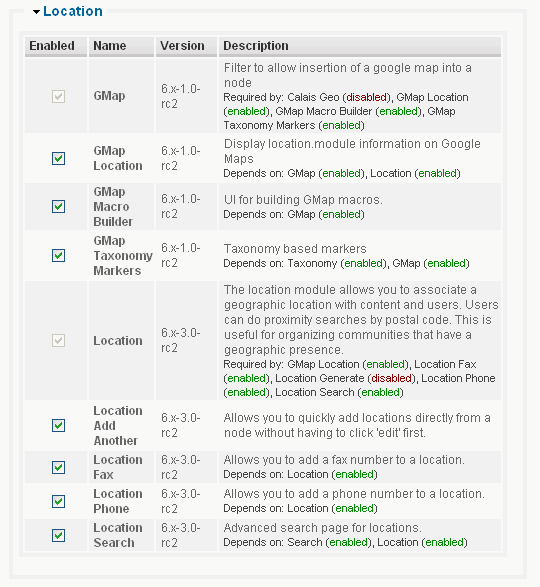
I've supplied screen shots of my Location modules, Drupal Ststus report, as well as screenshots of entering both locations, and shots of both locations switched.
Any ideas what's wrong??
Thanks,
Mark
| Comment | File | Size | Author |
|---|---|---|---|
| after_saving_node_location_2b.gif | 11.52 KB | mark_eberhart | |
| after_saving_node_location_2a.gif | 13.28 KB | mark_eberhart | |
| node_location_2_entering.gif | 10.98 KB | mark_eberhart | |
| node_location_1_entered.gif | 13.52 KB | mark_eberhart | |
| status_report.gif | 25.17 KB | mark_eberhart |



Comments
Comment #1
dakku commentedI am experencing the same issue with the Drupal 5 branch (link here http://drupal.org/node/356059#comment-1210915)
Comment #2
yesct commentedtagging.
Comment #3
slip commentedThis definitely sounds the same as #356059: Multiple locations are saved in the wrong order. See my patch posted in that issue for the hack I used to overcome this problem.
Comment #4
yesct commentedmarked as a duplicate of #356059: Multiple locations are saved in the wrong order